


Description
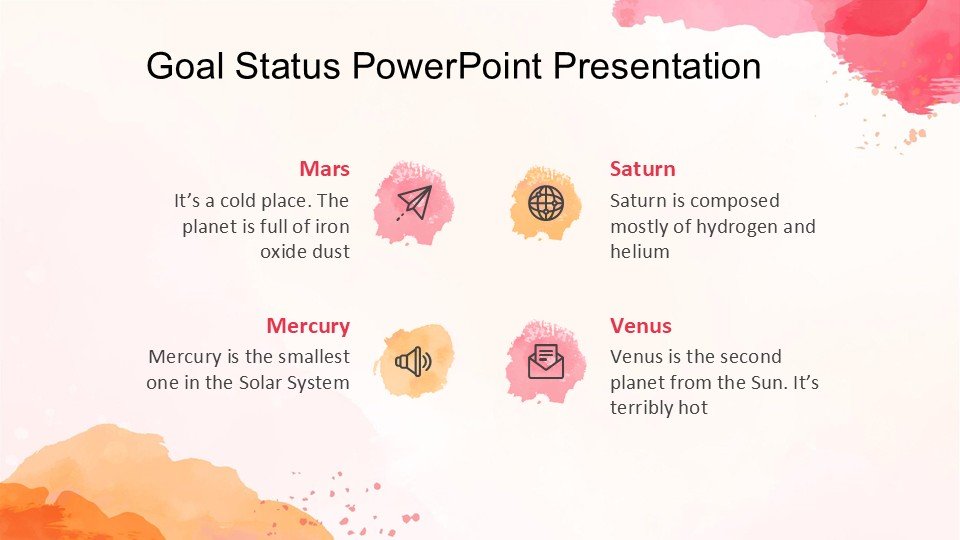
The Goal Status PowerPoint Presentation PPT template is expertly designed to cater to educators, professionals, and advocates who need to track and display the progress of various objectives effectively. This comprehensive presentation template is an invaluable resource for anyone looking to present goal statuses in a clear, visually engaging manner. Whether you are a teacher illustrating student progress, a business leader reviewing team targets, or a non-profit organizer showcasing project milestones, this PPT slide template is tailored to help you communicate your message with clarity and impact.
The Goal Status PowerPoint Presentation slide template encompasses a range of designs that allow for customization to suit specific needs. Each slide is crafted to facilitate easy understanding and interaction, making your data not only accessible but also compelling. The template includes various graphical elements such as charts, gauges, and progress bars, all of which are designed to help audiences visualize the achievement levels of set goals. The use of a professional and clean aesthetic ensures that your presentation remains focused and effective, while also being versatile enough to adapt to any presentation style.
This PPT template is particularly useful for situations that require regular updates and reports on goal achievement. It enables presenters to seamlessly update their data, which in turn helps maintain stakeholder engagement and ensures that every presentation is as current as possible. The Goal Status PowerPoint Presentation PPT template is more than just a visual aid; it is a strategic tool that enhances communication, fosters understanding, and drives performance.
Features:
– Fully editable templates: Customize every element of the slides with ease.
– Wide range of graphical elements: Includes charts, progress bars, and gauges.
– Professional design: Clean and clear layout to keep the audience focused.
– Versatile: Suitable for various professional and educational presentations.
– Easy to update: Quickly modify content to reflect current status or changes.
– High compatibility: Works smoothly with Microsoft PowerPoint and other presentation software.
Use Cases:
– Ideal for tracking and presenting student performance and educational goals.
– Useful for business meetings focusing on team and project progress.
– Effective in non-profit organizations for reporting project milestones and outcomes.
– Suitable for personal development presentations tracking individual goals and achievements.
– Applicable for government agencies monitoring project implementations and success rates.







There are no reviews yet.