


Description
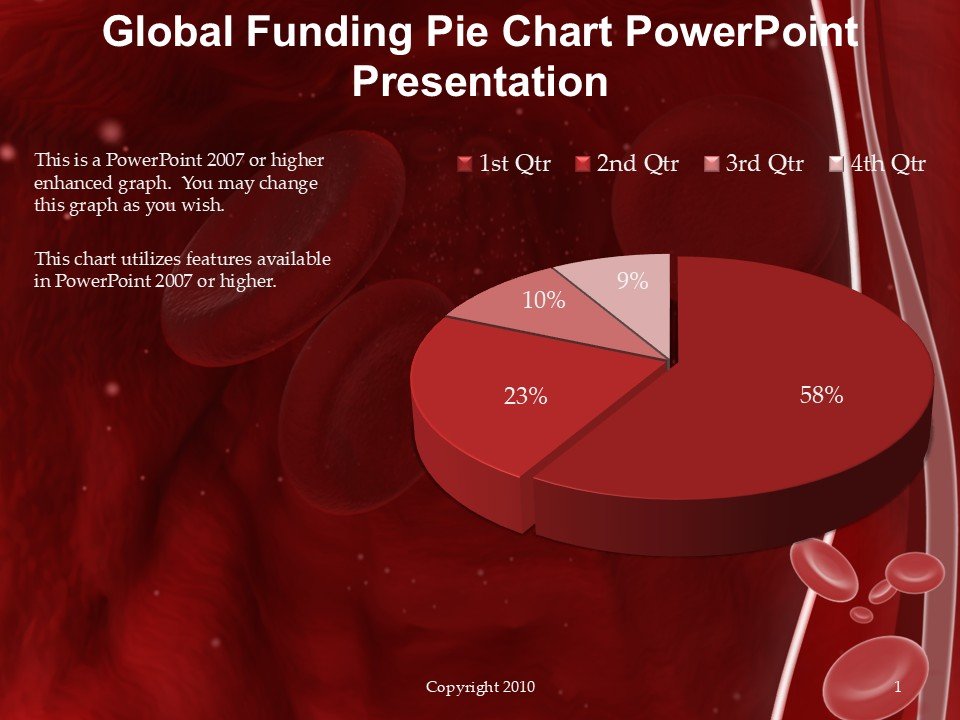
The Global Funding Pie Chart PowerPoint Presentation slide template is a meticulously designed PPT template tailored for professionals, educators, and advocates involved in finance, funding allocation, or budget presentations. This PPT slide package offers a clear, visual representation of funding distributions across different projects or departments, making it an invaluable asset for presentations that require a demonstration of financial insights or funding breakdowns.
Crafted with precision, the Global Funding Pie Chart PowerPoint Presentation PPT template includes a variety of pie chart designs that can be easily adapted to represent any set of data. The charts are not only visually appealing but are also designed to enhance audience understanding of complex financial distributions. This presentation template is perfect for anyone needing to present budget reviews, financial planning, or funding proposals in a corporate, educational, or non-profit setting.
The layout and design of each slide have been thoughtfully created to ensure that they are not only functional but also aesthetically pleasing. This ensures that your presentation will hold the attention of your audience, while effectively communicating the key points of your financial data. The Global Funding Pie Chart PowerPoint Presentation slide template is designed to be user-friendly, allowing you to customize each slide to fit your specific needs and branding requirements.
Whether you are a financial analyst presenting to stakeholders, a teacher explaining budget allocations in educational institutions, or an advocate illustrating the distribution of funds in nonprofit initiatives, this PPT template is equipped to handle all your presentation needs. It’s not just a slide template; it’s a comprehensive tool designed to aid in the delivery of impactful and informative presentations.
Features:
– Fully customizable slide designs: Tailor each slide to your specific requirements.
– Dynamic pie chart tools: Visualize any type of financial data effectively.
– User-friendly interface: Easy to edit and modify, no advanced skills required.
– High-quality graphics: Ensure clarity and visual appeal in presentations.
– Wide compatibility: Works smoothly with all versions of PowerPoint.
– Diverse color schemes: Choose from a range of color palettes to match your branding.
Use Cases:
– Ideal for presenting financial distributions in corporate board meetings.
– Useful in educational settings for illustrating budget use or funding sources.
– Essential for non-profits when discussing allocation of donations or grants.
– Beneficial for government presentations detailing public funding and expenditures.
– Suitable for startup pitches that require a breakdown of investment usage.








There are no reviews yet.