


Description
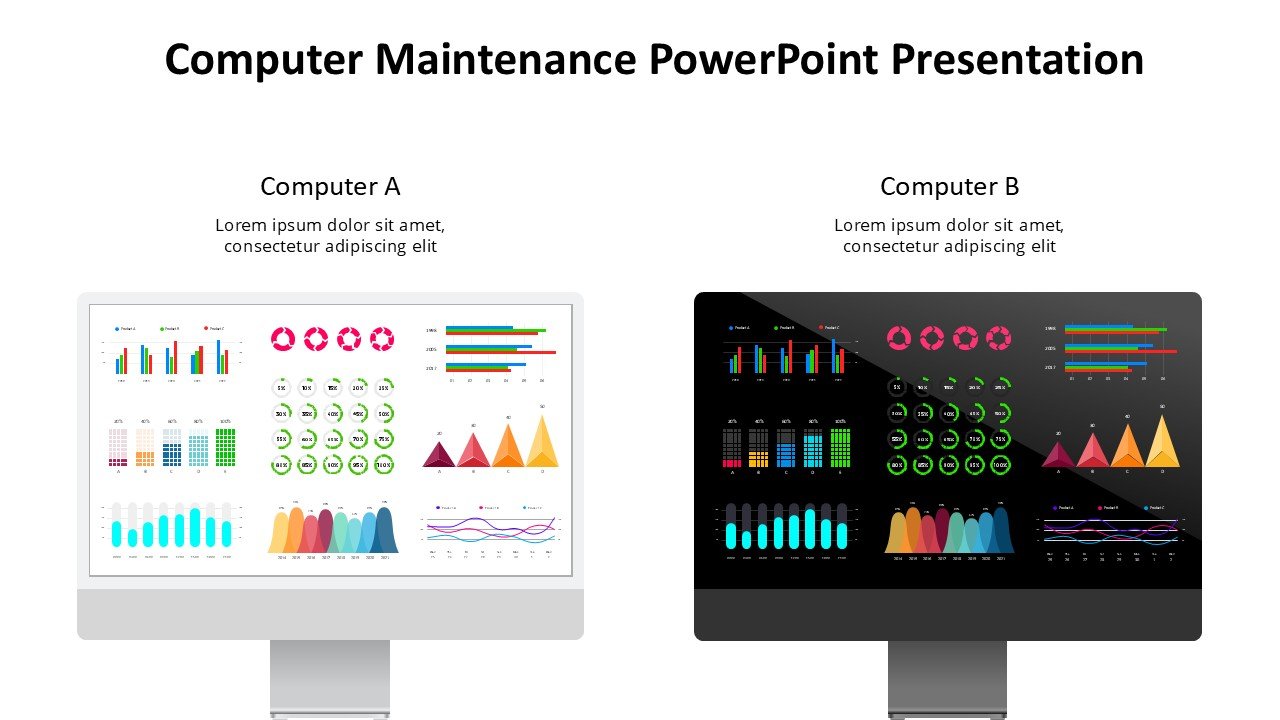
In today’s fast-paced technological environment, staying updated with computer maintenance is crucial for professionals across all sectors. The Computer Maintenance PowerPoint Presentation PPT template is designed to facilitate educators, IT professionals, and technology advocates in delivering insightful and engaging presentations on the essentials of computer maintenance. This comprehensive slide template serves as an invaluable resource for explaining complex maintenance concepts in a simplified manner, ensuring that your audience, regardless of their technical expertise, can grasp the necessary knowledge to keep their systems running efficiently.
The Computer Maintenance PowerPoint Presentation slide template is meticulously crafted to cover a broad spectrum of topics pertinent to computer upkeep. From basic troubleshooting techniques and regular hardware checks to software updates and security measures, this presentation template encompasses all you need to educate your audience about maintaining their computers effectively. The PPT slides are structured to aid in delivering a logical and systematic flow of information, which is crucial when dealing with intricate technical details.
This presentation template is not only a teaching aid but also a professional toolkit for IT professionals who need to present reports or updates on maintenance schedules, system statuses, or performance reviews in corporate settings. The layout and design of the slides are tailored to promote clarity and professionalism, making it an excellent choice for formal presentations.
Incorporating visually appealing graphics, charts, and icons, the Computer Maintenance PowerPoint Presentation PPT template enhances the learning experience by making complex information more accessible and memorable. Each slide is designed to hold the audience’s attention and encourage interactive sessions, making it a versatile tool for workshops, seminars, and classroom teaching.
Features:
– Fully editable templates: Customize every element of the slides with ease.
– High-quality visuals and graphics: Engage your audience with compelling visual content.
– Comprehensive coverage: Includes various aspects of computer maintenance from hardware to software.
– Professional design: Suitable for corporate presentations and formal meetings.
– Easy to navigate: Well-organized slides for a seamless presentation flow.
– Compatibility with PowerPoint and Google Slides: Use it across different platforms without compatibility issues.
Use Cases:
– Ideal for training IT staff at corporations.
– Suitable for educational purposes in schools and universities.
– Useful for workshops or seminars on tech maintenance.
– Perfect for IT consultants needing to present maintenance strategies to clients.
– Applicable for creating online tutorials or webinars on computer maintenance.







There are no reviews yet.