


Description
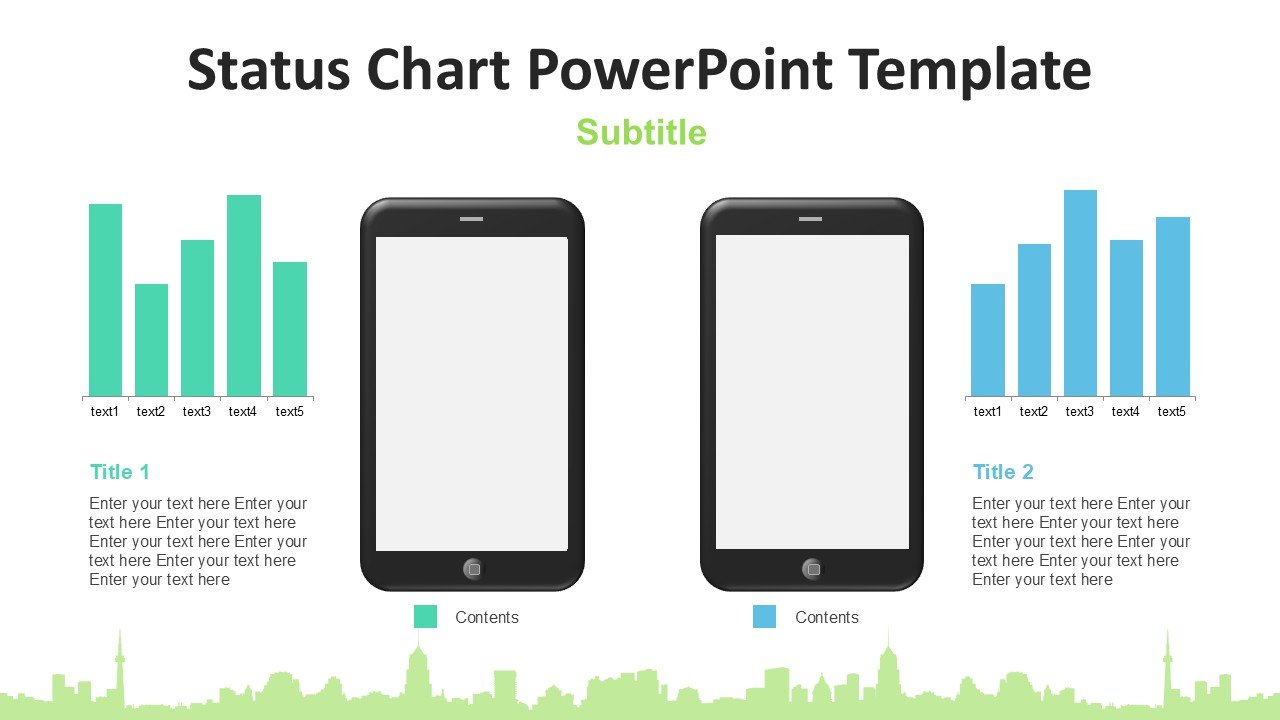
Introducing the Status Chart PowerPoint Template, a powerful visual tool designed to enhance the way you present project statuses, workflow stages, and performance metrics in your business presentations. Whether you’re reporting to stakeholders, updating your team, or outlining project progress, this template offers a polished, professional way to display complex information clearly and concisely.
Crafted with precision, the Status Chart PowerPoint Template is tailored to cater to a variety of business and academic needs. Its structure is perfect for showing different stages of a project, from inception to completion, or illustrating the status of various tasks and assignments. The template features a clean, intuitive design that makes information easily accessible and understandable, allowing your audience to grasp the essentials at a glance.
The template is not only designed for elegance but also for ease of use. It comes fully editable, meaning you can customize colors, text, and graphics to align with your company’s branding or project’s theme. This flexibility ensures that you can reuse the same template across different projects and presentations, making it a valuable addition to your toolkit.
Key Features of the Status Chart PowerPoint Template:
1. **Fully Editable Templates:** All elements of the template can be customized to meet your specific needs. Adjust the text, change colors, and modify shapes without any quality loss, ensuring that your presentation always looks sharp and professional.
2. **Compatibility with PowerPoint and Google Slides:** Whether you prefer using Microsoft PowerPoint or Google Slides, this template is fully compatible with both platforms. This feature provides versatility and allows you to work on your presentations across different software without compatibility issues.
3. **Variety of Layouts and Designs:** The template includes a diverse range of layouts and designs, enabling you to select the most appropriate one for your data. Each layout is designed to present information in a clear and impactful way, ensuring your message is delivered effectively.
4. **Easy to Use and Customize:** With drag-and-drop functionality, adding, removing, or altering content is straightforward. This user-friendly feature saves you time and effort, especially when tailoring the presentation to suit specific requirements.
5. **Professional Aesthetic:** The template boasts a modern and professional design that can elevate the appearance of your presentations. Its sleek, clean lines and structured format are sure to make a strong impression on your audience.
6. **Versatile Use Cases:** Ideal for project managers, business analysts, educators, and anyone needing to report statuses or performance metrics. The Status Chart PowerPoint Template is versatile enough to be used in various industries including technology, education, healthcare, and finance.
Incorporating the Status Chart PowerPoint Template into your presentations not only enhances how you communicate data but also saves you time and resources in preparing your slides. It’s an essential tool for anyone looking to present complex information in a straightforward, engaging manner. Elevate your presentation game with this versatile and easy-to-use template, ensuring your data is always presented with clarity and style.








There are no reviews yet.