


Description
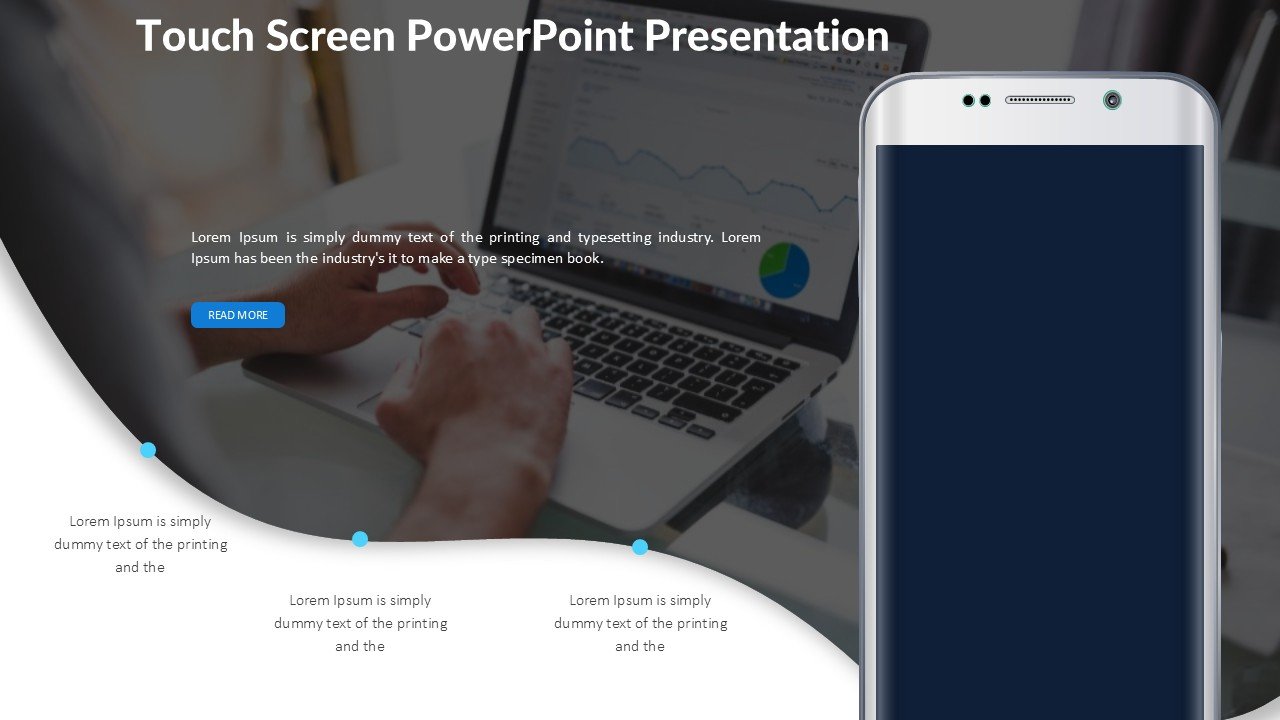
Introducing the Touch Screen PowerPoint Presentation PPT template, a state-of-the-art presentation tool designed to enhance the way educators, professionals, and advocates deliver information and engage with their audiences. This innovative PPT template is crafted specifically for users who are looking to incorporate interactive elements into their presentations, utilizing touch screen technology for a more dynamic and engaging experience.
The Touch Screen PowerPoint Presentation slide template is perfect for those who present frequently and require a more tactile and interactive approach to their presentations. Whether you are a teacher aiming to make your classroom sessions more engaging for students, a business professional looking to captivate your audience during pitches or reports, or an advocate striving to make an impact during workshops or public speaking events, this PPT slide template is tailored to meet your needs.
Our PPT template facilitates a seamless integration of touch screen functionality with your content, allowing for on-the-fly adjustments and interactions. This means you can swipe through slides, activate animations, or even draw directly on slides during your presentation, making complex information easier to understand and more visually appealing.
The design of the Touch Screen PowerPoint Presentation PPT template is clean and professional, allowing your content to shine while providing a high-tech canvas for your presentations. The templates are fully customizable, enabling you to adapt the design, layout, and aesthetics to fit your specific requirements or personal style.
In today’s fast-paced world, where engagement and interactivity play crucial roles in communication, the Touch Screen PowerPoint Presentation slide template stands out by offering an immersive experience that can lead to higher retention of information and more impactful presentations.
Features:
– Fully interactive touch capabilities: Engage with your slides through touch.
– Highly customizable layouts: Tailor each slide to fit your specific presentation needs.
– Professional and clean design: Provides a visually appealing backdrop that enhances your content.
– Easy integration with existing presentations: Add touch screen interactivity to your current PowerPoint files.
– Responsive customer support: Get help and guidance on how to maximize the potential of your touch screen presentations.
Use Cases:
– Ideal for interactive classroom teaching in all educational levels.
– Enhances corporate presentations with dynamic interactions to keep the audience engaged.
– Perfect for workshops or seminars where audience participation is encouraged.
– Useful for public speaking events where engaging the audience is crucial for advocacy and influence.
– Suitable for trade shows and exhibitions where presenters need to capture and hold the attention of passers-by.







There are no reviews yet.