


Description
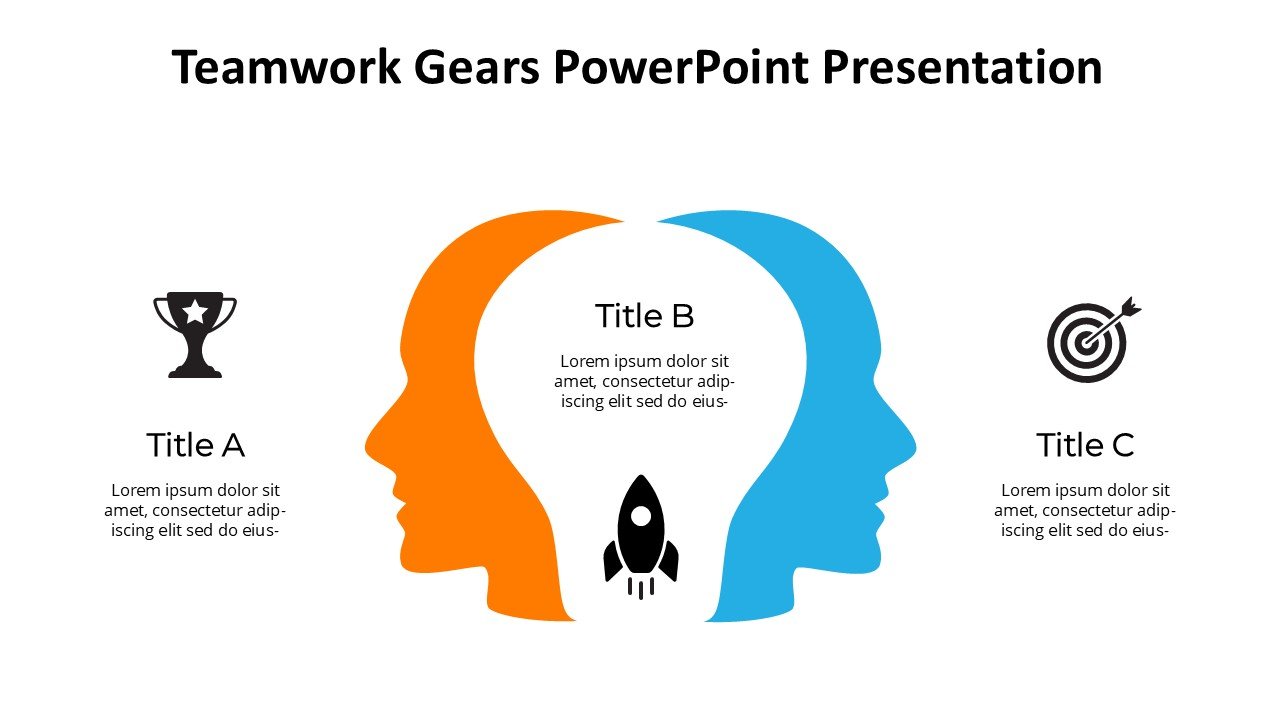
The Teamwork Gears PowerPoint Presentation slide template is a meticulously designed PPT template that encapsulates the essence of collaboration and teamwork in a professional setting. This presentation template is crafted for a diverse audience, ranging from educators who wish to impart the value of teamwork to their students, to business professionals aiming to enhance collaboration within their teams, and even advocates who focus on promoting cooperative efforts in various initiatives.
Structured around the metaphor of interconnected gears, the Teamwork Gears PowerPoint Presentation PPT template visually represents how different roles and functions within a team work together to achieve a common goal. Each slide in the PPT template is designed to emphasize the importance of each team member’s contribution and how these individual efforts lead to successful collective outcomes.
The PPT slides are not only informational but also motivational, making it an excellent resource for presentations aiming to boost team spirit and productivity. The design is professional, with a clean layout that allows for easy customization. Text placeholders are strategically placed to ensure that the message is conveyed clearly without overcrowding the visuals.
Whether you are a team leader, a project manager, or a teacher, the Teamwork Gears PowerPoint Presentation PPT slide is an invaluable asset. It helps illustrate complex ideas in a simple, engaging manner, making it easier for your audience to grasp the nuances of teamwork and collaboration.
The use of this PPT template can transform an ordinary presentation into a dynamic and impactful session, ensuring that the concept of teamwork is not just understood but also appreciated and implemented by all attendees.
Features:
– Fully editable templates: Customize every element of the slides with ease.
– High-quality graphics: Ensures that the visuals remain sharp and clear when projected.
– Versatile design: Suitable for a wide range of presentation needs.
– Easy to use: User-friendly setup that allows even beginners to create professional-looking presentations.
– Wide compatibility: Works smoothly with all versions of Microsoft PowerPoint and Google Slides.
Use Cases:
– Perfect for corporate workshops focusing on team building and efficiency.
– Great for educational settings where group dynamics and cooperative learning are taught.
– Useful for advocacy groups presenting on the importance of teamwork in achieving societal goals.
– Ideal for motivational talks in seminars and conferences to inspire better collaboration.
– Suitable for training sessions for new employees to instill a culture of teamwork right from the start.






There are no reviews yet.