


Description
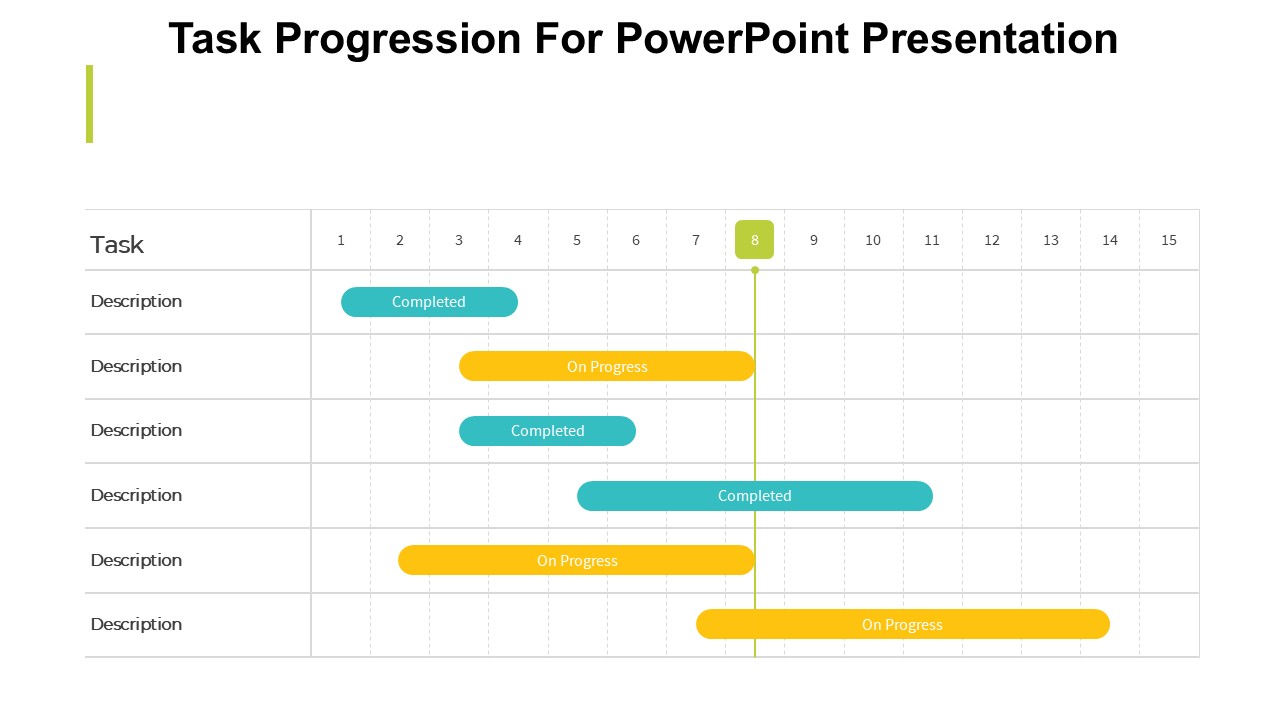
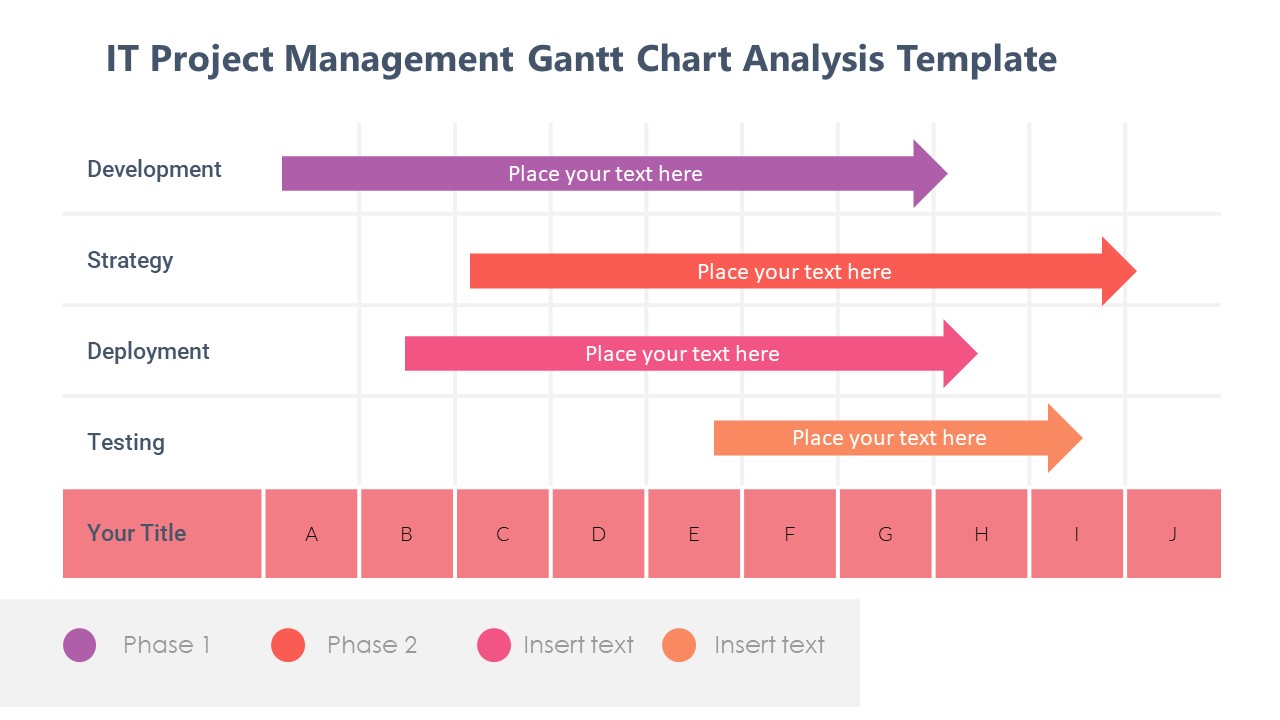
Task Progression For PowerPoint Presentation is designed to facilitate a clear and effective way of showcasing the progression and development of tasks in various projects or initiatives. This PPT template is meticulously crafted to cater to the needs of educators, professionals, and advocates who require a structured format to present task progressions in an engaging and informative manner. The Task Progression For PowerPoint Presentation slide template provides a visual and textual framework that assists presenters in illustrating the step-by-step progress of tasks, milestones achieved, and the overall journey towards project completion.
This presentation template includes a range of slide designs each tailored to represent different aspects of task progression. Whether you’re a teacher illustrating project phases to students, a manager showing project status to stakeholders, or an advocate explaining campaign steps to an audience, this PPT slide template is equipped to handle all scenarios with finesse. With its professional layout and intuitive design, the Task Progression For PowerPoint Presentation PPT template ensures your audience can follow along with the progression of tasks effortlessly, making complex information easily understandable.
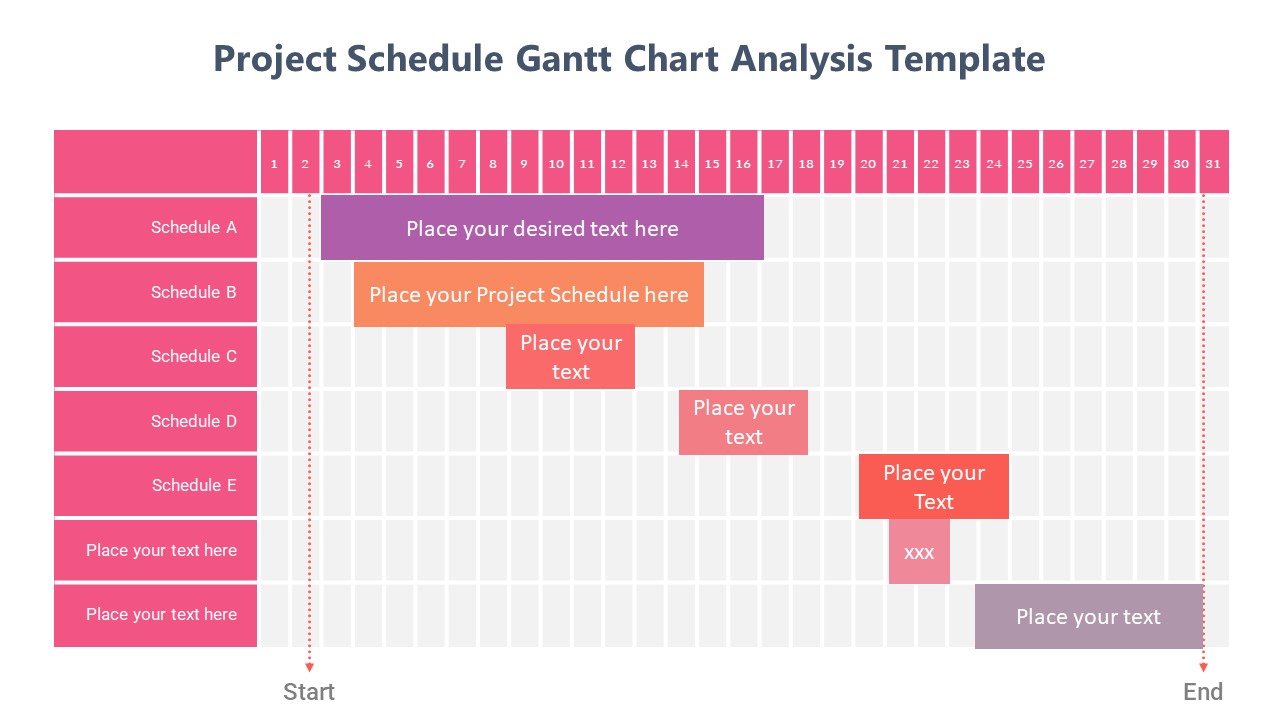
The design of the Task Progression For PowerPoint Presentation PPT template emphasizes clarity and readability, which is crucial when presenting detailed project timelines or task flows. It uses a combination of charts, timelines, and lists, all of which are customizable to fit the specific needs of your presentation. The slide template also integrates well with PowerPoint, allowing for smooth transitions and animations that can highlight key points effectively.
Whether presenting at a conference, in a classroom, or during a team meeting, the Task Progression For PowerPoint Presentation slide template stands out as an essential tool for anyone needing to report on or outline the progression of tasks comprehensively and cohesively.
Features:
– Fully editable templates: Customize every element of the slides with ease.
– Professional design: Engages the audience with its clean and clear layout.
– Versatile slide layouts: Includes charts, timelines, and list formats.
– High compatibility: Works seamlessly with Microsoft PowerPoint.
– High-quality visuals: Ensures clarity and impact in presentations.
– Easy to integrate: Add text, images, or data quickly without hassle.
Use Cases:
– Ideal for educators explaining project phases or task timelines to students.
– Suitable for business professionals presenting project updates to stakeholders.
– Useful for advocates outlining step-by-step progression in campaigns.
– Applicable in training sessions to illustrate task assignments and completions.
– Effective in workshops to guide participants through project planning stages.


There are no reviews yet.