


Description
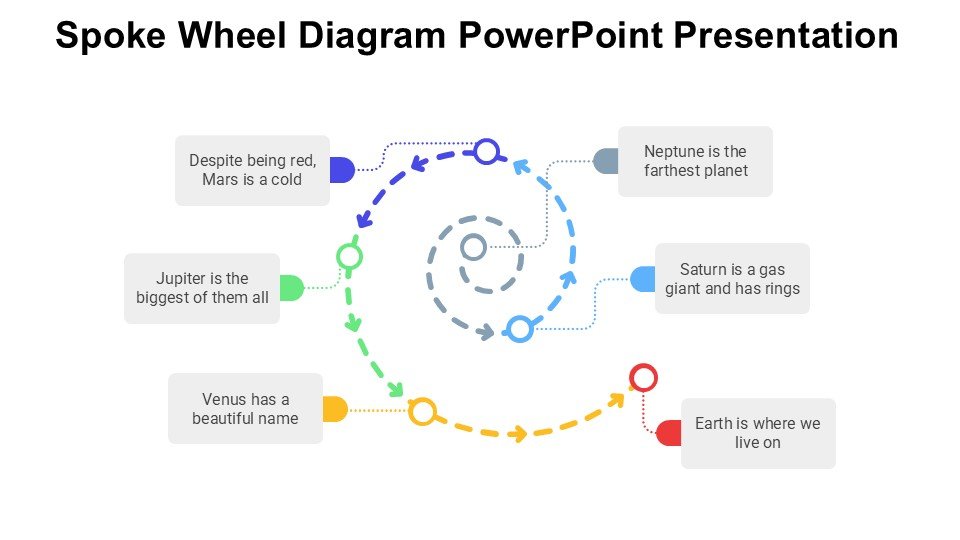
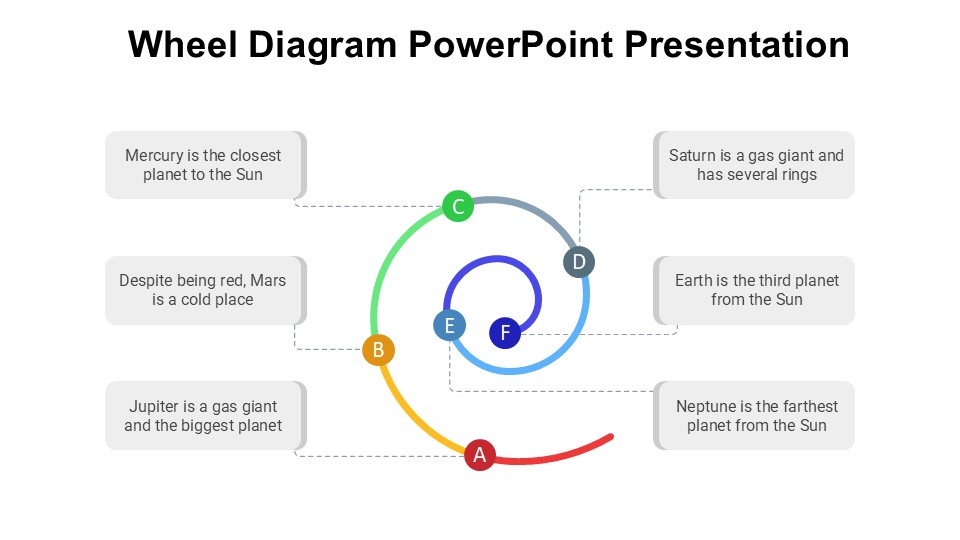
The Spoke Wheel Diagram PowerPoint Presentation PPT template is an essential visual tool for educators, professionals, and advocates who require a structured and visually engaging way to present complex information clearly and effectively. This comprehensive PPT slide template is designed to facilitate communication by breaking down topics into manageable parts, making it easier for audiences to grasp and retain information.
The Spoke Wheel Diagram PowerPoint Presentation slide template offers a dynamic and flexible way to showcase relationships, workflows, or processes. Each segment or ‘spoke’ can represent a different component or step, converging on a central idea or theme, which is ideal for illustrating how various elements interconnect within a broader context. This PPT template is particularly useful for visual learners, as it helps to encapsulate complex ideas in a straightforward, digestible format.
Crafted with precision, the presentation template allows for high customization to suit specific needs or branding requirements. Users can easily adjust colors, text, and icons to match their organizational identity or personal style, ensuring that each presentation not only delivers content effectively but also resonates visually with the audience. Whether you’re a teacher explaining new concepts to students, a business professional outlining strategies, or an advocate raising awareness about a cause, the Spoke Wheel Diagram PowerPoint Presentation slide template is designed to enhance your message and engage your audience.
The design is clean and professional, suitable for a wide range of presentations from academic lectures to business meetings, and advocacy campaigns. Its versatility makes it an invaluable asset for anyone looking to present ideas in a clear, organized, and impactful manner.
Features:
– Fully editable templates: Customize every element of the slides with ease.
– High-resolution graphics: Ensures sharp displays on all screen sizes and devices.
– Versatile design: Suitable for various presentation contexts.
– Easy to adapt and modify: Quickly change colors, text, and shapes.
– Compatible with PowerPoint and Google Slides: Works across popular presentation platforms.
– Multiple layout options: Choose from different designs to fit your content needs.
Use Cases:
– Ideal for classroom teaching: Helps in explaining complex subjects like science and mathematics.
– Effective in business meetings: Useful for detailing strategies, operations, or marketing plans.
– Supports advocacy campaigns: Communicates the interconnectedness of various issues and solutions.
– Enhances training sessions: Breaks down processes and procedures for new employees.
– Useful in workshops: Facilitates group discussions and brainstorming sessions.
– Applicable in research presentations: Illustrates findings and theories in a comprehensible manner.






There are no reviews yet.