


Description
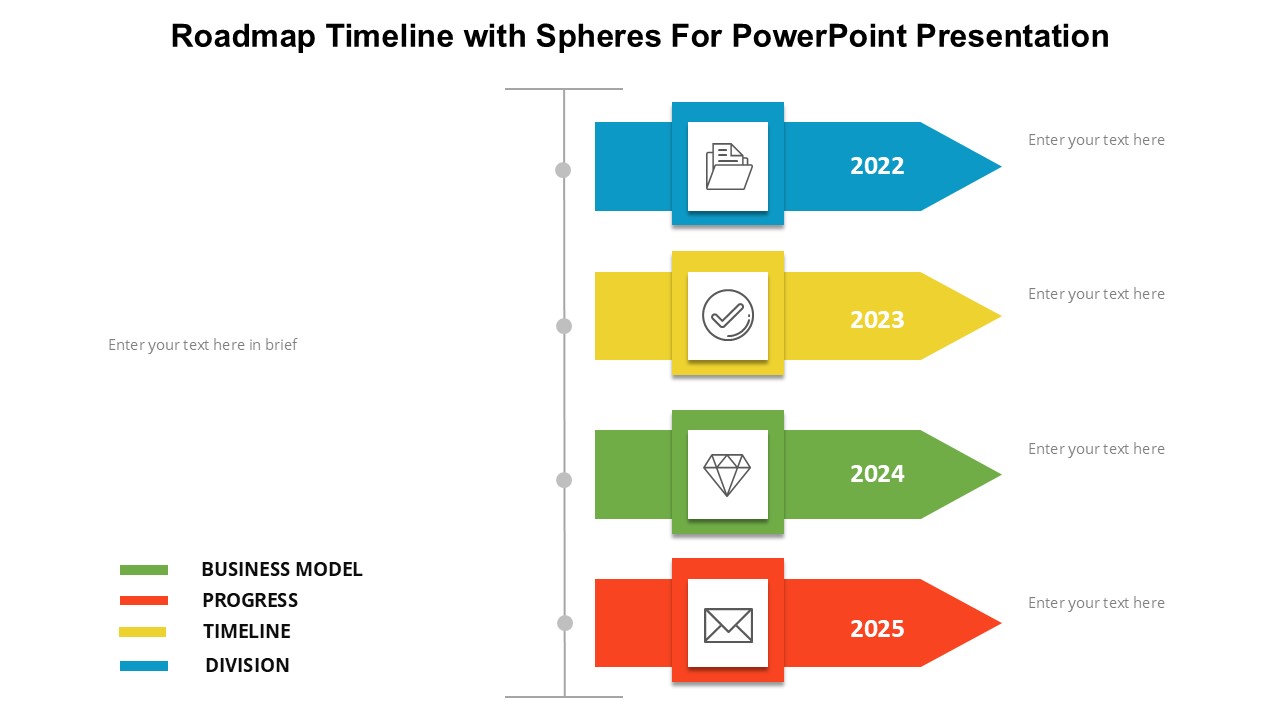
The Roadmap Timeline with Spheres for PowerPoint Presentation is a versatile and visually appealing template that enables users to showcase their project timeline in a clear and concise manner. This easy-to-use template features a sleek design with colorful spheres representing key milestones along the roadmap.
The template offers a range of benefits for presenters looking to communicate their project goals and progress effectively. By utilizing this template, users can create a professional-looking timeline that will impress colleagues, clients, and stakeholders. The customizable design allows users to adapt the timeline to suit their specific project needs, whether they are highlighting past achievements or outlining future milestones.
Key features of the Roadmap Timeline with Spheres for PowerPoint Presentation include fully editable templates that allow users to easily customize the timeline to reflect their unique project timeline. Users can adjust the size and color of the spheres, as well as add or remove text to suit their presentation requirements. The template also includes a range of layouts and designs, making it easy to create a timeline that is both visually appealing and informative.
In addition, the template is designed to be user-friendly, with intuitive controls that make it easy to navigate and customize. Users can quickly and easily update the timeline as their project progresses, ensuring that they are always presenting the most up-to-date information to their audience. Overall, the Roadmap Timeline with Spheres for PowerPoint Presentation is a valuable tool for anyone looking to create a professional and engaging project timeline presentation.







There are no reviews yet.