


Description
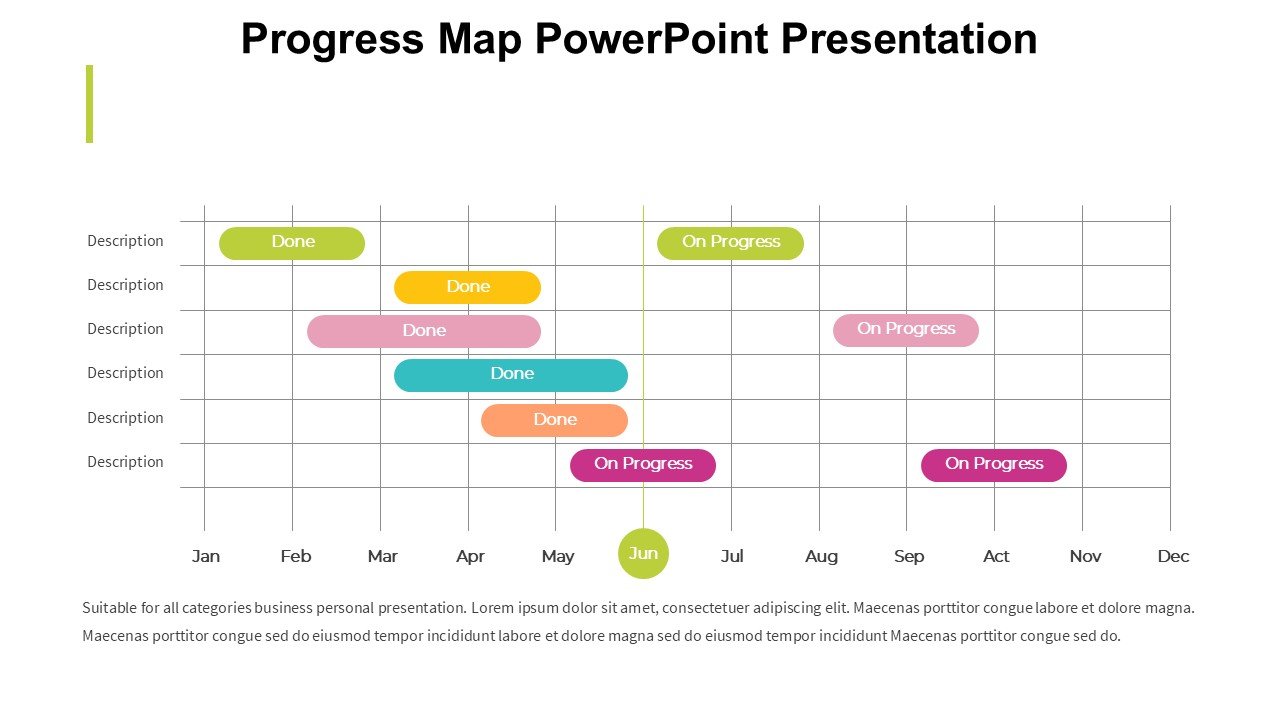
The Progress Map PowerPoint Presentation PPT template is an essential resource designed to assist educators, business professionals, and advocates in visually demonstrating development and progression in various projects or educational topics. This comprehensive slide template serves as a dynamic tool to map out the stages of progress, highlight key milestones, and communicate the evolution of ideas or projects in a clear and structured manner.
Tailored specifically to cater to the needs of those who require a structured approach to presentation, the Progress Map PowerPoint Presentation slide template offers a visually engaging way to represent data and concepts that unfold over time. Whether you are an educator trying to illustrate the timeline of historical events, a business professional laying out the phases of a project, or an advocate outlining the steps of a campaign, this PPT template provides a clear pathway for your audience to follow.
Crafted with precision, the template features a series of customizable slides, each designed to effectively convey progression in a visually appealing format. The use of intuitive design elements in the Progress Map PowerPoint Presentation PPT template ensures that each slide is not only informative but also engaging, making it easier for the presenter to hold the audience’s attention and for the audience to grasp complex information.
Integration with popular presentation software like Microsoft PowerPoint ensures that this presentation template is easily accessible and ready to use by anyone familiar with basic presentation tools. The design is professional yet adaptable, making it suitable for a wide range of presentation contexts, from academic lectures to corporate boardroom meetings.
Overall, the Progress Map PowerPoint Presentation slide template is a versatile and user-friendly option for anyone looking to present progression or development in an organized and impactful way.
Features:
– Fully editable templates: Customize every element of the slides with ease.
– High-quality visuals: Includes engaging graphics and charts to illustrate progress.
– Versatile design: Suitable for various presentation contexts, from education to business.
– Easy to use: Simple to download and integrate with PowerPoint.
– Professional layout: Designed to maintain audience engagement and promote understanding.
Use Cases:
– Ideal for educators illustrating curriculum timelines or historical events.
– Suitable for business presentations on project timelines or growth stages.
– Perfect for NGOs presenting campaign progress or milestones.
– Useful for researchers showing phases of scientific studies or development.
– Applicable for personal development presentations, such as career growth or learning journeys.




There are no reviews yet.