


Description
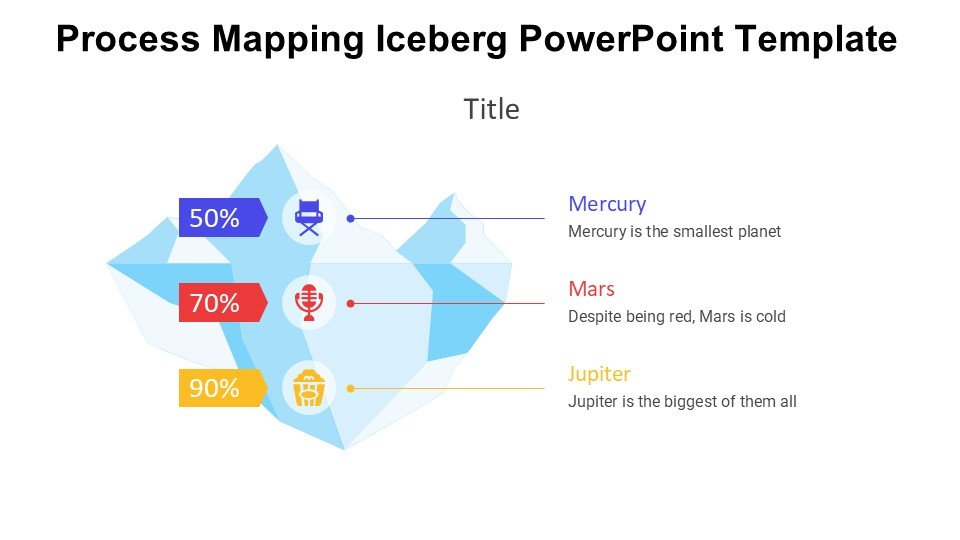
The Process Mapping Iceberg PowerPoint Template PPT template is an innovative presentation resource designed to visually communicate the complexities and depths of process mapping in a business or educational setting. This PPT slide template is crafted for professionals, educators, and advocates who aim to illustrate the often unseen and underappreciated parts of organizational processes, much like an iceberg only reveals its tip above water.
The Process Mapping Iceberg PowerPoint Template slide template serves as a metaphorical and practical tool for presenting the visible and hidden elements of any process. By using this PPT template, presenters can effectively highlight how deep-seated issues and structures influence the visible outcomes of organizational operations. This template is particularly useful for consultants, business analysts, corporate trainers, and educational professionals who are involved in process improvement, strategic planning, or organizational training.
The visual design of the Process Mapping Iceberg PowerPoint Template PPT template is tailored to encourage engagement and comprehension. It uses clear, impactful graphics and structured spaces for text to help audiences grasp complex information quickly. The iceberg graphic itself is a powerful visual aid that naturally draws the viewer’s attention to both the surface-level and deeper aspects of any discussed process.
The template is versatile and can be adapted to various presentation needs, whether it’s a boardroom meeting, an academic lecture, or a workshop. It helps the presenter to systematically uncover and discuss each layer of a process, ensuring that the audience can follow along with ease and gain a comprehensive understanding of the entire system.
This presentation template not only aids in visualizing processes but also serves as a strategic tool to facilitate discussion, analysis, and brainstorming. It helps teams and individuals to think critically about the components of their work and how they can be optimized for better outcomes.
Features:
– Fully editable templates: Customize every element of the slides with ease.
– High-quality visuals: Ensures that your presentations look professional.
– Versatile design: Suitable for multiple presentation contexts.
– Easy-to-follow layout: Helps in maintaining audience engagement and understanding.
– Compatible with PowerPoint and Google Slides: Works across popular presentation platforms.
Use Cases:
– Ideal for corporate workshops focusing on process improvement.
– Useful in academic settings for teaching business and management courses.
– Effective for strategic planning sessions in identifying hidden challenges and opportunities.
– Suitable for training sessions aimed at enhancing operational transparency and effectiveness.
– Beneficial for consultants presenting analysis and solutions to clients.




There are no reviews yet.