


Description
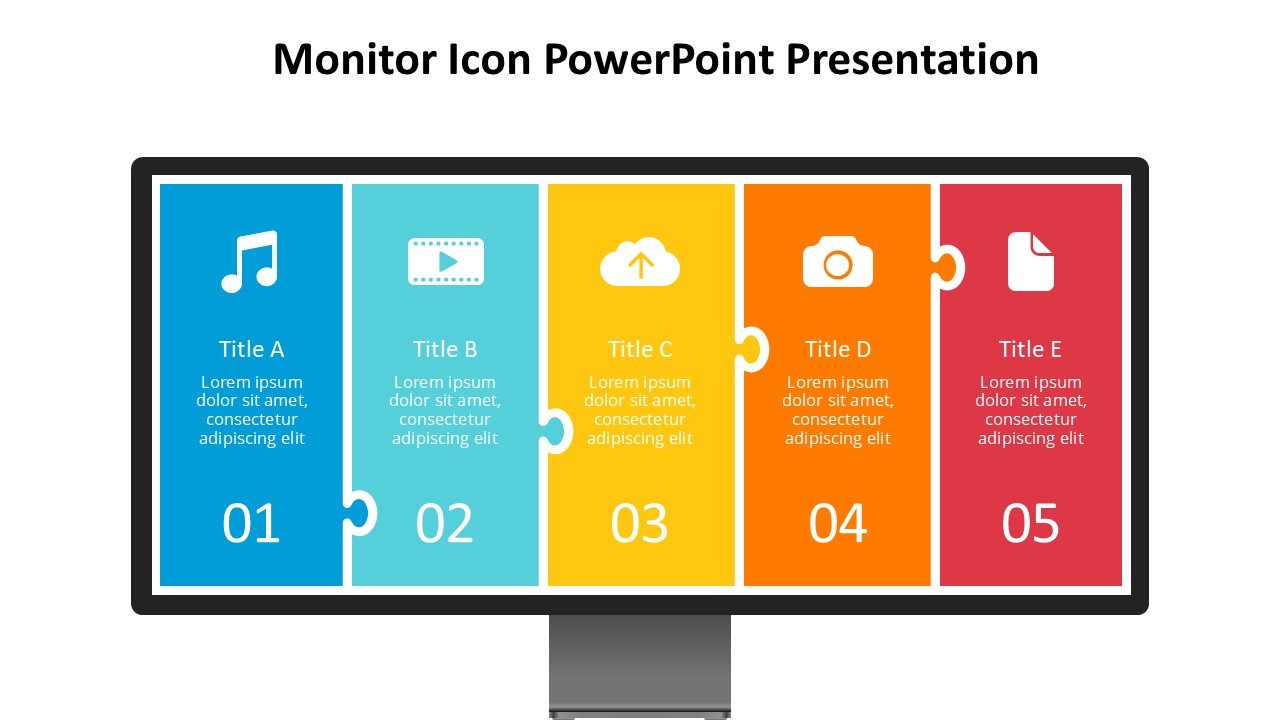
Introducing the Monitor Icon PowerPoint Presentation slide template, a professionally designed PPT template that caters to a wide range of users, from educators and business professionals to advocates seeking a reliable and visually compelling way to present their data. This premium template features a modern design centered around the universally recognizable monitor icon, making it an excellent choice for presentations related to technology, data monitoring, cybersecurity, and digital education.
The Monitor Icon PowerPoint Presentation PPT template is designed not only to enhance the visual appeal of your presentations but also to facilitate the clear and effective communication of complex information. Each slide in this template is crafted with precision, incorporating the monitor icon into various contexts to ensure that it aligns perfectly with the theme of your presentation. Whether you are presenting to students, colleagues, or stakeholders, this presentation template provides a cohesive and professional look that can hold your audience’s attention.
This PPT slide template is incredibly versatile and can be used across various fields. It is particularly useful for IT professionals who need to explain intricate technical processes in an understandable manner. Additionally, educators in the field of computer science or digital literacy will find this template invaluable for illustrating key concepts to their students. Likewise, advocates aiming to raise awareness about digital rights, privacy, or security issues can effectively use this template to support their message.
The clean layout and intuitive design ensure that even users with minimal experience in PowerPoint can easily customize the slides to fit their specific needs. With the Monitor Icon PowerPoint Presentation PPT template, you are equipped with everything necessary to create a standout presentation that not only informs but also engages your audience.
Features:
– Fully editable templates: Customize every element of the slides with ease.
– High-quality visuals: Ensures that your presentations look sharp and professional.
– Versatile design: Suitable for a wide range of presentation topics.
– Easy to use: User-friendly for beginners and professionals alike.
– Wide compatibility: Works seamlessly with the latest versions of PowerPoint.
– Slide variety: Includes a range of slide types to cover all aspects of your presentation.
Use Cases:
– Ideal for teaching complex IT concepts in educational settings.
– Perfect for business presentations on digital transformation or IT infrastructure.
– Suitable for advocacy groups discussing digital privacy and security.
– Useful for webinars or online courses focusing on technology and computing.
– Appropriate for corporate training sessions on software and hardware usage.
– Effective for academic conferences presenting research on digital innovations.








There are no reviews yet.