


Description
Introducing the Kpi Roadmap PowerPoint Presentation slide template, an essential PPT template designed specifically for educators, business professionals, and advocates who are focused on tracking and presenting key performance indicators (KPIs) effectively. This comprehensive presentation template is tailored to assist you in visualizing the progress and performance of various projects or business functions over time. With its clear, structured layout, it provides a strategic view of KPIs, allowing for detailed monitoring and analysis.
The Kpi Roadmap PowerPoint Presentation PPT template is a versatile tool in the form of PPT slides that aids in aligning team goals, setting clear objectives, and ensuring that all stakeholders are updated with the latest performance metrics in an engaging and understandable format. Whether you are in education, business, or advocacy, this slide template serves as a bridge between current performance and strategic goals, facilitating discussions and decisions that drive improvement.
Crafted with precision, each slide in the Kpi Roadmap PowerPoint Presentation PPT template focuses on clarity and impact. The visual elements are designed to make data accessible and engaging, promoting better comprehension among diverse audiences. The template covers various stages of KPI tracking—from initiation and development through to execution and review. This structured approach ensures that every significant aspect of your KPIs is communicated effectively.
Ideal for presenting at meetings, conferences, or within classroom settings, the Kpi Roadmap PowerPoint Presentation slide template empowers you to convey your message with confidence and precision. It encourages interactive discussions and provides a clear path for future actions based on the data presented. Using this PPT template, you can create a compelling narrative around your KPIs that resonates with your audience, fostering an environment of informed decision-making and strategic planning.
Features:
– Fully editable templates: Customize every element of the slides with ease.
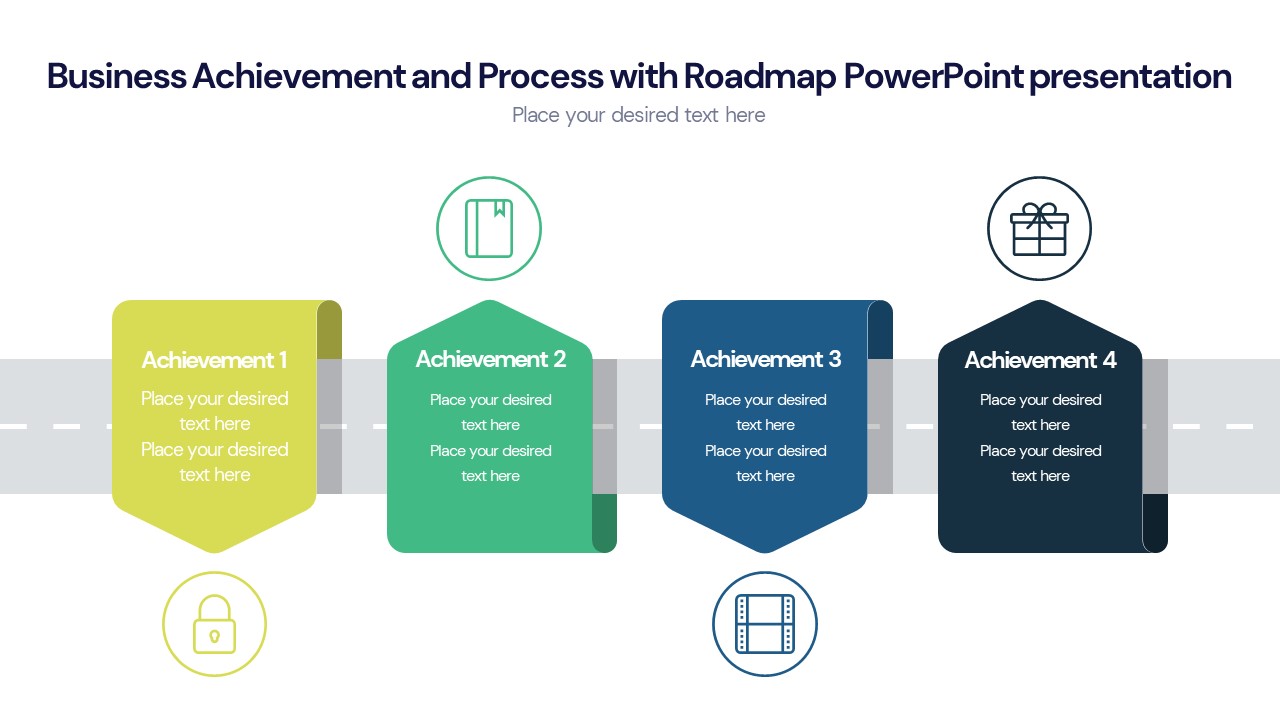
– High-quality visuals: Includes charts, graphs, and timelines for better data representation.
– Easy to navigate: Logical flow, making it simple for audiences to follow.
– Wide compatibility: Works with various versions of Microsoft PowerPoint.
– Multi-purpose use: Adaptable for different industries and educational purposes.
– Professional design: Sleek, modern design that maintains the focus on your data.
Use Cases:
– Ideal for corporate presentations to showcase company progress.
– Useful in educational settings for teaching students about data analysis and performance measurement.
– Suitable for workshops or seminars focusing on strategic planning and performance management.
– Beneficial for NGOs to report on project outcomes and efficiencies.
– Perfect for government presentations detailing public project progress and KPI achievements.
There are no reviews yet.