


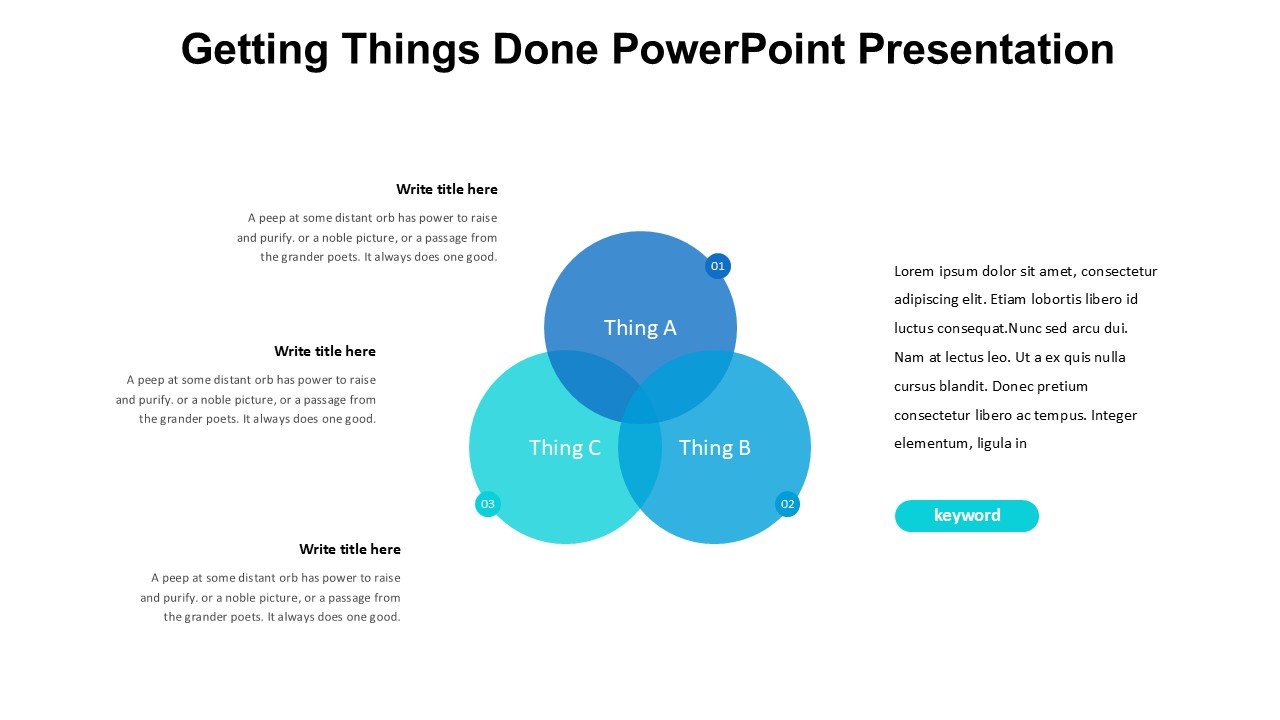
Description
The Getting Things Done PowerPoint Presentation PPT template is designed specifically for educators, professionals, and advocates who aim to enhance their productivity and organize their tasks effectively. This comprehensive slide template provides a visually appealing and structured format for presenting the principles and practices of the Getting Things Done (GTD) methodology. Developed by productivity expert David Allen, GTD is a time-tested method that helps individuals and teams capture, clarify, and organize tasks, thereby reducing clutter and increasing focus and efficiency.
Our Getting Things Done PowerPoint Presentation slide template is tailored to facilitate detailed discussions and workshops on personal and professional efficiency. It serves as an excellent resource for trainers, coaches, and managers who conduct sessions on time management, workflow processes, and organizational skills. The PPT template is well-organized and comes with a variety of slide designs that cover key GTD concepts such as the five stages of workflow: capture, clarify, organize, reflect, and engage.
Each slide in the presentation template is crafted to not only convey information effectively but also to engage the audience through compelling visuals and clear, concise text. Whether you’re presenting to students, colleagues, or industry peers, this template ensures that your material is delivered in a professional and impactful manner. The design is clean and modern, with plenty of space for customization to fit your specific needs or branding requirements.
Utilizing the Getting Things Done PowerPoint Presentation PPT template, you can effortlessly create presentations that inspire and educate your audience about achieving greater productivity and a more streamlined approach to managing tasks and projects. The template is not just a series of slides, but a strategic tool that can transform the way you and your audience approach task and time management.
Features:
– Fully editable templates: Customize every element of the slides with ease.
– High-quality graphics and icons: Enhance visual appeal and retention.
– Wide range of slide layouts: Choose from various formats to suit different topics and audience engagement strategies.
– Easy to use and modify: User-friendly for beginners and professionals alike.
– Compatible with PowerPoint and Google Slides: Works across popular presentation platforms.
– Professional design: Suitable for corporate presentations and professional workshops.
Use Cases:
– Ideal for conducting workshops on productivity and time management.
– Useful for corporate training sessions focused on improving organizational skills.
– Suitable for educational purposes, particularly in business and management courses.
– Effective for personal development coaches to use in client sessions.
– Applicable for professional development seminars and conferences.
– Beneficial for team meetings aimed at optimizing workflow and task delegation.








There are no reviews yet.