


Description
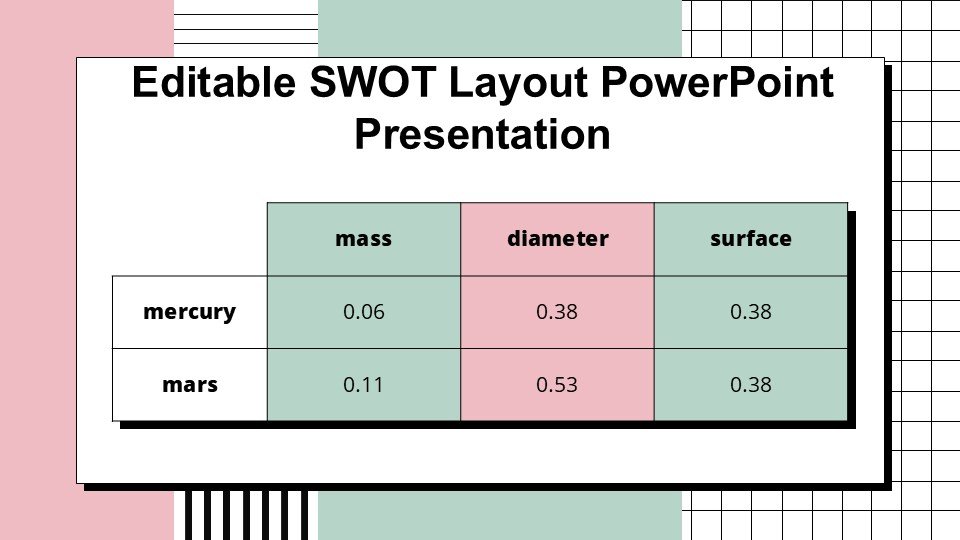
Introducing the Editable SWOT Layout PowerPoint Presentation slide template, a dynamic and versatile PPT template designed to enhance your strategic planning sessions. This presentation template is meticulously crafted to cater to the needs of business professionals, educators, and advocacy groups who seek to evaluate Strengths, Weaknesses, Opportunities, and Threats (SWOT) in an engaging and clear manner.
The Editable SWOT Layout PowerPoint Presentation PPT template is not just a tool; it’s a strategic partner that helps you visualize and communicate complex analyses in a simplified format. Each slide in the template is structured to provide a clear, direct view of each SWOT component, making it easier for your audience to grasp the essentials of your strategic analysis. The layout is designed to encourage interactive discussions, ensuring that every participant can contribute effectively to the decision-making process.
This PPT slide template is particularly useful for professionals who need to present data-driven insights and strategies to management teams, stakeholders, or clients. It is also an excellent resource for educators who aim to illustrate the practical application of SWOT analysis in business or environmental studies. Advocates will find the Editable SWOT Layout PowerPoint Presentation PPT template instrumental in outlining the strengths and opportunities of their causes, while also addressing potential weaknesses and threats that could impact their campaigns.
The flexibility of the template allows for complete customization — from colors to fonts to the arrangement of elements — ensuring that it can be tailored to fit the branding and aesthetic preferences of any organization or individual. Whether you’re presenting in a formal corporate setting, a classroom, or a community workshop, this PowerPoint slide template scales seamlessly across various contexts and audiences.
The Editable SWOT Layout PowerPoint Presentation slide template is designed to be intuitive for users of all proficiency levels in PowerPoint, making it easy to modify and adapt without the need for extensive technical skills. The result is a professional-looking presentation that can be prepared efficiently, saving valuable time and effort.
Features:
– Fully editable templates: Customize every element of the slides with ease.
– Sleek and professional design: Engages audiences with visually appealing graphics and layouts.
– Compatible with PowerPoint and Google Slides: Works across popular presentation platforms.
– High-definition graphics: Ensures that your presentations always look crisp and clear.
– Pre-formatted text placeholders: Simplify the process of adding your own content.
– Multiple slide variations: Offers various layouts to suit different presentation needs.
Use Cases:
– Ideal for business strategy meetings and corporate presentations.
– Suitable for educational purposes, particularly in business and management courses.
– Effective for advocacy groups to present analysis on environmental, social, or political issues.
– Useful for consultants and analysts presenting to clients or stakeholders.
– Applicable for workshops or seminars focusing on strategic planning and analysis.



There are no reviews yet.