


Description
Introducing the Cycle Timeline PowerPoint Template, a meticulously designed tool that breathes life into your presentations with its dynamic layout and compelling visual elements. This template is perfect for professionals across all industries who need to showcase progress, highlight key milestones, or display chronological events in a captivating manner. Whether you are a project manager, a marketing strategist, or an educator, this template will enhance how you communicate your timelines.
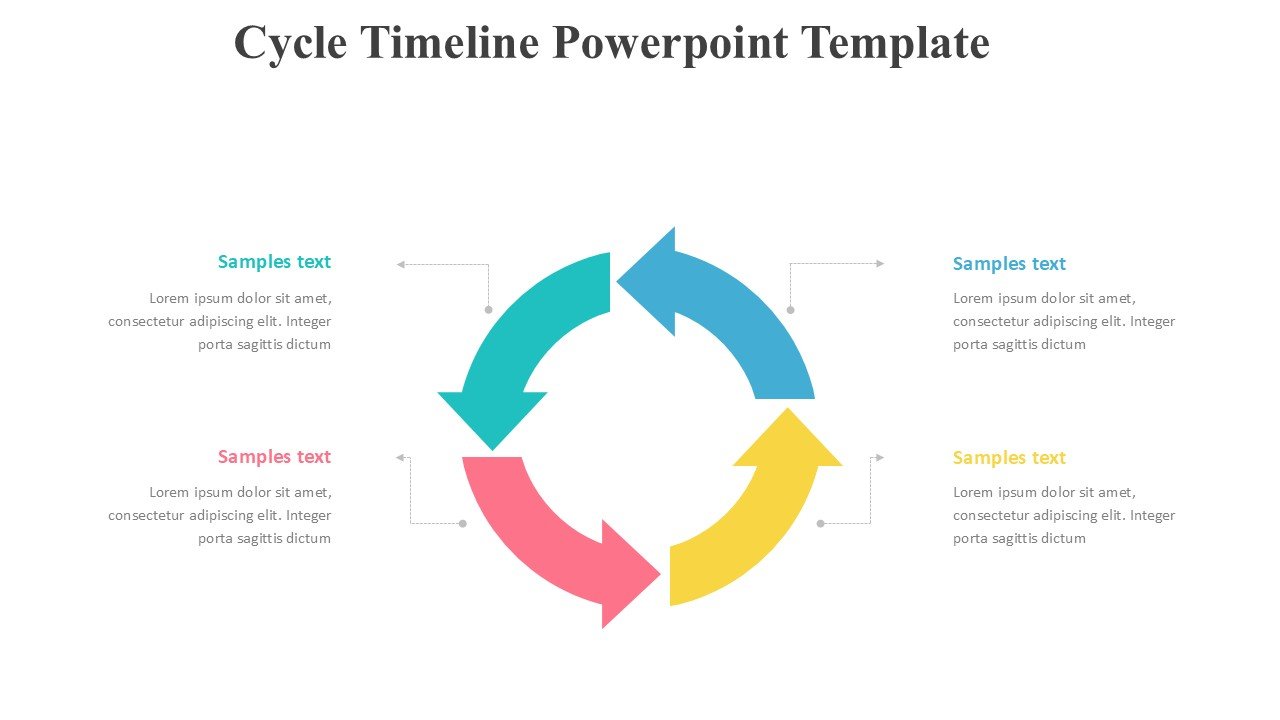
The Cycle Timeline PowerPoint Template stands out with its unique circular design, which not only adds an aesthetic touch but also facilitates a clearer understanding of complex information. The design cleverly uses colors and shapes to differentiate between different phases or steps in a cycle, making it incredibly easy for your audience to follow along. Each segment of the circle is clickable and leads to an individual slide, allowing for a deeper dive into each point without overcrowding your presentation.
Ease of use is a hallmark of this template. It is designed to be user friendly, enabling you to customize each slide to fit your specific needs. You can easily add, remove, or edit text, change color schemes, and insert images or icons to match your presentation theme. The template is compatible with both PowerPoint and Google Slides, ensuring that you can work on your presentations on your preferred platform without any compatibility issues.
The Cycle Timeline PowerPoint Template is not only about its attractive design but also about its functionality. It comes with a wide range of slide layouts that include introductory slides, detailed breakdown slides, and a conclusion or summary slide. This structured approach ensures that your presentation is coherent and impactful.
**Features of the Cycle Timeline PowerPoint Template**:
1. **Fully Editable Templates**: Every element of the template can be customized to meet the specific requirements of your presentation. From text and fonts to colors and shapes, you have complete control over your design.
2. **PowerPoint and Google Slides Compatibility**: Whether you are a Microsoft Office user or a Google Suite aficionado, this template works seamlessly across both platforms, giving you the flexibility to create and present from anywhere.
3. **Dynamic Circular Design**: The circular timeline design is not only visually appealing but also enhances the audience’s understanding by clearly delineating different stages or events in a cycle.
4. **Comprehensive Slide Range**: With a variety of slide layouts included, you can create a detailed and informative presentation that covers every aspect of your timeline without losing the audience’s interest.
5. **User Friendly**: Designed with the user in mind, this template is suitable for both novice and experienced presenters. It requires no advanced design skills, allowing you to focus on the content rather than struggling with the layout.
6. **Highly Visual Approach**: Utilize the power of visuals to communicate your message more effectively. The template allows for the integration of images, icons, and graphics to complement your text.
The Cycle Timeline PowerPoint Template is an invaluable tool for anyone looking to present time based data or processes in a clear, engaging, and professional manner. With its combination of aesthetic appeal, ease of use, and comprehensive functionality, it empowers you to deliver powerful presentations that captivate and inform your audience.








There are no reviews yet.