


Description
The Comparison Monotone Icon PowerPoint Presentation PPT template is an invaluable resource for educators, business professionals, and advocates who require a visually appealing yet straightforward format to display comparative data or ideas. The template is specifically designed to cater to presentations where direct comparisons are essential, such as in market analysis, educational contrasts, or advocacy discussions. This presentation template is meticulously crafted to ensure that it not only meets but exceeds the standards of clarity and professionalism expected in academic and business environments.
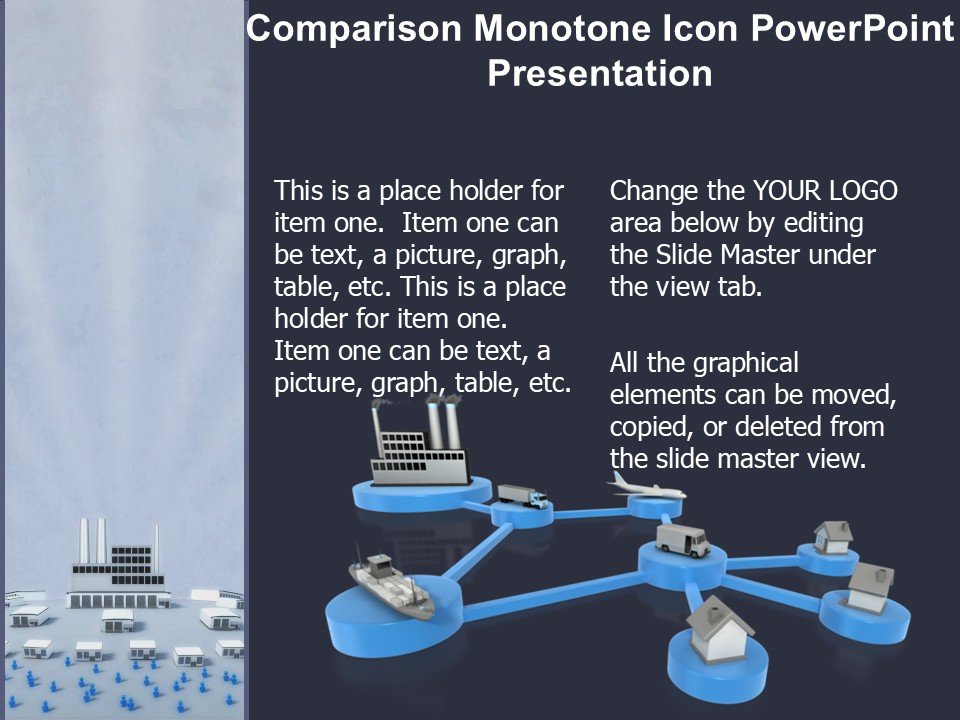
The Comparison Monotone Icon PowerPoint Presentation slide template features a range of monotone icons and layouts that facilitate the visualization of similarities and differences without the distraction of color. This focus on a monotone palette enhances the audience’s ability to focus on the content rather than the design elements. The template is versatile, allowing the presenter to adapt each slide to a variety of comparison scenarios while maintaining a cohesive visual theme.
Each slide within the Comparison Monotone Icon PowerPoint Presentation PPT template is structured to ensure that information is presented both logically and engagingly. This makes it an excellent choice for users who need to make impactful presentations that are both informative and persuasive. The simplicity of the design does not compromise the potential for customization, as each element can be tailored to specific presentation needs.
This PPT template is not only a tool for displaying information but also serves as an aid in storytelling, where the narrative is built through the comparison of key points. Whether it is used in a classroom to illustrate educational content, in a business setting to compare product features, or in a non-profit environment to advocate for specific causes, the Comparison Monotone Icon PowerPoint Presentation PPT slide ensures your message is conveyed clearly and effectively.
Features:
– Fully editable templates: Customize every element of the slides with ease.
– Monotone icon set: Focuses audience attention on content rather than color.
– Versatile slide layouts: Suitable for various comparison scenarios.
– High compatibility: Works seamlessly with Microsoft PowerPoint.
– High-resolution graphics: Ensures clarity in all presentation environments.
– User-friendly design: Easy to use for beginners and professionals alike.
Use Cases:
– Ideal for educators presenting comparative analyses of historical events.
– Useful for business professionals comparing market trends or business strategies.
– Suitable for advocates illustrating differences in policy impacts.
– Perfect for trainers or coaches comparing techniques or methodologies.
– Applicable in student presentations for contrasting scientific concepts or literary themes.


There are no reviews yet.