


Description
Introducing the Accomplishments Timeline for PowerPoint a dynamic, professional tool designed to help you showcase your achievements or the progress of your projects in a visually engaging manner. Whether you’re presenting to stakeholders, team members, or at a conference, this timeline template is tailored to make your information stand out, ensuring a memorable and impactful presentation.
**Product Overview:**
The Accomplishments Timeline for PowerPoint is more than just a series of dates on a slide. It’s a carefully crafted narrative tool that allows you to weave your milestones into a compelling story. This template is perfect for professionals across all industries who need to present project timelines, corporate histories, career progressions, and more. With its sleek design and intuitive layout, the timeline helps you convey the journey of your endeavors with clarity and precision.
**Visual Appeal:**
Designed by experts, the Accomplishments Timeline boasts a modern, clean aesthetic that aligns with current design trends. The use of bold colors, sharp lines, and ample white space ensures that your timeline is not only informative but also visually appealing. This design approach helps retain the audience’s attention and enhances their understanding of the timeline events.
**Ease of Use:**
You don’t need to be a PowerPoint expert to use this template. It is designed for ease of use, allowing you to add, remove, or edit events and dates with just a few clicks. The drag-and-drop functionality makes customizing the timeline simple and straightforward. Whether you’re adding new milestones or adjusting the timeframe, the process is seamless and user-friendly.
**Customization:**
Understanding that every presentation has its unique requirements, the Accomplishments Timeline template is highly customizable. You can choose from a variety of color schemes, fonts, and layout styles to match your corporate branding or personal taste. This flexibility ensures that your timeline not only delivers the content but also complements the overall presentation style.
**Compatibility:**
The Accomplishments Timeline is fully compatible with both PowerPoint and Google Slides, making it a versatile choice regardless of your preferred platform. This compatibility ensures that you can work on your presentations across different devices and software environments without worrying about format issues.
**Features:**
– **Fully Editable Templates:** Every element of the timeline can be customized to suit your specific needs. From the text boxes to the color palettes, you have complete control over your design.
– **Support for PowerPoint and Google Slides:** Whether you are working in PowerPoint or prefer Google Slides for your presentations, this template works flawlessly across both platforms.
– **Variety of Layout Options:** Choose from multiple layout designs to find the one that best tells your story. Each layout is designed to be as effective and engaging as possible.
– **User-Friendly Interface:** The template features a simple, intuitive interface that makes it easy for anyone to adapt and use, regardless of their technical skill level.
– **High-Quality Visuals:** The template uses high-resolution graphics to ensure that your presentations look crisp and professional on any screen.
The Accomplishments Timeline for PowerPoint is an essential tool for anyone looking to present historical data, project timelines, or personal achievements in a structured and visually appealing way. Elevate your presentations and impress your audience with this professional, easy-to-use template.

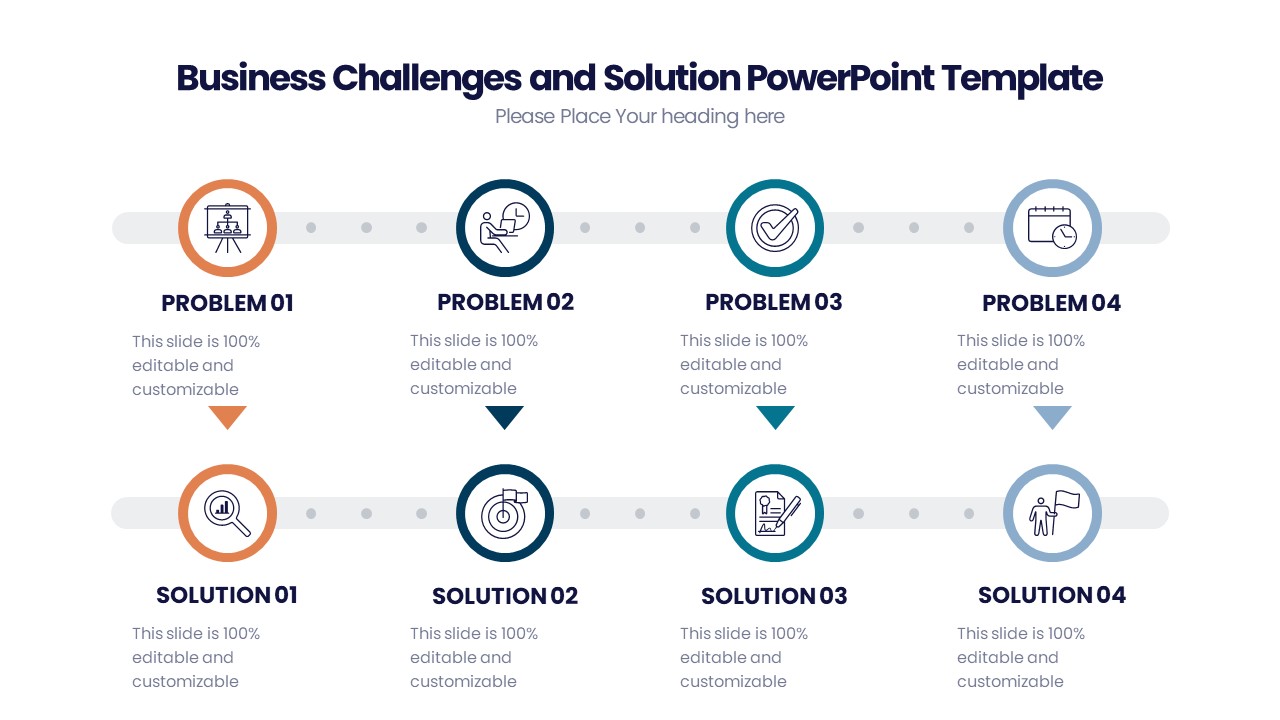






There are no reviews yet.