


Description
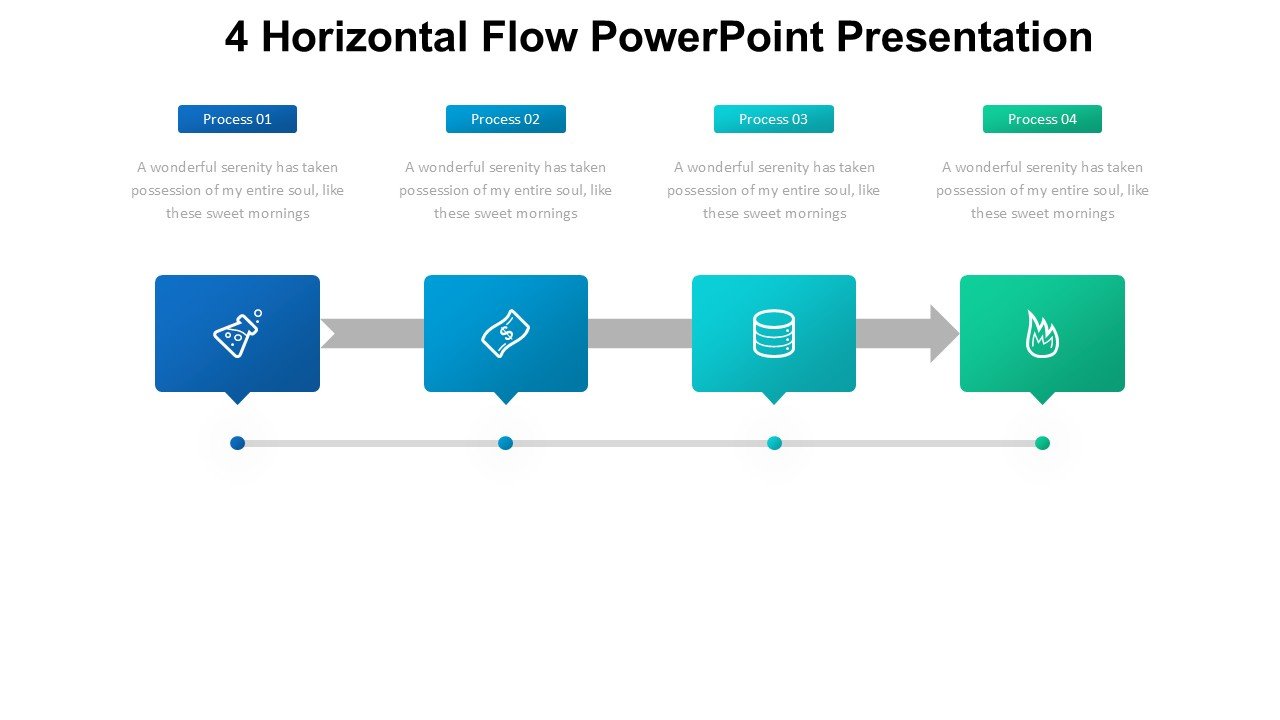
The 4 Horizontal Flow PowerPoint Presentation slide template is an expertly designed PPT template that caters to the needs of educators, professionals, and advocates looking to present ideas, processes, or data flows in a clear and structured manner. This presentation template is specifically crafted to help you visually communicate the progression or sequencing of steps in a process, making it ideal for a wide range of instructional and business contexts.
Our 4 Horizontal Flow PowerPoint Presentation PPT template is tailored for those who require a straightforward yet effective way to depict linear processes. Whether you are a teacher illustrating a historical timeline, a business professional outlining project phases, or an advocate explaining policy changes, this PPT slide provides a clean, easily understandable format to convey your message.
The design of the 4 Horizontal Flow PowerPoint Presentation PPT slide emphasizes clarity and readability, ensuring that your audience can follow along without confusion. The horizontal flow layout is perfect for showing developments over time, task sequences, or operational steps, all while maintaining a professional look that enhances your presentation’s overall impact.
This PPT template not only aids in the visual depiction of information but also enhances audience engagement through its sleek and modern design elements. Each segment of the flow is distinctly marked and offers ample space for text, making it easy to insert detailed descriptions or essential data without cluttering the slide.
Using the 4 Horizontal Flow PowerPoint Presentation slide template, you gain the flexibility to customize colors, fonts, and graphics to align with your or your organization’s branding, ensuring a consistent and impactful presentation experience. This template is an invaluable asset for anyone looking to present complex information in a digestible format, enhancing both understanding and retention among viewers.
Features:
– Fully editable templates: Customize every element of the slides with ease.
– Compatible with PowerPoint and Google Slides: Works across popular presentation platforms.
– High-quality graphics: Ensures the presentation looks sharp on all screens.
– Easy to use: Designed for users of all proficiency levels in PowerPoint.
– Versatile design: Suitable for a variety of presentation needs.
Use Cases:
– Ideal for educators presenting step-by-step processes in scientific experiments.
– Useful for business professionals outlining project management timelines or operational processes.
– Effective for advocates explaining step-by-step policy implementations or advocacy steps.
– Suitable for training sessions where processes or sequences need to be highlighted.
– Beneficial for conference presentations focusing on progression in topics like technology, history, or business developments.








There are no reviews yet.