


Description
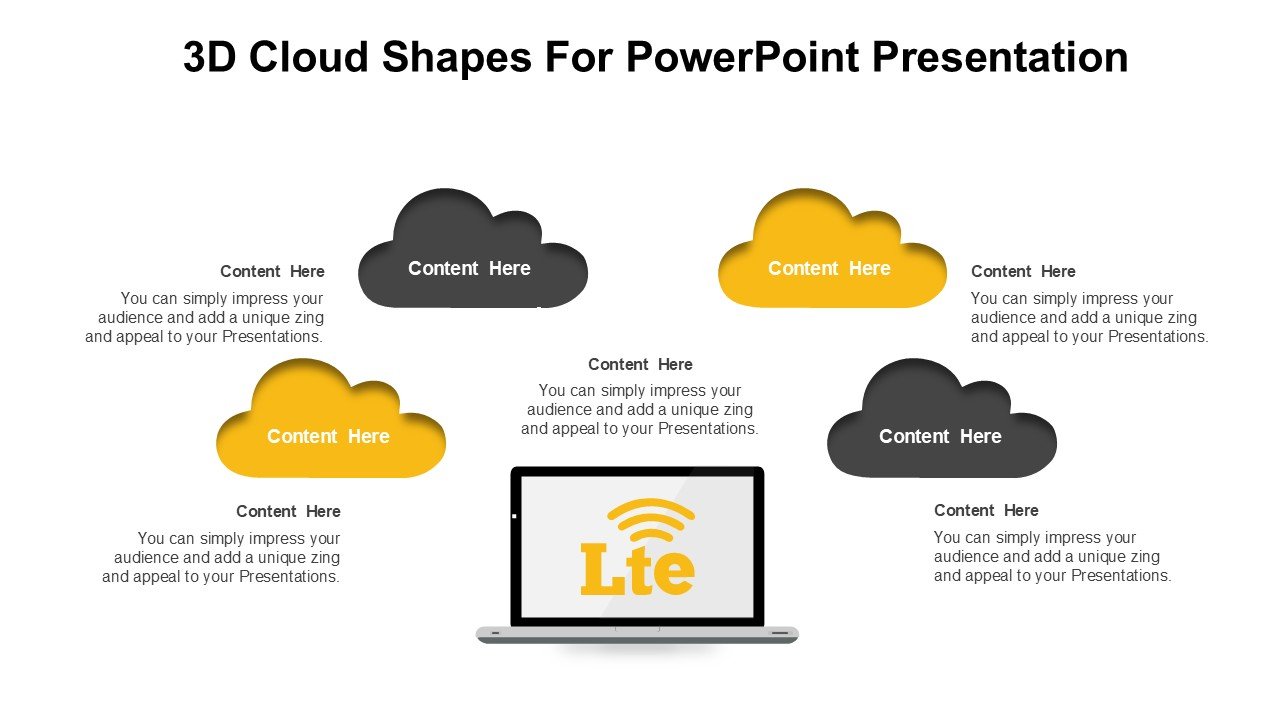
Elevate your presentation game with the innovative 3D Cloud Shapes For PowerPoint Presentation PPT template. Designed meticulously for educators, professionals, and advocates who wish to communicate complex information in an engaging manner, this presentation template is a perfect choice. The PPT template features a collection of beautifully crafted 3D cloud shapes, each rendered with realistic lighting and texture effects to capture the attention of your audience effectively.
The 3D Cloud Shapes For PowerPoint Presentation slide template is specially tailored to enhance learning and communication in various settings, whether in educational environments, corporate meetings, or public advocacy campaigns. The visually striking 3D elements help in illustrating abstract concepts and data visually, making it easier for the audience to grasp difficult information through more engaging and memorable presentation slides.
This PPT slide set is not just about aesthetics; it’s a functional tool designed to aid in the creation of high-quality presentations that stand out. The ease of use is a key feature, as each element within the slide template is fully customizable to suit individual presentation needs. Whether you’re discussing cloud computing, environmental science, or illustrating market trends, the versatility of the 3D Cloud Shapes For PowerPoint Presentation PPT template makes it an excellent addition to your digital toolkit.
The template includes a variety of cloud shapes and forms, each can be adapted to fit your specific content requirements. With this PPT template at your disposal, you’re equipped to create presentations that not only inform but also inspire your audience. The 3D Cloud Shapes For PowerPoint Presentation slide template is compatible with the latest versions of PowerPoint, ensuring smooth performance and compatibility across different devices and platforms.
Features:
– Fully editable 3D shapes: Customize colors, sizes, and orientations to fit your presentation theme.
– High-resolution graphics: Ensures that the visuals remain sharp and engaging in all display settings.
– Easy drag-and-drop placeholders: Allows quick and easy addition of your content into the slides.
– Wide compatibility: Works seamlessly with various versions of Microsoft PowerPoint.
– Multiple slide layouts: Offers a range of slide designs to choose from, enhancing the visual appeal of your presentations.
Use Cases:
– Ideal for educational presentations in schools and universities.
– Effective in business meetings for presenting data in a visually engaging manner.
– Useful for environmental advocacy presentations to illustrate data and concepts.
– Suitable for tech conferences when discussing cloud-based technologies and innovations.
– Beneficial for creative storytelling in workshops or seminars.








There are no reviews yet.