


Description
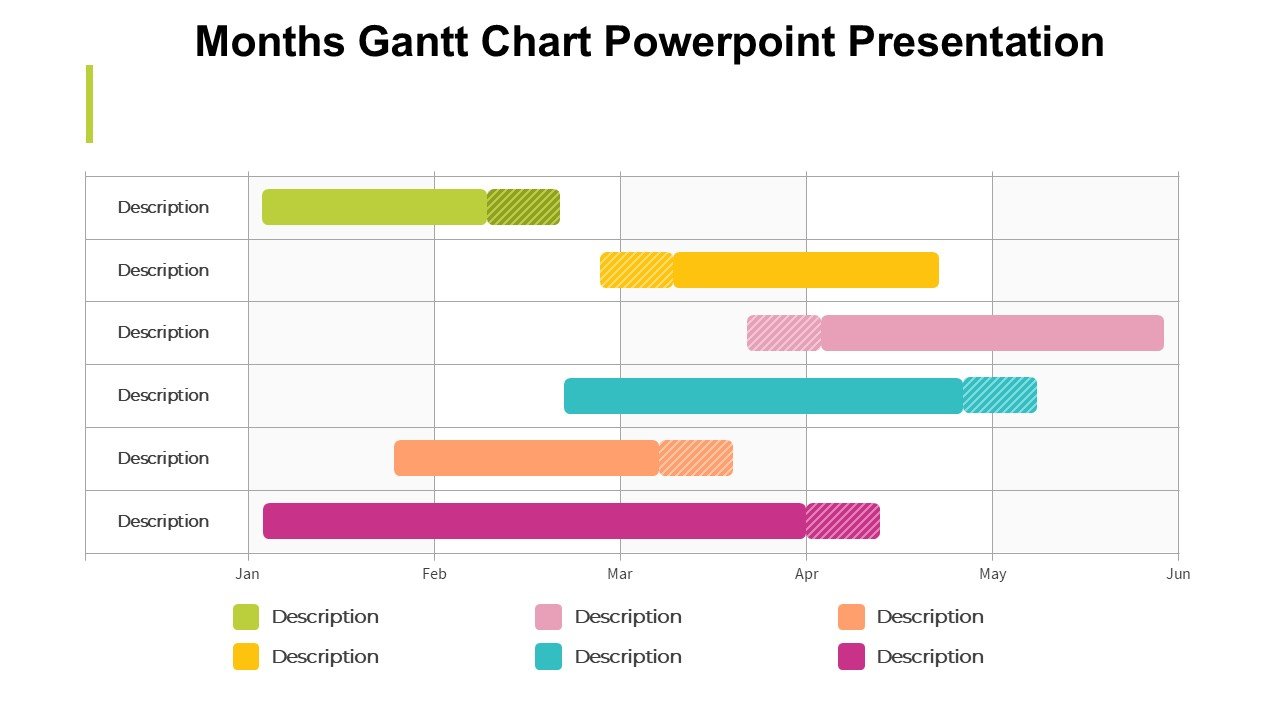
The Months Gantt Chart PowerPoint Presentation slide template is an essential PPT template crafted for educators, professionals, and advocates who require a robust framework to manage projects and timelines effectively. This presentation template is designed to facilitate detailed scheduling and tracking of tasks across different months, providing a clear and visual structure to project management.
Ideal for a wide range of users, from project managers in corporate environments to teachers planning their academic year, the Months Gantt Chart PowerPoint Presentation PPT template serves as a dynamic tool to visualize the duration of activities and their respective time frames. It allows users to present complex project information straightforwardly and comprehensively, ensuring that all stakeholders are aligned and informed.
The slide template includes customizable bars to represent tasks visually, each colored differently to distinguish between tasks, phases, or priority levels. This visual differentiation helps in quick understanding and analysis, making it a practical solution for meetings, reviews, and strategy sessions. By using this PPT slide, project leads can effectively communicate the critical paths, milestones, and deadlines, ensuring that project goals are met within the stipulated timelines.
Furthermore, the Months Gantt Chart PowerPoint Presentation PPT slide is meticulously designed to be user-friendly. It allows for easy modifications such as adding or revising task durations, adjusting the timeline, and incorporating your branding elements. Whether you are in the educational sector planning out the school year, or a non-profit organizer setting up an annual event calendar, this PPT template is designed to meet a variety of needs with precision and ease.
In essence, this presentation template not only aids in meticulous planning and scheduling but also enhances communication and efficiency through its clear, visual representation of complex schedules. It’s an invaluable asset for anyone involved in project management, educational planning, or advocacy campaign strategizing.
Features:
– Fully editable templates: Customize every element of the slides with ease.
– Visual task differentiation: Use color-coded bars to easily differentiate between various tasks or phases.
– Expandable timeline: Adjust the timeline to span any number of months as per project needs.
– Compatibility with PowerPoint: Seamlessly use the template within Microsoft PowerPoint.
– High-resolution graphics: Ensures that the visuals remain crisp and clear when projected or printed.
Use Cases:
– Perfect for project managers outlining project timelines and deliverables.
– Ideal for educators planning the academic calendar and important educational activities.
– Useful for non-profit organizations in planning and tracking their annual campaigns and events.
– Suitable for business consultants presenting project timelines to clients.
– Applicable for government agencies mapping out long-term projects or legislative timelines.


There are no reviews yet.