


Description
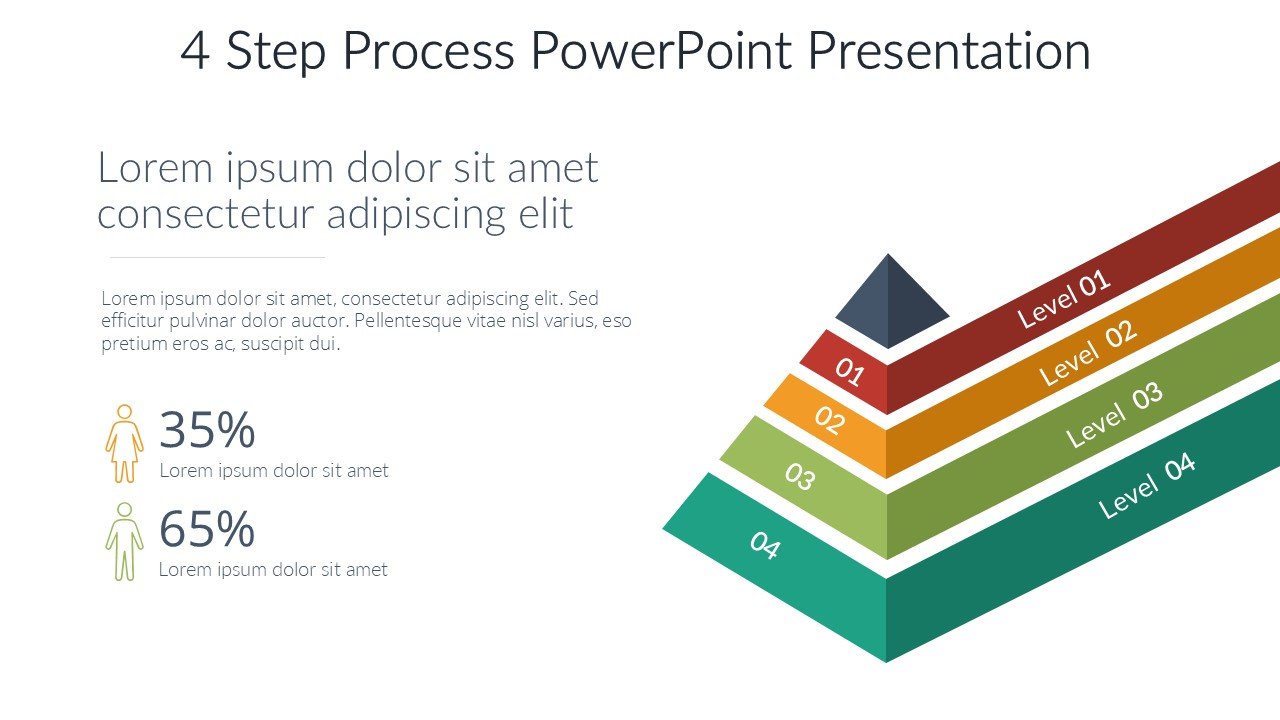
Presenting data and processes in a clear and structured way is crucial in educational, professional, and advocacy settings. The 4 Step Process PowerPoint Presentation PPT template is designed to cater to this need, offering a streamlined and effective way to communicate complex procedures or data sequences in a visually engaging format. This presentation template is tailored for educators who wish to illustrate step-by-step processes to their students, professionals aiming to outline project stages to colleagues or stakeholders, and advocates who need to present action plans or strategies in a clearly defined manner.
The 4 Step Process PowerPoint Presentation slide template includes a series of customizable slides that are structured to guide viewers through a four-stage process. Each slide is crafted to focus on one step, ensuring that the audience can follow along without confusion. The design is clean and professional, with ample space for text and visuals that help emphasize key points and data.
This PPT template is not just a visual aid but a powerful communication tool that enhances understanding and retention of information. Its versatility makes it suitable for a wide range of subjects and industries, from academic topics to business processes and social advocacy campaigns. The clear, logical flow facilitated by the 4 Step Process PowerPoint Presentation PPT slide helps presenters to convey their message with precision and clarity.
Whether you are a teacher explaining a scientific process, a business professional outlining a marketing strategy, or an advocate describing steps towards policy reform, this presentation template provides the structure and aesthetic needed to deliver your content effectively. Its user-friendly design is geared towards enhancing audience engagement and comprehension, making your presentations not only informative but also memorable.
Features:
– Fully editable templates: Customize every element of the slides with ease.
– High-quality graphics: Ensures that visuals are sharp and clear at any resolution.
– Versatile design: Suitable for various presentation styles and formats.
– Easy to navigate: Logical flow from one slide to the next.
– Compatibility with PowerPoint and Google Slides: Works seamlessly across different presentation platforms.
Use Cases:
– Ideal for educational lectures that involve step-by-step learning processes.
– Perfect for business presentations that require the illustration of phased strategies or models.
– Suitable for advocacy presentations that need to outline actionable steps in campaigns or initiatives.
– Useful for training sessions where processes or workflows need to be taught in a structured manner.
– Applicable for workshop presentations to facilitate discussions on project stages or development phases.




There are no reviews yet.