


Description
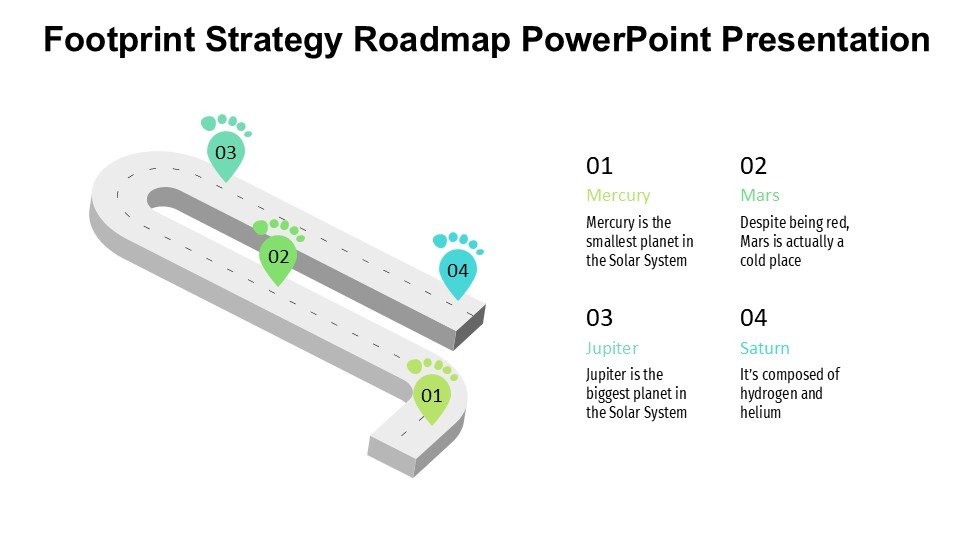
Introducing the 8 Points Roadmap PowerPoint Template PPT template, a meticulously designed slide template for educators, professionals, and advocates who aim to outline strategic plans or progress steps in an engaging and clear manner. This presentation template is perfect for those looking to visually communicate phases, benchmarks, or goals in various contexts such as business growth, project management, educational programs, or advocacy campaigns.
The 8 Points Roadmap PowerPoint Template slide template simplifies complex information into a digestible roadmap format, making it easier for your audience to follow and understand the progression of your topic. Each point on the roadmap is designed for clarity and impact, ensuring that your key messages are effectively conveyed. Whether you are a teacher illustrating a study plan, a business professional outlining a project timeline, or an advocate detailing a campaign strategy, this PPT template is engineered to meet your needs.
This presentation template not only aids in the presentation of data but also enhances audience engagement through its visually appealing design elements. The template’s design is professional yet flexible, allowing for customization to fit your specific presentation style and branding needs. The use of icons, color coding, and typography in the 8 Points Roadmap PowerPoint Template PPT slide can be easily adjusted to highlight particular areas of importance or to align with organizational branding.
For professionals looking to convey a process or journey, this PPT slide serves as an essential tool in your presentation arsenal, ensuring that your roadmap is not just seen but remembered. Educators will find this template invaluable for breaking down syllabus units or timelines, while advocates can leverage the visual impact of the roadmap to emphasize critical milestones in their initiatives.
Features:
– Fully editable templates: Customize every element of the slides with ease.
– Professional and clean design: Keeps the audience focused on the content.
– Versatile visual elements: Icons and color palettes that can be tailored to fit your presentation needs.
– High compatibility: Works seamlessly with PowerPoint and Google Slides.
– High-resolution graphics: Ensures that your presentation looks crisp and engaging on all screens.
– Easy to follow layout: Helps in simplifying complex processes into manageable steps.
Use Cases:
– Ideal for project managers outlining phases of project development.
– Effective for teachers setting out the curriculum timeline for the academic year.
– Useful for business professionals presenting growth strategies to stakeholders.
– Suitable for non-profit organizations to illustrate campaign milestones.
– Helpful for consultants demonstrating business transformation strategies to clients.
– Applicable for startups pitching phased development plans to investors.



There are no reviews yet.