


Description
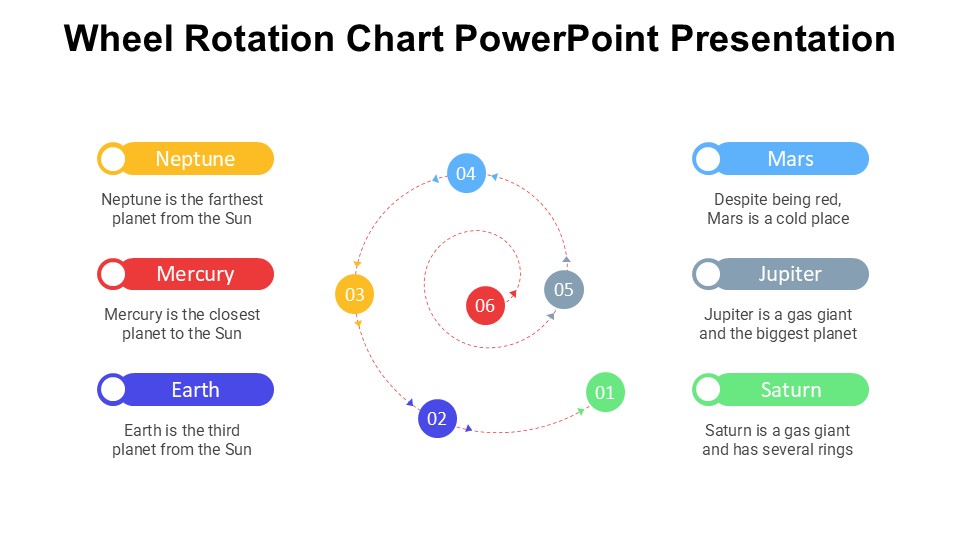
The Wheel Rotation Chart PowerPoint Presentation slide template is a professionally designed PPT template tailored to meet the needs of educators, professionals, and advocates who require an effective visual tool to represent cyclic processes, interactions, or continuous sequences in their presentations. This comprehensive PPT slide template offers a visually appealing way to depict complex information in an easily understandable format, making it an invaluable asset for presentations that demand clarity and precision.
Designed with versatility in mind, the Wheel Rotation Chart PowerPoint Presentation PPT template can be used across various fields including education, business, science, and advocacy. The template helps in illustrating topics like product development cycles, lifecycle events, repetitive processes, and more, making it particularly useful for presentations aimed at explaining stages that repeat or evolve in a circular manner. The design is clean and professional, ensuring that the focus remains on the content while still engaging the audience with its aesthetic appeal.
The Wheel Rotation Chart PowerPoint Presentation PPT template is not only a visual aid but also a narrative enhancer, helping presenters to seamlessly connect various points in a logical, cyclic progression. This feature is especially important in educational settings where teachers aim to convey complex concepts in a digestible format, or in professional environments where clear communication of business processes is crucial.
Whether you are an educator teaching students about ecological cycles, a business professional outlining project management phases, or an advocate explaining policy development processes, this presentation template is designed to help you deliver your message with impact. The Wheel Rotation Chart PowerPoint Presentation slide template is your go-to choice for creating presentations that are not only informative but also visually compelling.
Features:
– Fully editable templates: Customize every element of the slides with ease.
– High-quality graphics: Ensures sharp and clear visuals even when projected.
– Versatile design: Suitable for multiple presentation contexts.
– Easy to integrate: Add your data and adjust the layout without any hassle.
– Compatible with PowerPoint and Google Slides: Works across popular presentation platforms.
Use Cases:
– Ideal for illustrating business cycles like feedback loops in corporate training sessions.
– Useful in educational settings for explaining natural cycles, such as the water cycle or seasons.
– Effective in showcasing project phases in project management presentations.
– Suitable for advocating organizational or social change processes in workshops.
– Beneficial for demonstrating product lifecycle stages in marketing presentations.







There are no reviews yet.