


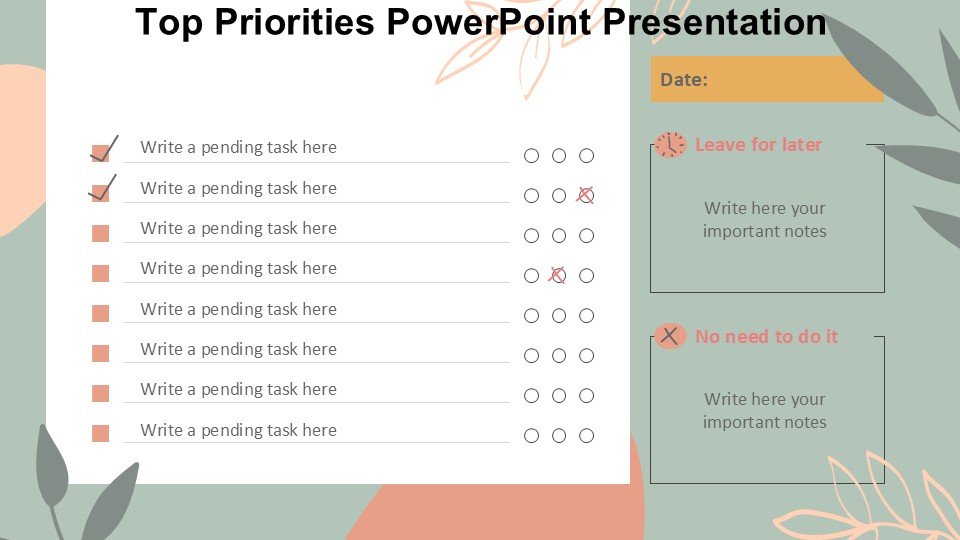
Description
In today’s fast-paced world, staying focused on top priorities can be a challenge for professionals, educators, and advocates alike. The Top Priorities PowerPoint Presentation PPT template is designed to help you clearly communicate and highlight your main objectives in a structured and visually appealing manner. Whether you’re presenting to students, colleagues, or stakeholders, this presentation template ensures your key points are front and center, effectively capturing and maintaining your audience’s attention.
The Top Priorities PowerPoint Presentation slide template simplifies the process of organizing and presenting complex information. It includes a range of slides that are tailored to help users define and discuss their priorities, whether they are project deliverables, educational goals, or advocacy points. Each slide is crafted to facilitate clear communication, with ample space for text, engaging visuals, and easy-to-understand layouts that make your main points easy to follow.
This PPT template is perfect for a wide range of users, from teachers and business professionals to community leaders and nonprofit organizers. Its design is not only functional but also features modern graphics and customizable elements that can be adjusted to fit your specific presentation needs. The template’s flexibility and ease of use make it an invaluable asset for anyone needing to outline and discuss priorities in a coherent and persuasive manner.
The Top Priorities PowerPoint Presentation PPT slide is more than just a presentation tool; it is a comprehensive solution for effectively conveying important information and ensuring it resonates with your audience. By using this PPT template, you are equipped to create impactful presentations that not only inform but also inspire your audience to focus on what truly matters.
Features:
– Fully editable templates: Customize every element of the slides with ease.
– High-quality visuals: Engage your audience with sharp, eye-catching graphics.
– Versatile slide layouts: Adapt the presentation to suit a variety of topics and audiences.
– Easy to use: Simple for beginners and professionals alike to add and modify content.
– Compatible across multiple platforms: Use on both PowerPoint and Google Slides.
Use Cases:
– Ideal for setting strategic priorities in corporate presentations.
– Useful in educational settings for teachers outlining course objectives.
– Effective for advocacy groups presenting key issues and action plans.
– Suitable for personal development coaches setting goals in workshops.
– Helpful for project managers detailing project phases and critical tasks.

There are no reviews yet.