


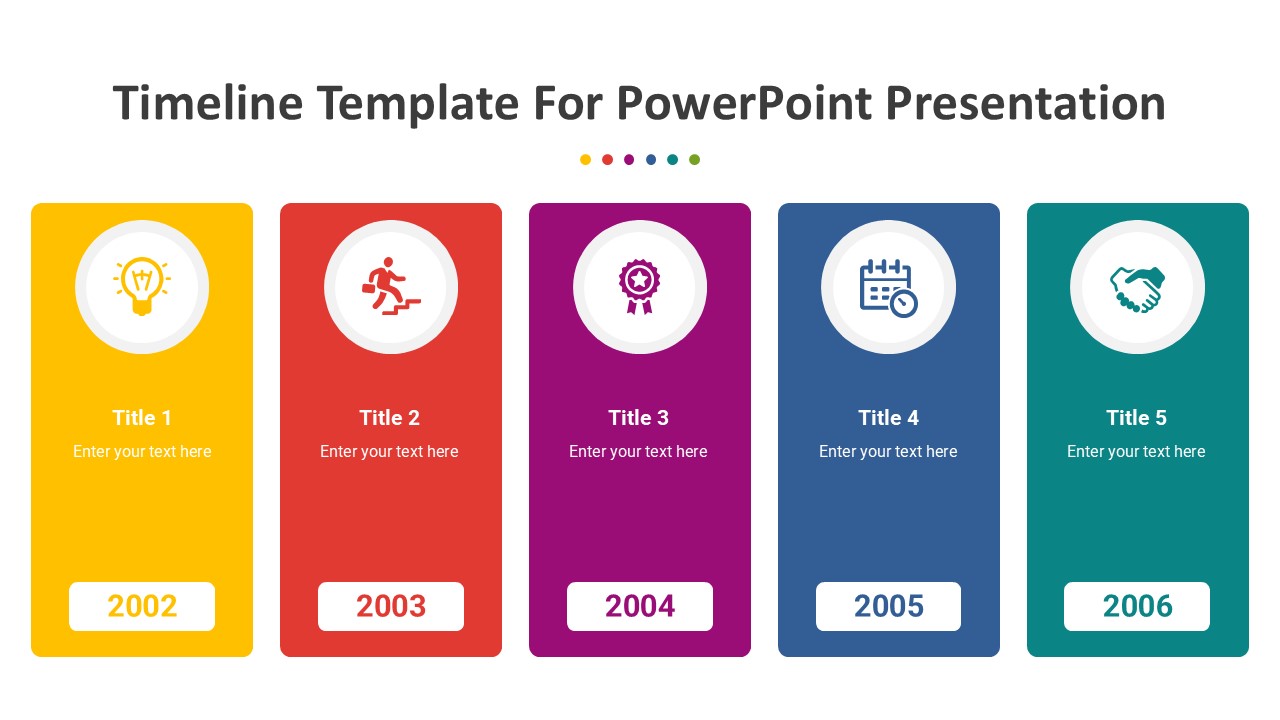
Description
Are you looking for a professional and visually appealing way to showcase timelines in your presentations? Look no further than our Timeline Template for PowerPoint Presentation. This template is designed to help you easily create timelines for various purposes, including project planning, event schedules, historical timelines, and more.
With this template, you can customize the timeline to fit your specific needs. Choose from different timeline designs, colors, and layouts to create a timeline that matches your brand or presentation theme. The easy-to-use drag-and-drop functionality allows you to add, edit, or delete timeline elements effortlessly.
Whether you are a business professional, educator, or student, this Timeline Template for PowerPoint Presentation is a versatile tool that can help you communicate information effectively. Impress your audience with clear and concise timelines that make complex data easy to understand.
Key Features:
1. Fully editable templates – Customize the timeline design, colors, and layout to suit your needs.
2. Easy-to-use drag-and-drop functionality – Add, edit, or delete timeline elements with ease.
3. Versatile use – Suitable for creating timelines for projects, events, history, and more.
4. Professional and visually appealing design – Impress your audience with clear and concise timelines.
5. Compatible with PowerPoint – Use the template with Microsoft PowerPoint for seamless integration.
In conclusion, our Timeline Template for PowerPoint Presentation is a valuable asset for anyone looking to create impactful timelines in their presentations. With fully editable templates and customizable features, you can easily create professional timelines that effectively convey your message. Upgrade your presentations today with this versatile and user-friendly timeline template.








There are no reviews yet.