


Description
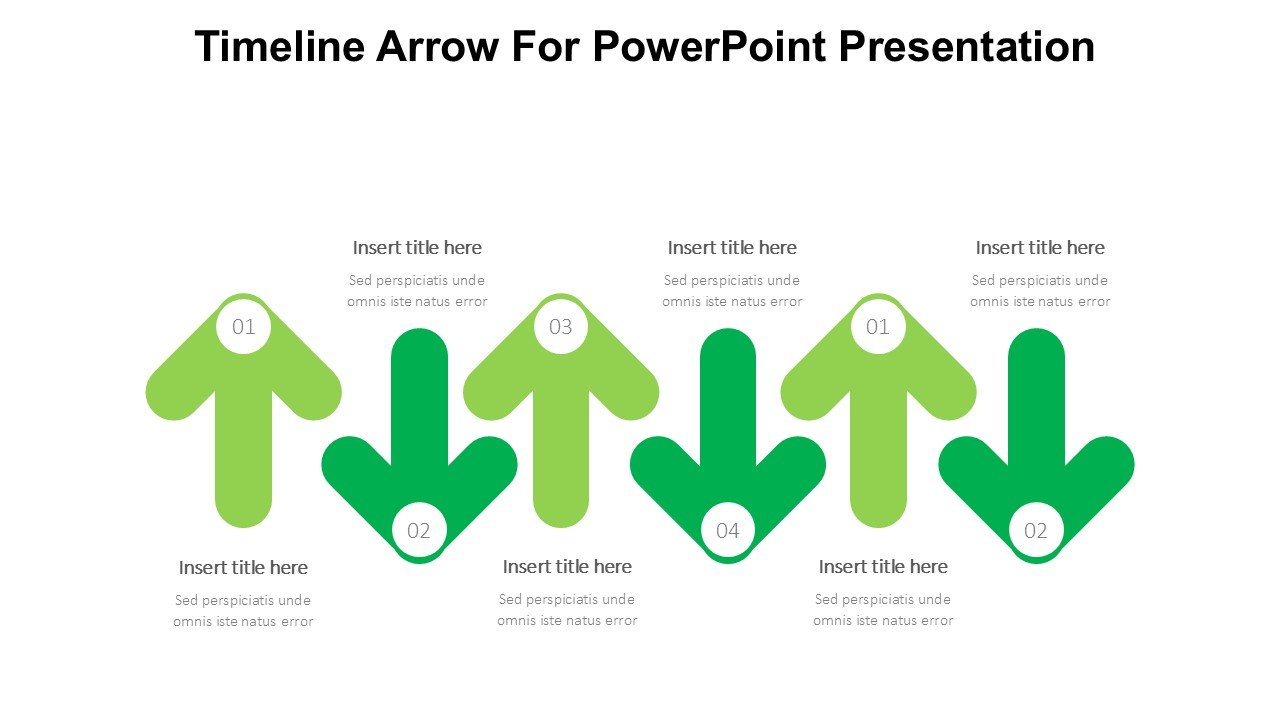
The Timeline Arrow For PowerPoint Presentation PPT template is a visually engaging and highly functional slide template designed to help professionals, educators, and advocates create impactful presentations that showcase historical events, project milestones, or future plans in a clear and sequential manner. This PPT template is tailored specifically for use in Microsoft PowerPoint, making it a user-friendly choice for anyone familiar with this platform.
The timeline design incorporates a linear arrow that guides the viewer through the content, symbolizing progress or development over time. This design not only makes it easier to understand the sequence of events but also adds a graphical element that enhances the overall aesthetic of the presentation. The Timeline Arrow For PowerPoint Presentation slide template is ideal for those who need to present complex timelines in a straightforward and easy-to-follow format.
Who is this PPT template for? It’s perfect for business professionals who need to outline the development of projects, report on progress, or forecast future activities. Educators will find it invaluable for teaching historical events, scientific progress, or any subject where the order of events is crucial. Advocacy groups can use it to illustrate the timeline of social movements, legislative changes, or awareness campaigns.
The simplicity of the design ensures that it can be adapted to various topics and content depths, making it a versatile addition to any presenter’s toolkit. The Timeline Arrow For PowerPoint Presentation PPT slide ensures that your audience can visually connect with the information, leading to better understanding and retention of the presented data.
Features:
– Fully editable template: Customize text, colors, and graphics to fit your presentation needs.
– Visually appealing design: Engages audiences with a clear, logical flow using an arrow graphic.
– Easy to use: Drag and drop images or change backgrounds quickly and efficiently.
– Slide variety: Includes different layouts to accommodate varying amounts of data or points in time.
– High resolution: Ensures that the presentation looks professional on all screen sizes and resolutions.
Use Cases:
– Ideal for business executives to present company history or future roadmaps.
– Useful for educators when explaining timelines in history, science, or literature classes.
– Beneficial for non-profit organizations to illustrate the progress of campaigns or growth of the organization.
– Suitable for personal uses such as plotting significant life events in a visually appealing manner.
– Perfect for project managers needing to report on project phases and future plans.


There are no reviews yet.