


Description
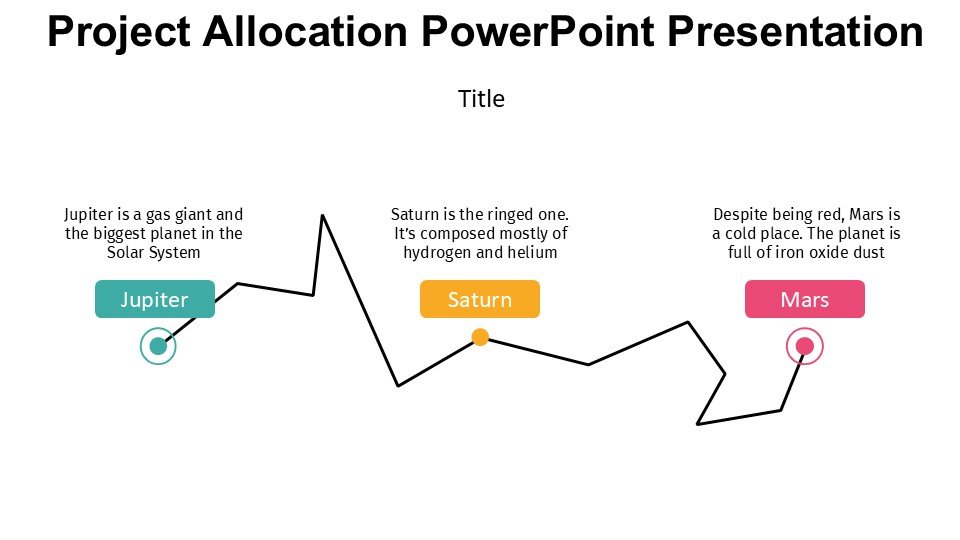
Understanding the intricacies of project management can often be daunting. The “Stages Of Project Life Cycle In Project Management PPT template” provides a structured visual guide that simplifies this complex subject. This comprehensive presentation template is meticulously designed to aid educators, professionals, and advocates in explaining or learning the fundamental phases of a project life cycle.
The “Stages Of Project Life Cycle In Project Management slide template” encapsulates the entire process of project management into distinct, easy-to-understand stages. Each stage of a project from initiation, planning, executing, to monitoring, and closing is clearly delineated in separate slides. This PPT template serves as an invaluable resource for project managers and team members to visually articulate the progression and state of their projects, ensuring all stakeholders are aligned and informed.
Ideal for both teaching and professional environments, this PPT slide template can help in breaking down the project processes into manageable segments, making it easier for the audience to grasp key concepts and methodologies. It acts as an excellent starting point for discussions on project management best practices, potential pitfalls, and strategies for successful project completion. The visual format of the presentation aids in retaining complex information, which is crucial for effective learning and application in real-life scenarios.
This presentation template is not only a tool for instruction but also serves as a reference for project managers and teams to revisit the fundamental principles of project management. It ensures that critical steps are not overlooked and helps in maintaining the focus on project goals and timelines. Whether in a classroom setting, professional workshop, or a team meeting, the “Stages Of Project Life Cycle In Project Management PPT” is tailored to enhance understanding and foster an environment of effective project management.
Features:
– Fully editable templates: Customize every element of the slides with ease.
– High-quality graphics: Ensures that the visual aids are clear and engaging.
– User-friendly layout: Designed for ease of use by professionals of all skill levels.
– Comprehensive coverage: Includes all key stages of the project life cycle.
– Compatible with PowerPoint and Google Slides: Works across popular presentation platforms.
Use Cases:
– Ideal for classroom teaching on project management.
– Used by project managers for training new team members.
– Suitable for workshop presentations at professional conferences.
– Helpful for strategic planning meetings within corporations.
– Used by non-profits for organizing and managing large projects.




There are no reviews yet.