


Description
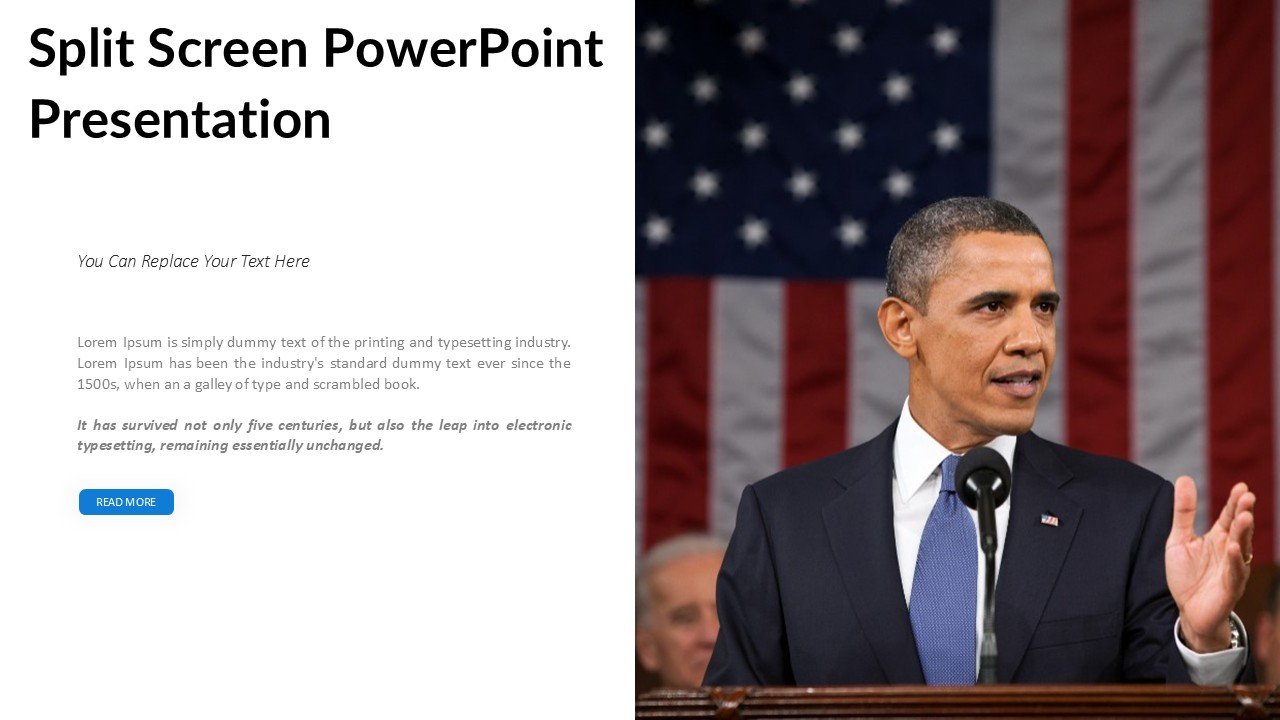
The Split Screen PowerPoint Presentation PPT template is a versatile and innovative PPT slide design that caters to educators, professionals, and advocates who are looking to convey complex information in a clear and visually engaging manner. This presentation template is designed to facilitate the comparison and contrast of two related topics simultaneously, enhancing the audience’s understanding and engagement.
Ideal for educational settings, business meetings, and advocacy campaigns, the Split Screen PowerPoint Presentation slide template allows presenters to effectively showcase dual concepts or compare data side-by-side without switching slides. This method not only saves valuable presentation time but also keeps the audience focused on the critical nuances between the presented ideas.
The design of the Split Screen PowerPoint Presentation PPT template is sleek and professional, making it suitable for a wide range of topics from academic content in a classroom to strategic business reviews in a corporate environment. Its clean layout helps in maintaining clarity and readability, ensuring that both sections of the screen are equally engaging and informative.
The template is crafted to be user-friendly, allowing presenters to easily customize the content according to their specific needs. Whether it’s adding text, changing colors, or inserting images, the Split Screen PowerPoint Presentation PPT template provides a flexible framework that can be adjusted effortlessly. This makes it an invaluable resource for anyone looking to create a high-impact presentation that communicates complex data or concepts in a straightforward manner.
Overall, the Split Screen PowerPoint Presentation slide template is more than just a PPT template; it’s a powerful presentation tool designed to enhance the delivery of comparative information, making it an essential asset for anyone who frequently engages with audiences through visual storytelling.
Features:
– Fully editable templates: Customize every element of the slides with ease.
– Dual focus capability: Display two separate sets of information on the same slide.
– High-quality visuals: Ensures clarity and visual appeal to keep the audience engaged.
– Compatibility with PowerPoint and Google Slides: Works across popular presentation platforms.
– Variety of slide designs: Includes multiple layouts to suit different types of data and presentation styles.
Use Cases:
– Ideal for classroom teaching on comparative politics or historical events.
– Suitable for business presentations analyzing competitor comparisons.
– Effective for advocacy groups presenting contrasting viewpoints or before-and-after scenarios.
– Useful in scientific presentations to compare different datasets or research findings.
– Beneficial for marketing professionals to showcase product comparisons during pitches or webinars.







There are no reviews yet.