


Description
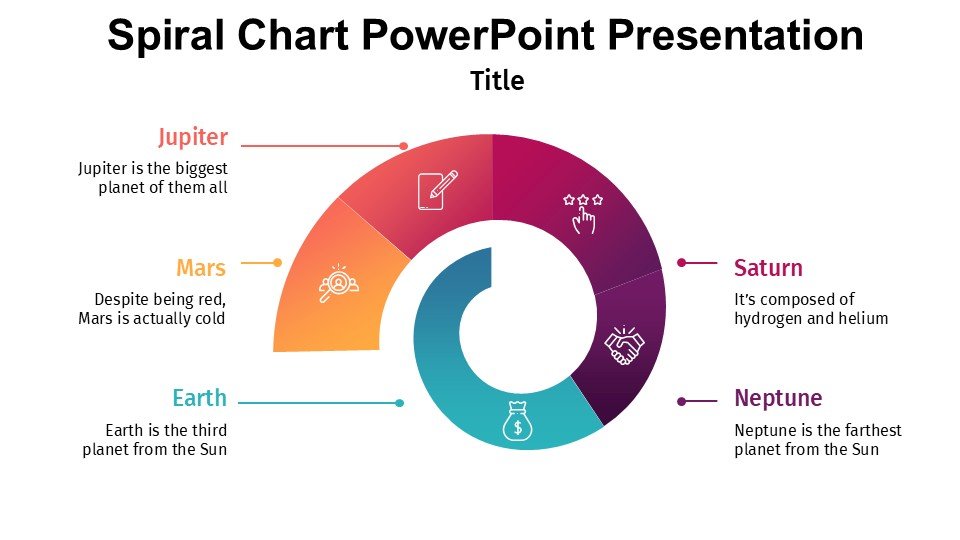
The Spiral Chart PowerPoint Presentation PPT template is an innovative presentation solution designed to help educators, professionals, and advocates effectively organize and display complex data in a visually engaging manner. This PPT template is crafted specifically for users who need to present sequential or process-related information in a clear and intuitive spiral format. Whether you’re detailing the steps of a project timeline, illustrating a series of events, or explaining interconnected topics, this slide template offers a structured way to convey your message with impact.
The Spiral Chart PowerPoint Presentation slide template is particularly useful for those in educational sectors, business environments, and advocacy groups who are often tasked with explaining intricate processes to their audience. The spiral design not only enhances the visual appeal of the presentation but also aids in the logical progression of content, making it easier for viewers to follow and understand detailed information. This PPT slide is crafted to accommodate various types of content, including text, images, and data figures, ensuring that all forms of information can be effectively communicated.
With its professional design and flexible structure, the Spiral Chart PowerPoint Presentation PPT slide is an essential tool for anyone looking to elevate their presentation game. It is especially conducive to settings where engaging communication and clarity are paramount. The template’s design is sleek and modern, ensuring that it can be seamlessly integrated into any professional presentation without compromising on aesthetics or professionalism.
Features:
– Fully editable templates: Customize every element of the slides with ease.
– Compatible with PowerPoint and Google Slides: Works across popular presentation platforms.
– High-quality visual design: Professional and clean aesthetic to enhance presentation appeal.
– Versatile slide structures: Suitable for various types of data and content.
– Easy to navigate: Simple editing tools and user-friendly layout.
Use Cases:
– Ideal for educators explaining complex historical timelines or scientific processes.
– Suitable for business professionals detailing project phases or company growth timelines.
– Effective for advocacy groups presenting campaign progressions or cause-and-effect relationships.
– Useful for training sessions where step-by-step process explanation is required.
– Applicable in academic presentations for thesis defenses or research findings.


There are no reviews yet.