


Description
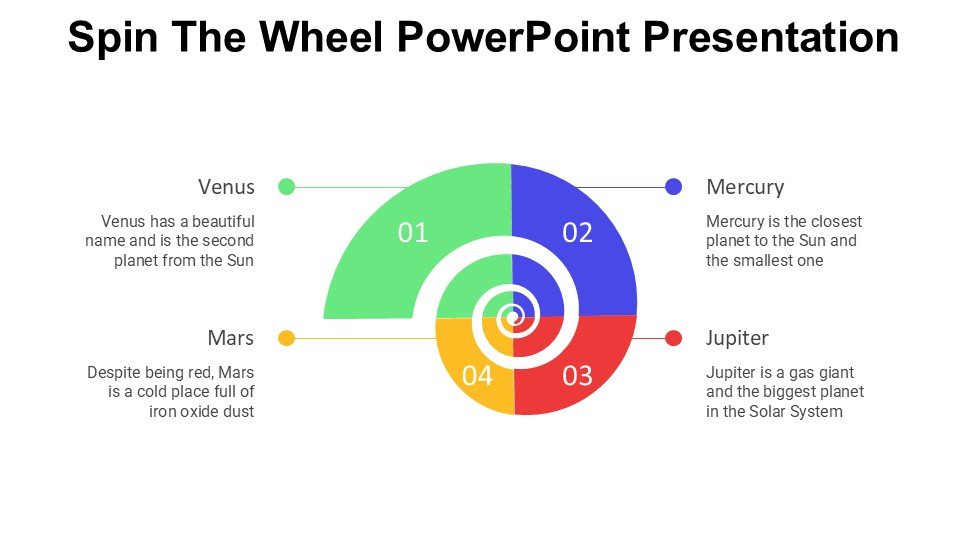
The Spin The Wheel PowerPoint Presentation PPT template is an innovative and engaging slide template designed to add a dynamic and interactive element to any presentation. This PPT template is perfect for educators, trainers, and business professionals who want to bring a game-like interaction into their presentations to enhance learning, participation, and audience engagement.
Crafted with versatility in mind, the Spin The Wheel PowerPoint Presentation slide template can be seamlessly integrated into various presentation scenarios. Whether you’re an educator trying to make learning more enjoyable for students, a trainer looking to invigorate your workshop sessions, or a professional aiming to make corporate meetings more engaging, this PPT slide is an excellent addition to your toolkit. The template features a colorful, customizable wheel that can be tailored to include any number of segments, each representing a different topic or choice that can be explored in your presentation.
The slide template not only helps in breaking the monotony of traditional presentations but also serves as an excellent tool for random selections, quiz games, decision-making activities, and more. The interactive nature of the Spin The Wheel PowerPoint Presentation PPT template ensures that your audience remains alert, interested, and involved throughout your session.
With its easy-to-use setup, you can quickly add or modify the text in each segment of the wheel to suit your specific presentation needs. The design is crisp, professional, and compatible with Microsoft PowerPoint, making it a reliable and stylish choice for presenting complex information in a more digestible and enjoyable format.
Features:
– Fully editable templates: Customize every element of the slides with ease.
– High-quality visual design: Ensures that your presentations look professional and engaging.
– Easy to use: Simple setup allows you to start using the template with minimal instruction.
– Interactive component: Engages audiences and makes learning fun.
– Wide compatibility: Works seamlessly with all versions of PowerPoint.
Use Cases:
– Ideal for classroom activities to make learning more interactive.
– Perfect for corporate training sessions to facilitate team-building exercises.
– Suitable for workshops or seminars as an icebreaker or to make sessions more dynamic.
– Great for decision-making meetings to select options in a visually engaging way.
– Useful in marketing presentations to introduce randomness and excitement.







There are no reviews yet.