


Description
The Software Development Timeline PowerPoint Presentation PPT template is meticulously crafted to assist educators, professionals, and advocates in illustrating the chronological steps of software development projects. This presentation template serves as an invaluable resource for conveying complex software development processes in a structured and visually engaging manner. The slide template is designed to cater to the needs of project managers, software developers, and educational instructors who aim to present software development timelines clearly and effectively.
Each slide in the Software Development Timeline PowerPoint Presentation slide template is tailored to represent different phases of software development, from initial concept through to final testing and deployment. The template utilizes a clear, informative layout that is easy to understand, making it an excellent educational tool for teaching students and new employees about the lifecycle of software development.
The visual design of the PPT template is professional and adaptable, ensuring that it can be integrated seamlessly into various presentation styles and corporate environments. With this PPT slide, users can effortlessly customize the content to reflect specific project timelines, key milestones, and critical deadlines, all while maintaining a high level of readability and engagement.
For professionals tasked with managing software projects, this presentation template is a powerful aid in stakeholder meetings or team briefings, where communicating the progress and phases of the project clearly is crucial. Educators will find the structured design beneficial for instructional purposes, helping students to visualize and understand the sequential nature of software development.
In summary, the Software Development Timeline PowerPoint Presentation PPT template is an essential presentation tool that combines functionality with educational design to aid in the effective communication of software development timelines.
Features:
– Fully editable templates: Customize every element of the slides with ease.
– Compatibility with PowerPoint and Google Slides: Works across popular presentation platforms.
– High-quality graphics: Ensures the presentation looks professional in different settings.
– Easy-to-follow layout: Ideal for audiences unfamiliar with software development.
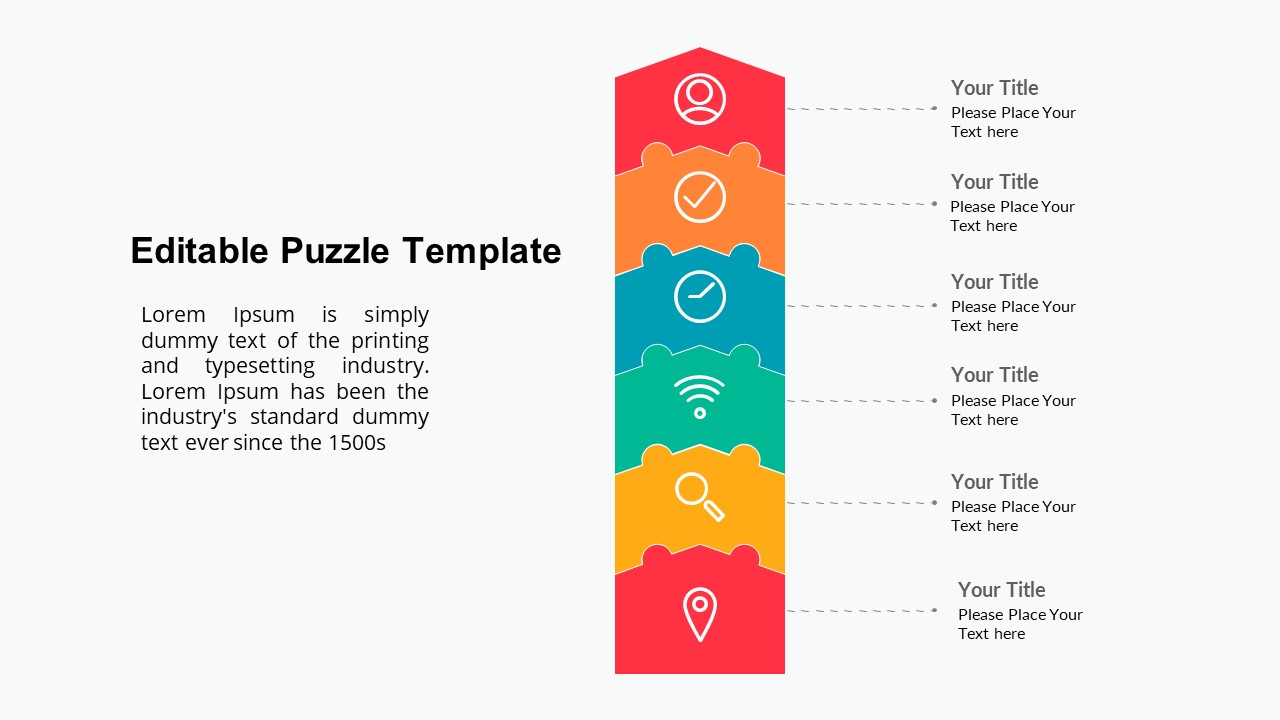
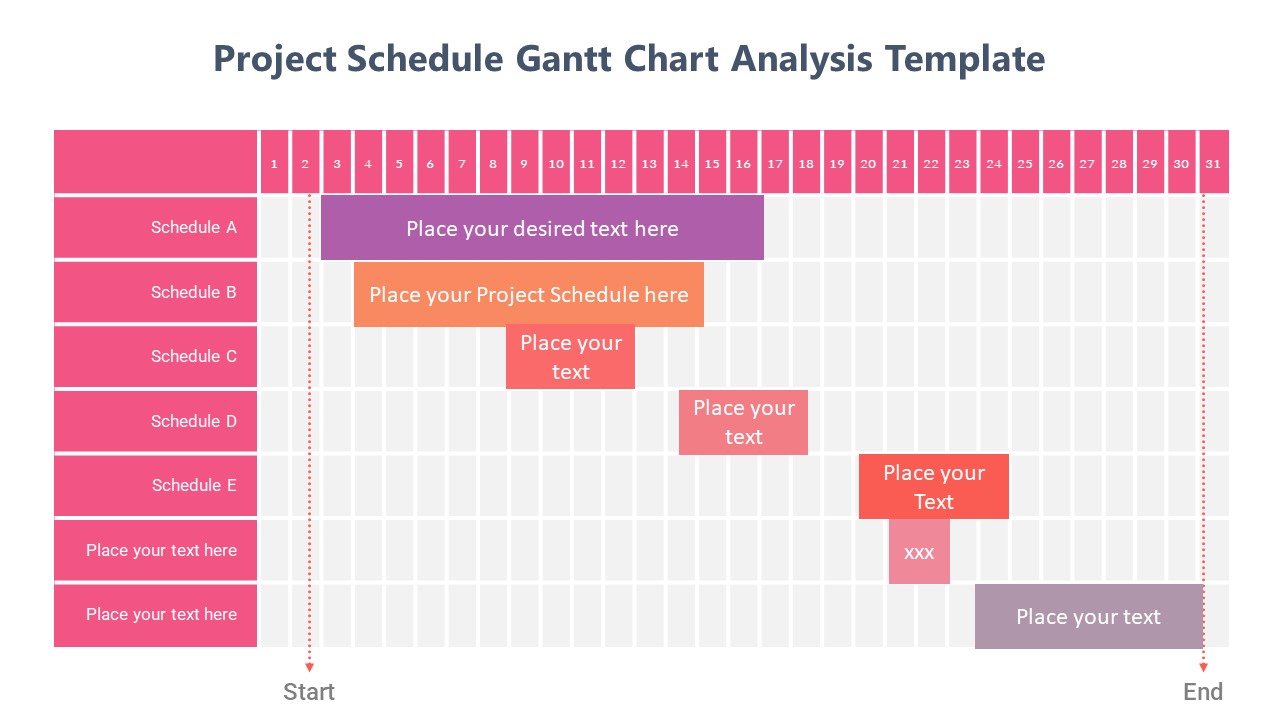
– Various timeline designs: Includes linear and circular timeline formats to suit different presentation needs.
Use Cases:
– Ideal for project managers presenting software development progress in corporate meetings.
– Useful for educators teaching software development lifecycle in academic settings.
– Beneficial for software development workshops and seminars.
– Supports software teams in visualizing project milestones and deadlines.
– Assists in training sessions for new employees in the software industry.




There are no reviews yet.