


Description
Introducing the “Slack Channels: Staying in the Loop” PowerPoint Presentation, an invaluable resource for teams aiming to maximize their communication and workflow efficiency using Slack. Designed meticulously for professionals across industries, this presentation template serves as a comprehensive guide to managing and optimizing Slack channels effectively.
In today’s fast-paced work environment, staying connected and maintaining clear channels of communication is essential. Slack, as a leading collaborative tool, offers an array of features designed to enhance team coordination. However, harnessing the full potential of Slack requires a deep understanding of its functionalities and best practices. The “Slack Channels: Staying in the Loop” PowerPoint Presentation is crafted to provide you with this knowledge, empowering you to streamline communication, reduce email clutter, and ensure that every team member is on the same page.
This presentation begins with a detailed introduction to Slack, highlighting its importance and relevance in contemporary workspaces. It then delves into the specifics of creating, organizing, and managing Slack channels. Whether you’re looking to set up channels for projects, departments, or company-wide announcements, this template covers all necessary steps comprehensively.
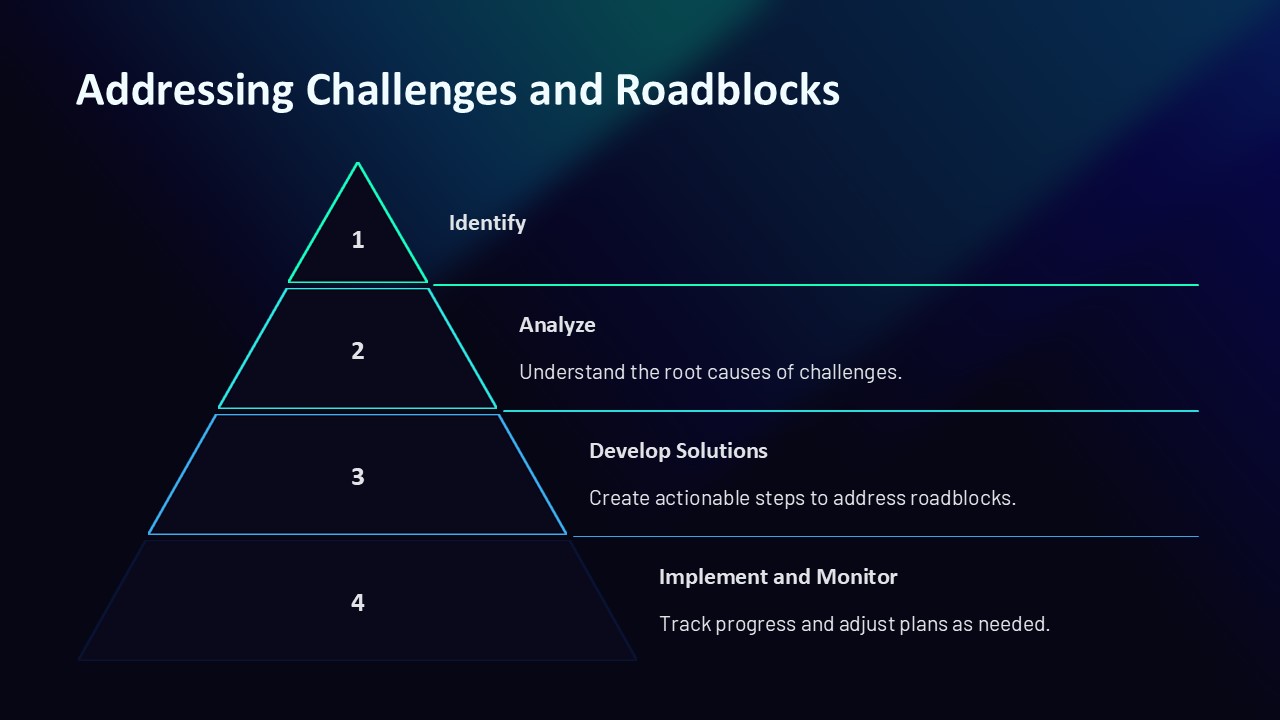
Moreover, the presentation addresses common challenges and questions such as managing channel memberships, setting appropriate permissions, and using advanced features like shared channels and integrations. Practical tips on maintaining active and productive channels are also included, ensuring that your team can leverage Slack to its fullest.
One of the standout features of the “Slack Channels: Staying in the Loop” PowerPoint Presentation is its interactivity and customizability. The template includes a variety of fully editable slides, each designed with professional aesthetics and clarity. You can easily tailor the content to fit your organization’s specific needs, add your branding elements, and adjust layouts without any hassle.
**Features of the Slack Channels Staying in the Loop PowerPoint Presentation:**
1. **Fully Editable Templates**: Every slide is designed to be fully editable, allowing you to customize text, colors, images, and diagrams to suit your specific requirements.
2. **Compatibility with PowerPoint and Google Slides**: Whether you prefer using Microsoft PowerPoint or Google Slides, this presentation is compatible with both platforms, ensuring smooth usage and adaptability.
3. **Professional Design**: Each slide boasts a clean, professional design that makes information easy to read and understand. The use of high-quality graphics and a coherent color scheme enhances visual appeal and audience engagement.
4. **Comprehensive Coverage**: From basic functionalities to advanced features, the presentation covers all aspects of managing Slack channels effectively. It serves as a complete guide for new users and a valuable reference for experienced users looking to optimize their Slack experience.
5. **Interactive Elements**: Engage your audience with interactive elements such as clickable tabs, animated charts, and hyperlinks to external resources. These features make the presentation not only informative but also engaging.
Whether you’re conducting a training session for new employees, presenting strategic communication plans to management, or offering a workshop on digital tools, the “Slack Channels: Staying in the Loop” PowerPoint Presentation is your go-to resource. Equip your team with the knowledge to use Slack efficiently and transform your workplace communication with ease.




There are no reviews yet.