


Description
Introducing the Six Overlapping Circle PowerPoint Presentation PPT template, a meticulously designed slide template for educators, professionals, and advocates who need to present complex relationships and interactions in a visually engaging manner. This PPT template is an excellent resource for anyone looking to illustrate how multiple elements can converge and influence each other within a system. Whether you are a teacher, business analyst, project manager, or advocate, this presentation template offers a clear and effective way to communicate intricate concepts to your audience.
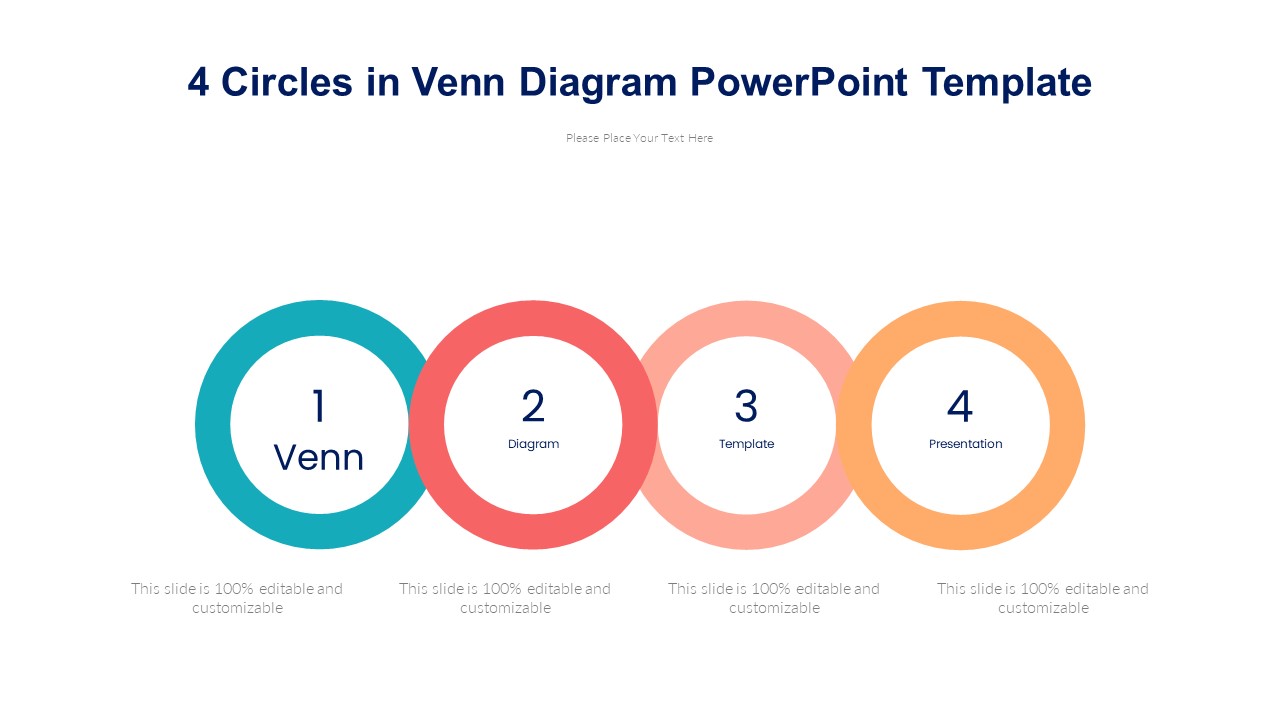
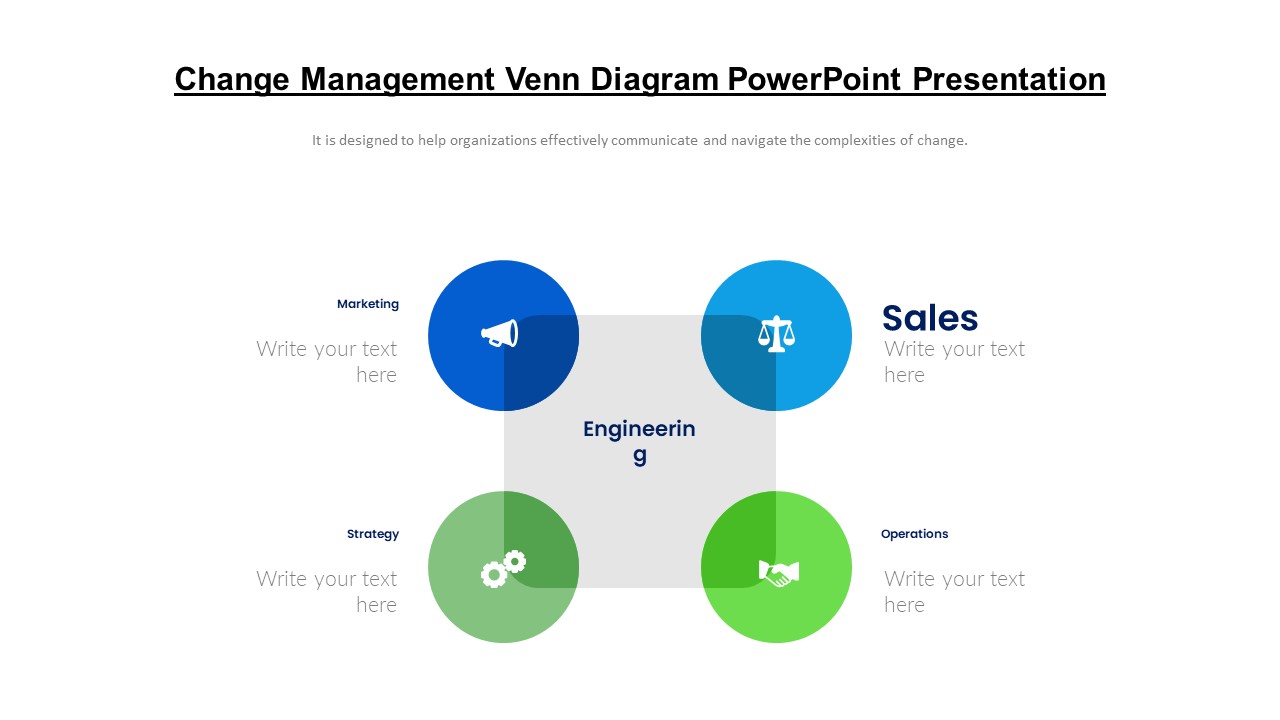
The Six Overlapping Circle PowerPoint Presentation slide template is built to cater to a variety of presentations where the relationship and interaction between up to six elements need to be highlighted. The design features six circles that overlap, with each intersection allowing for text or data insertion that explains how the elements relate to one another. This visual arrangement helps in depicting systems or frameworks where multiple components are interconnected, making it ideal for educational purposes, business strategy discussions, or advocacy presentations.
The versatility of the Six Overlapping Circle PowerPoint Presentation PPT slide extends to its design flexibility. The template is crafted with professionals in mind, featuring a clean, professional look that can be customized to fit the branding and aesthetic requirements of any organization or individual. The use of subtle colors and clear text placeholders ensures that the focus remains on your content, enhancing comprehension and retention among your audience.
This PPT slide is not just about aesthetics; it is a functional tool designed to make your data presentation simpler and more impactful. The template encourages clarity in communication, helping you to break down complex interactions into understandable segments. Whether you’re discussing market trends, educational theories, or advocacy points, this template provides a structured way to present your ideas clearly and persuasively.
Features:
– Fully editable templates: Customize every element of the slides with ease.
– High-quality visuals: Ensures clear display on all types of screens and projections.
– Easy to use: Simple drag-and-drop placeholders for quick customization.
– Versatile design: Suitable for a wide range of presentation needs.
– Compatible with PowerPoint and Google Slides: Works across popular presentation platforms.
Use Cases:
– Ideal for classroom teaching on subjects like social studies, science, and business.
– Useful for business meetings discussing market dynamics or project statuses.
– Effective for non-profit organizations to illustrate the impact of various factors on their causes.
– Suitable for workshops and seminars focused on systems thinking and complexity.
– Great for strategic planning sessions to visualize the interaction between different business units or project components.



There are no reviews yet.