


Description
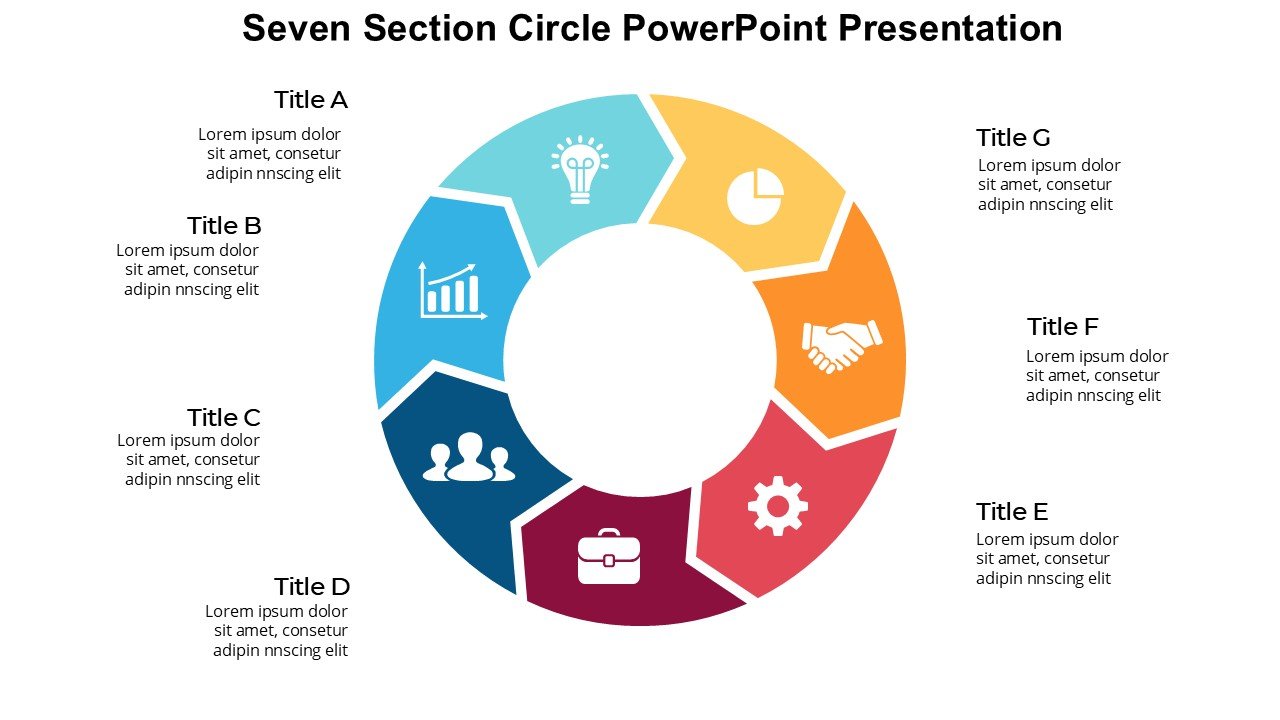
The Seven Section Circle PowerPoint Presentation PPT template is an essential slide template designed to enhance visual communication for educators, professionals, and advocates alike. This versatile PPT template provides a clear and structured way to present complex information in an easily digestible format. Specifically crafted to cater to the needs of individuals requiring a systematic presentation format, this PPT slide template is ideal for those looking to convey detailed processes, relationships between parts, or categorical data.
The Seven Section Circle PowerPoint Presentation slide template features a central circle divided into seven distinct sections. Each section can be used to represent a different aspect or component of a larger topic, making it especially useful for comprehensive analyses and integrated topics presentations. The design encourages viewers to understand relationships and dependencies among various components within a circle, facilitating a deeper understanding of the subject matter.
This presentation template is meticulously designed to be visually appealing and highly functional. It employs a clean, professional look that can be easily customized to fit the branding and aesthetic preferences of any organization or individual. The use of this PPT template can greatly enhance the effectiveness of your presentations, ensuring that your audience grasitates the conveyed messages more effectively.
Whether you are an educator trying to break down complex subjects into manageable parts for your students, a business professional illustrating company strategies, or an advocate presenting policy impacts, the Seven Section Circle PowerPoint Presentation PPT template is designed to meet your needs. Its intuitive design is crafted not only for ease of use but also to maximize audience engagement and comprehension.
Features:
– Fully editable templates: Customize every element of the slides with ease.
– High-resolution graphics: Ensures clarity and visual impact at any scale.
– Compatibility with PowerPoint and Google Slides: Works seamlessly across popular presentation platforms.
– Ready-to-use design: Saves time with a pre-formatted layout.
– Adaptable color schemes: Easily change colors to match your brand or topic theme.
– Multiple slide variations: Provides options to select the slide that best fits your presentation needs.
Use Cases:
– Ideal for classroom teaching on complex subjects.
– Suitable for business presentations detailing company processes or models.
– Effective for advocacy groups illustrating cause and effect relationships.
– Useful for workshops or seminars where visual aids can enhance understanding.
– Perfect for market research presentations to display segmented information clearly.
– Appropriate for training sessions to outline step-by-step procedures or guidelines.







There are no reviews yet.