


Description
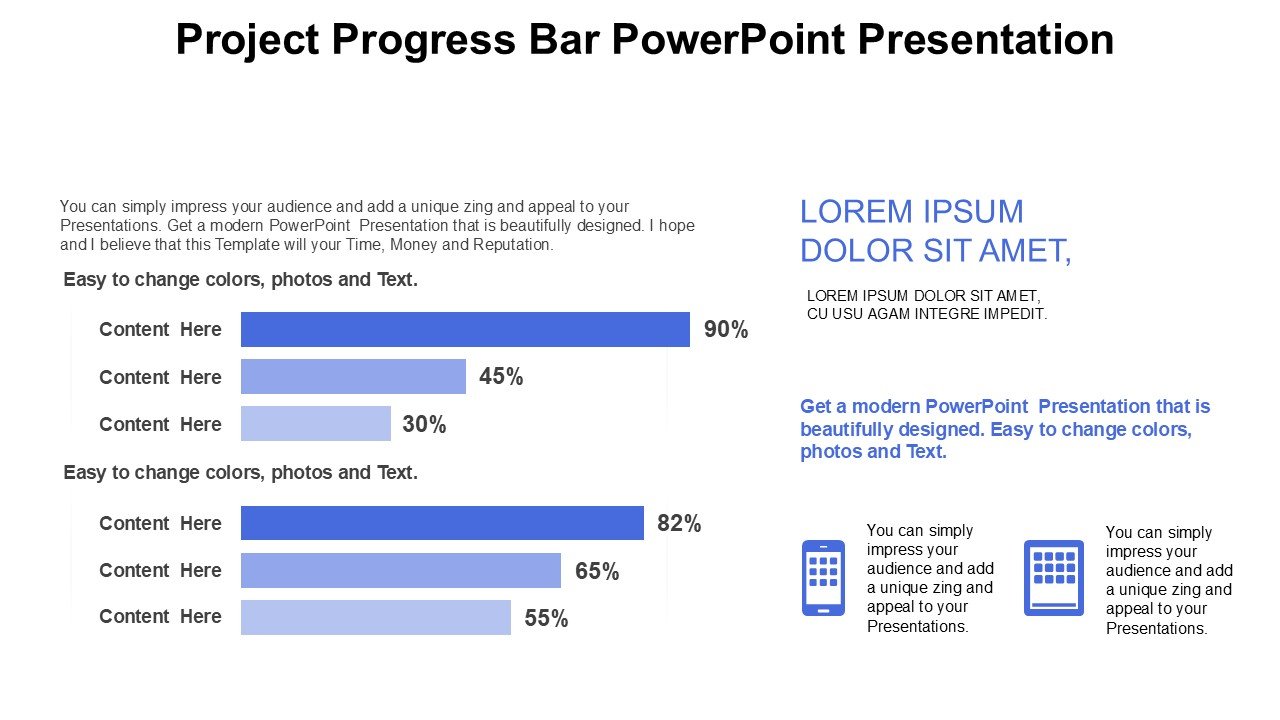
The Project Progress Bar PowerPoint Presentation PPT template is an essential resource tailored to meet the needs of educators, business professionals, and advocates who require an effective way to communicate project timelines and progress. This presentation template is designed to help presenters visually break down the stages of project development, providing clear, incremental updates through engaging progress bars.
Utilizing the Project Progress Bar PowerPoint Presentation slide template allows users to transform complex project information into easy-to-understand visuals that enhance audience comprehension. The design of the PPT slides is focused on clarity and impact, ensuring that each segment of your project’s progress is highlighted in a visually appealing manner. Whether you are reporting to stakeholders, guiding a team, or educating students about project management, this PPT template serves as a powerful aid.
The template includes a variety of slide designs, each featuring customizable progress bars that can be adjusted to reflect real-time project statuses. This adaptability makes it suitable for a wide range of industries including technology, education, construction, and nonprofit sectors. The intuitive design ensures that even users with minimal graphic design experience can create professional-level presentations.
Integrating seamlessly with PowerPoint, the Project Progress Bar PowerPoint Presentation PPT template is designed for ease of use. Simply download the template, and you can start tailoring your project updates immediately. The slides are structured to support your narrative, making it easier to guide your audience through the project lifecycle with confidence.
For professionals and educators looking to convey project progress effectively, this PPT slide template is an invaluable asset. It not only enhances the visual delivery of project statuses but also bolsters the audience’s understanding and engagement, making complex information accessible and straightforward.
Features:
– Fully editable templates: Customize every element of the slides with ease.
– Progress bar visuals: Enhance presentations with dynamic, easy-to-understand progress indicators.
– High-quality graphics: Ensures sharp display on all screen sizes and resolutions.
– Wide compatibility: Works with all versions of PowerPoint.
– Immediate download: Start using the template right away without any hassle.
– Multiple slide layouts: Choose from a variety of designs to best suit your presentation needs.
Use Cases:
– Ideal for project update meetings with stakeholders.
– Useful in educational settings for teaching project management concepts.
– Suitable for tracking milestones in construction or IT projects.
– Effective in nonprofit organizations for reporting project status to donors or board members.
– Beneficial for startups presenting progress to investors.




There are no reviews yet.