


Description
Process Outline PowerPoint Presentations are meticulously designed to assist professionals, educators, and advocates in delineating and demonstrating complex processes in a visually engaging and structured manner. These PPT templates are crafted to cater to anyone needing to present a step-by-step breakdown of a process, whether in business, education, or advocacy settings. The Process Outline PowerPoint Presentations slide template is a perfect blend of professionalism and accessibility, ensuring that your presentations not only convey information effectively but also retain the attention of your audience.
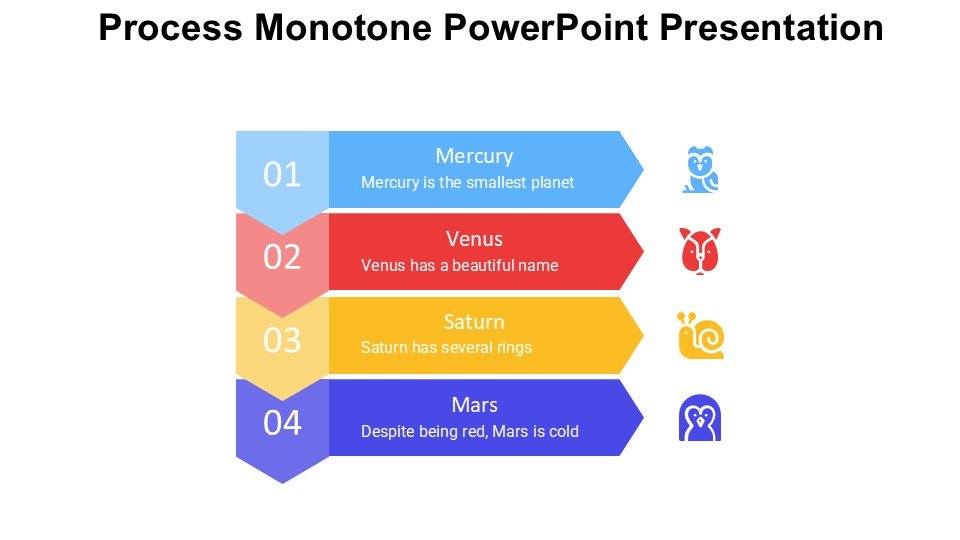
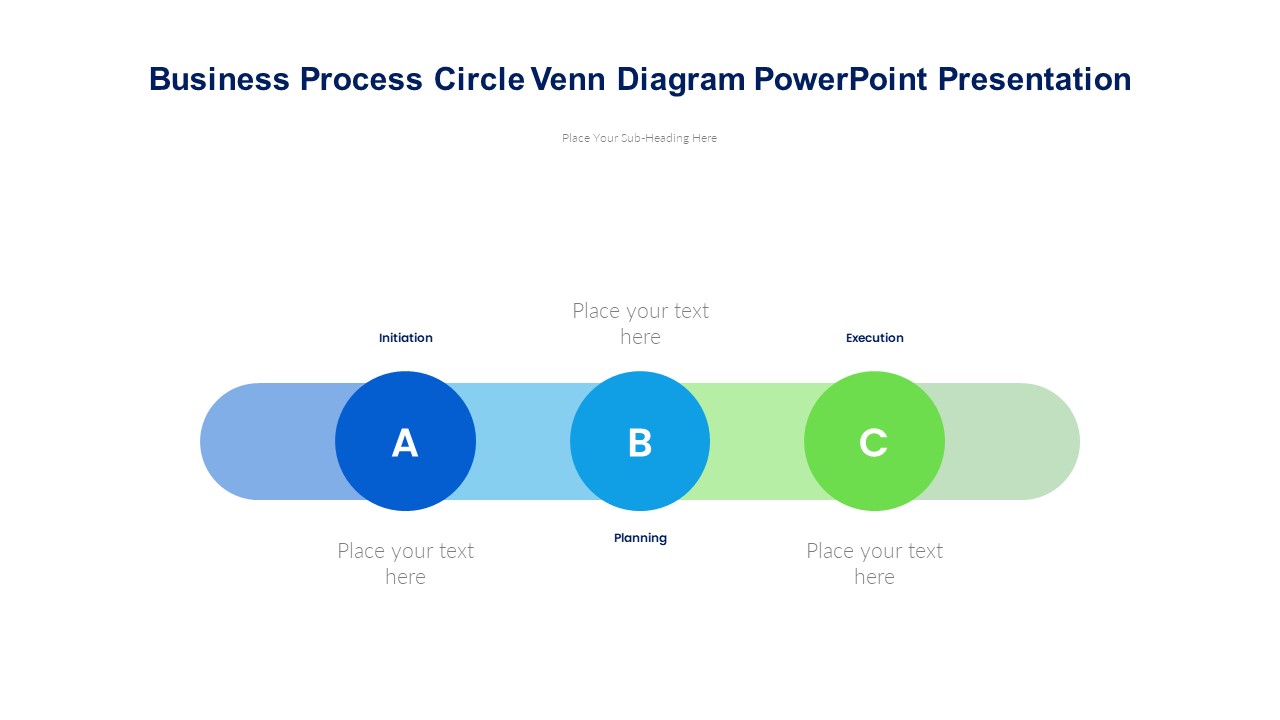
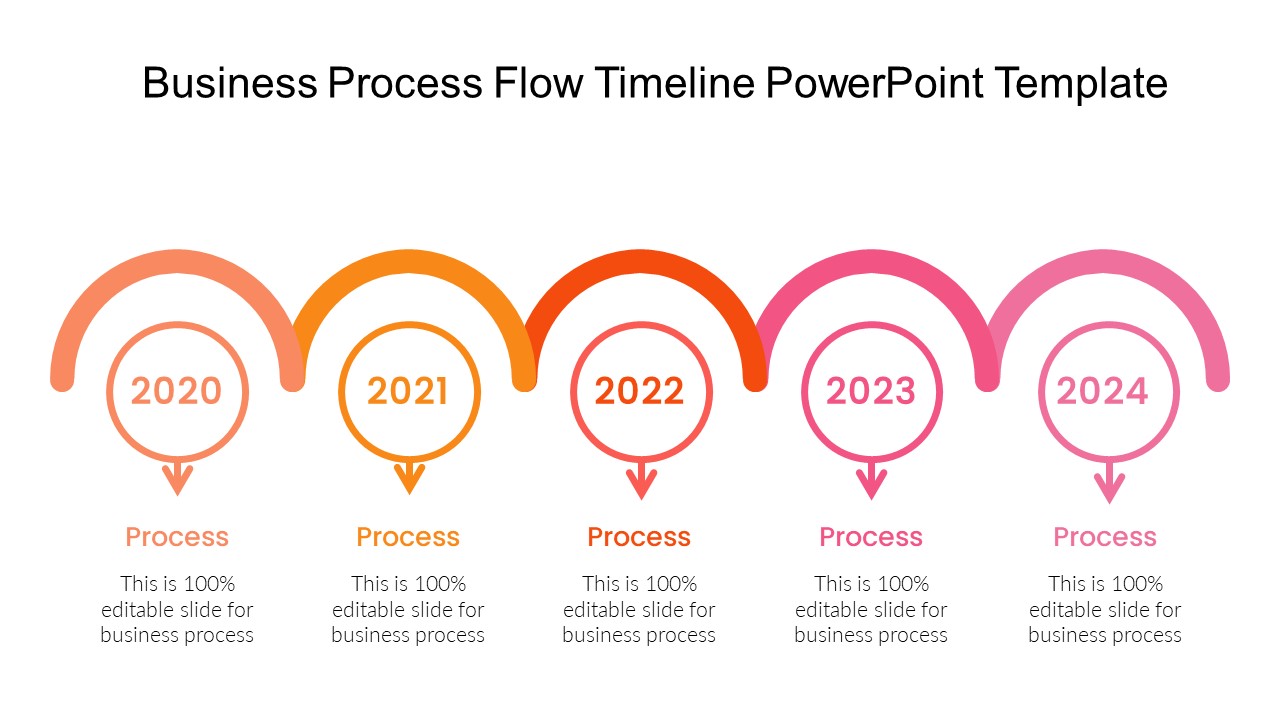
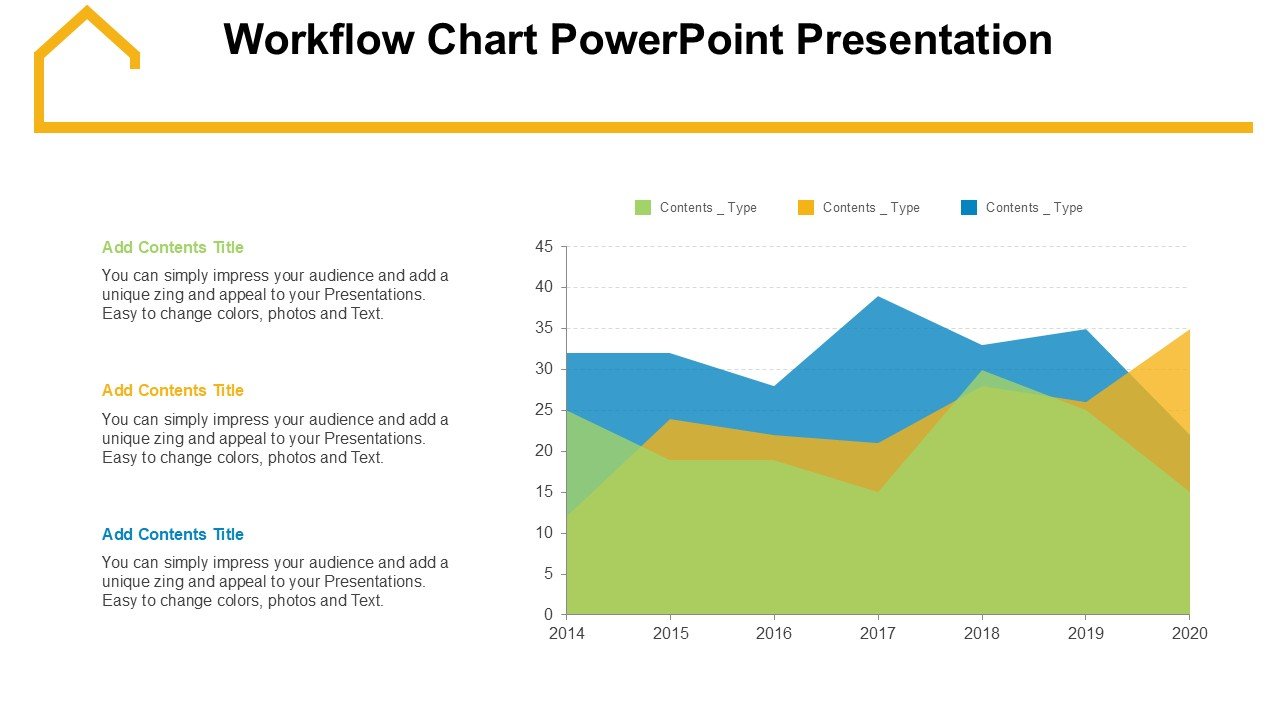
The Process Outline PowerPoint Presentations PPT template includes a variety of slide designs that can be used to outline different stages of a process, explain the sequence of actions, or illustrate the flow of steps necessary to achieve a particular goal. Each slide in the presentation template is thoughtfully designed to ensure clarity and enhance communication. The use of smart art, flowcharts, and diagrams within these slides makes complex information easier to understand and visually appealing.
These PPT slides are especially useful for project managers detailing project stages, educators explaining new theories or processes, or advocates outlining campaign strategies. The slide templates are also highly customizable, allowing users to adapt the aesthetics and layout to fit their specific needs or branding requirements. This customization extends to every element of the slides, ensuring that users can modify colors, text, and graphics to align with their presentation goals.
Incorporating the Process Outline PowerPoint Presentations PPT template into your presentations not only elevates the professionalism of your deliverables but also enhances the effectiveness of your communication. By structuring information in a clear, logical progression, these templates help audiences grasp detailed processes and methodologies with greater ease.
Features:
– Fully editable templates: Customize every element of the slides with ease.
– High-quality visuals: Includes smart art, flowcharts, and diagrams to present information clearly.
– Wide compatibility: Works seamlessly with Microsoft PowerPoint and Google Slides.
– Diverse slide designs: Offers a variety of layouts to suit different explanatory needs.
– Easy to use: User-friendly interface that does not require advanced technical skills.
Use Cases:
– Perfect for project managers needing to outline project phases.
– Ideal for educators explaining complex processes in a classroom setting.
– Essential for advocates presenting campaign strategies or action plans.
– Suitable for business professionals illustrating business processes or workflows.
– Beneficial for trainers and consultants conducting workshops or training sessions.



There are no reviews yet.