


Description
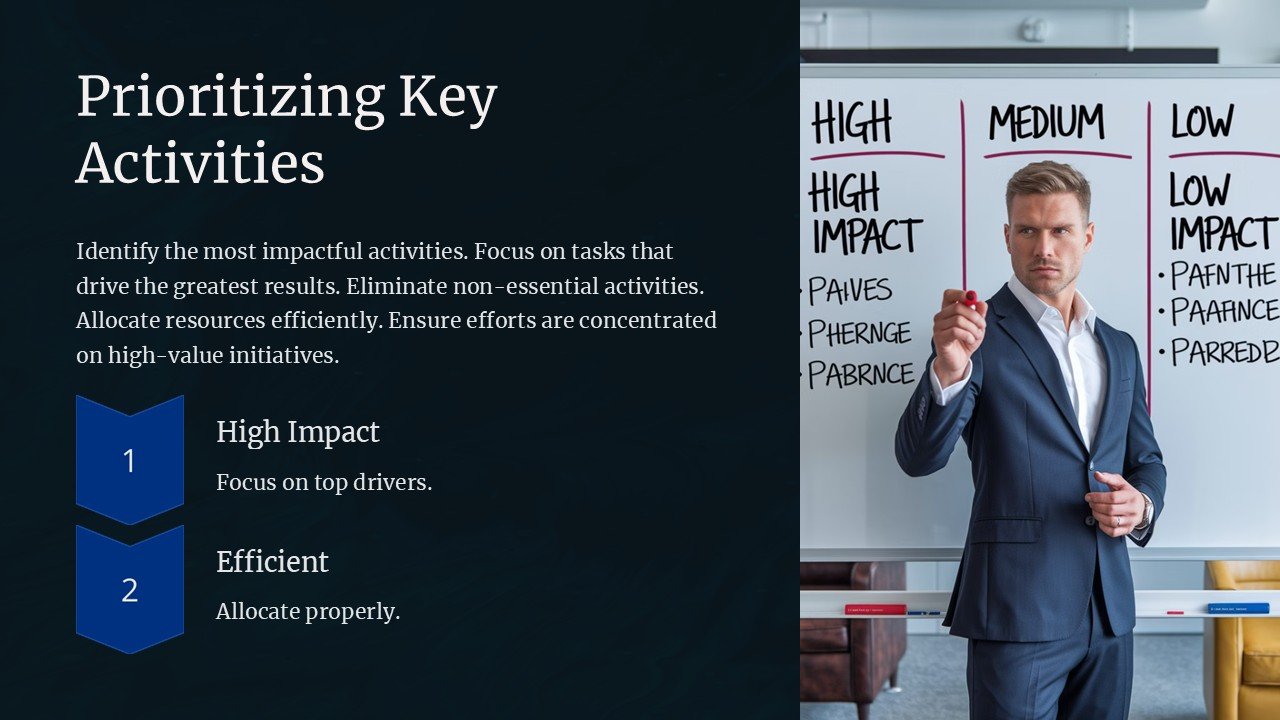
Introducing the “Prioritizing Key Activities PowerPoint Presentation” – a meticulously designed tool aimed at revolutionizing the way organizations, teams, and individuals plan and prioritize their crucial activities. This comprehensive presentation template is not just a visual aid but a strategic asset that guides you through the process of identifying, organizing, and tracking key tasks to maximize productivity and ensure project success.
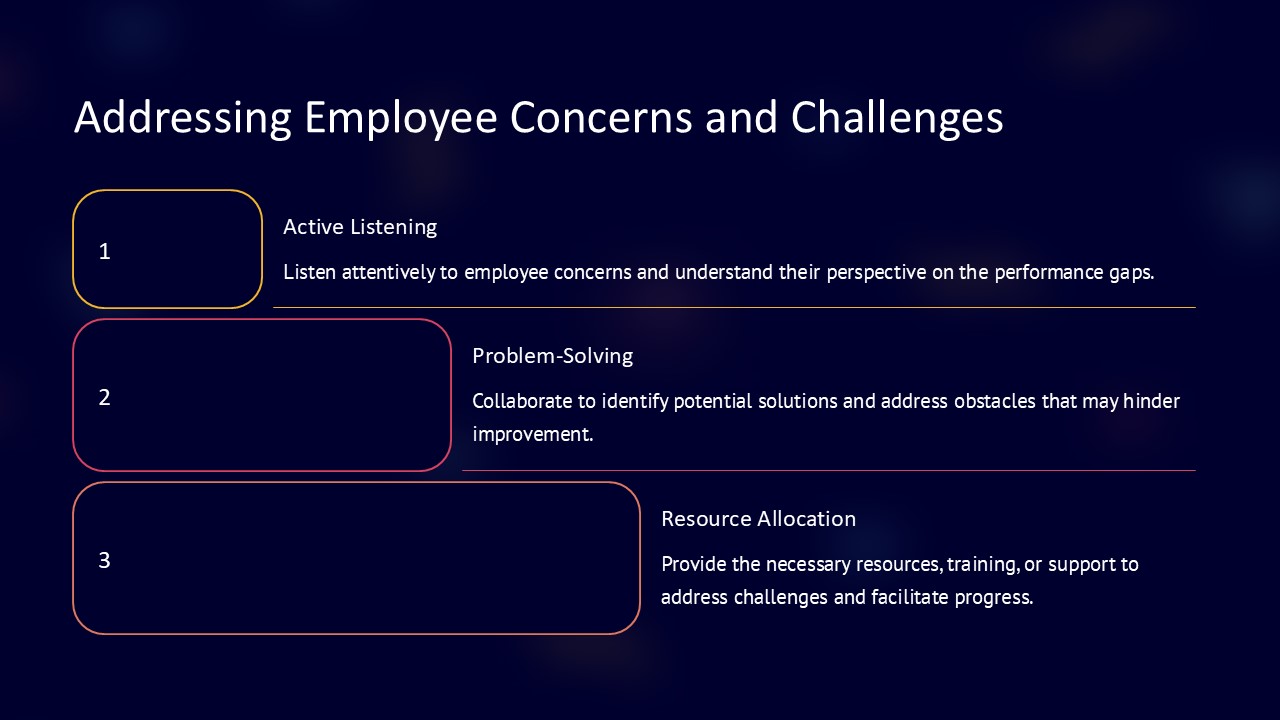
Crafted with precision and professionalism, this PowerPoint presentation comprises a range of slides, each tailored to help you effectively communicate the importance of prioritizing tasks. The slides include theoretical frameworks, practical methodologies, and real-world applications that facilitate a deeper understanding and immediate implementation of prioritization techniques.
The presentation kicks off with an engaging introduction to the concept of prioritization, highlighting its significance in achieving both short-term objectives and long-term goals. It then delves into various prioritization strategies such as the Eisenhower Box, the Pareto Principle (80/20 rule), and ABC Analysis, providing participants with multiple approaches to tackle their workload effectively.
Each technique is elucidated with clear, concise explanations and supported by vivid graphics and charts that make complex information easily digestible. Whether you’re addressing senior management, team leaders, or operational staff, this presentation speaks directly to the needs of your audience, ensuring that everyone is on the same page.
What sets the “Prioritizing Key Activities PowerPoint Presentation” apart is its interactive design. The template not only presents information but also includes customizable frameworks where users can input their specific data and scenarios. This interactive element ensures that the presentation can be adapted to various professional contexts, from corporate settings to non-profit organizations, making it a versatile tool for any presenter.
Additional slides provide tips on maintaining flexibility while staying committed to priorities, managing distractions, and adjusting strategies as projects evolve. The conclusion reinforces the learned concepts and encourages ongoing improvement in personal and organizational productivity practices.
**Features of the “Prioritizing Key Activities PowerPoint Presentation”:**
1. **Fully Editable Templates:** Every slide is designed to be fully editable, allowing you to customize text, colors, graphics, and layouts to fit your specific needs. This flexibility ensures that your presentation remains up-to-date and relevant to every audience.
2. **Compatibility with PowerPoint and Google Slides:** Whether you prefer working on Microsoft PowerPoint or Google Slides, this presentation is compatible with both platforms. Seamless integration means you can start editing and presenting almost immediately, without worrying about software compatibility issues.
3. **High-Quality Visuals:** The presentation includes high-quality graphics and visual elements that are scalable, ensuring that they look sharp and professional on screens of all sizes.
4. **User-Friendly Design:** Designed with the user in mind, this template is easy to navigate and edit, even for those with minimal PowerPoint experience. It includes helpful guidelines and tips to optimize your presentation delivery.
5. **Multiple Slides for Various Prioritization Techniques:** Offers a diverse range of slides covering different prioritization frameworks, providing a comprehensive toolkit for any prioritization challenge.
This PowerPoint presentation is an essential tool for anyone looking to enhance their productivity and focus on activities that offer the highest returns. Embrace the power of effective prioritization and transform the way you achieve your objectives with the “Prioritizing Key Activities PowerPoint Presentation.”



There are no reviews yet.