


Description
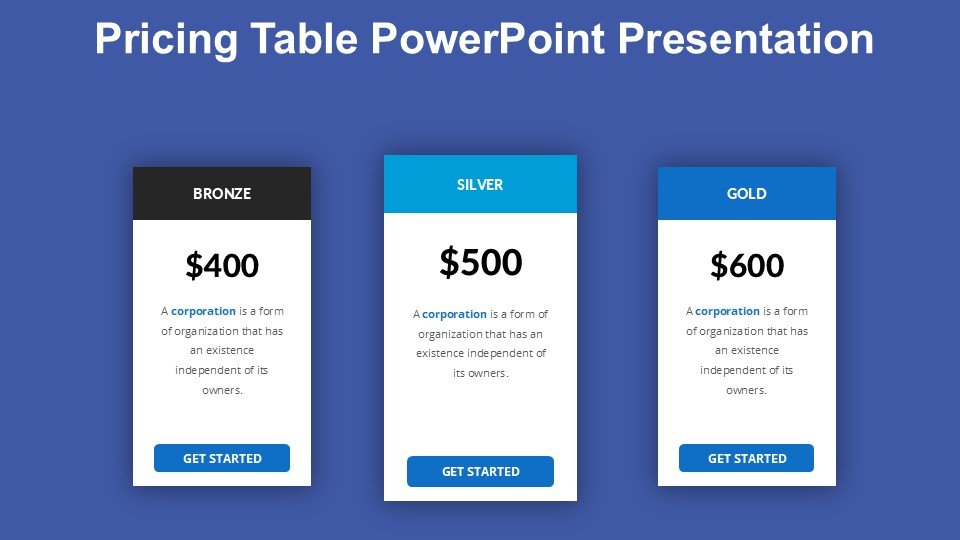
Introducing the Pricing Table PowerPoint Presentation PPT template, a versatile and comprehensive slide template designed to effectively communicate pricing structures in a clear and visually appealing format. This presentation template is ideal for educators, business professionals, and advocates who need to present pricing comparisons or detailed price listings in their PowerPoint slideshows.
The Pricing Table PowerPoint Presentation slide template is crafted with precision, ensuring that each slide facilitates the clear display of pricing options and package details, making it easier for the audience to grasp the value and differences between various offerings. Whether you are a marketing professional outlining subscription plans, a business lecturer explaining pricing strategies, or a non-profit organizer demonstrating membership tiers, this PPT template ensures your pricing information is well-organized and attractively presented.
The design of this PPT slide incorporates a clean, professional layout with enough flexibility to adapt to different branding guidelines and presentation styles. This allows users to seamlessly integrate it into their existing presentations without compromising on aesthetics or clarity. The template includes multiple slide designs, each tailored to present pricing data in a readable and engaging manner, from simple price lists to complex comparative tables with detailed descriptions.
For those who value customization, the Pricing Table PowerPoint Presentation PPT template offers extensive editability. You can modify backgrounds, adjust text placements, change colors, and add elements to match your specific presentation needs. This adaptability makes it an excellent resource for anyone looking to create a persuasive and informative pricing presentation.
Overall, the Pricing Table PowerPoint Presentation slide template is a must-have for anyone who frequently deals with pricing information. It not only enhances the visual impact of your presentations but also improves the audience’s understanding and retention of the information provided.
Features:
– Fully editable templates: Customize every element of the slides with ease.
– High-quality, professional design: Ensures your presentation looks sleek and authoritative.
– Multiple layout options: Choose from a variety of designs to best suit your data.
– Easy to integrate: Seamlessly add to any existing PowerPoint presentation.
– Compatibility with PowerPoint and Google Slides: Works across popular presentation platforms.
Use Cases:
– Ideal for business presentations detailing product pricing plans.
– Useful for educational settings where pricing strategy is taught.
– Suitable for workshops or seminars focusing on financial planning or budget management.
– Effective in nonprofit presentations explaining membership fees or donation tiers.








There are no reviews yet.