


Description
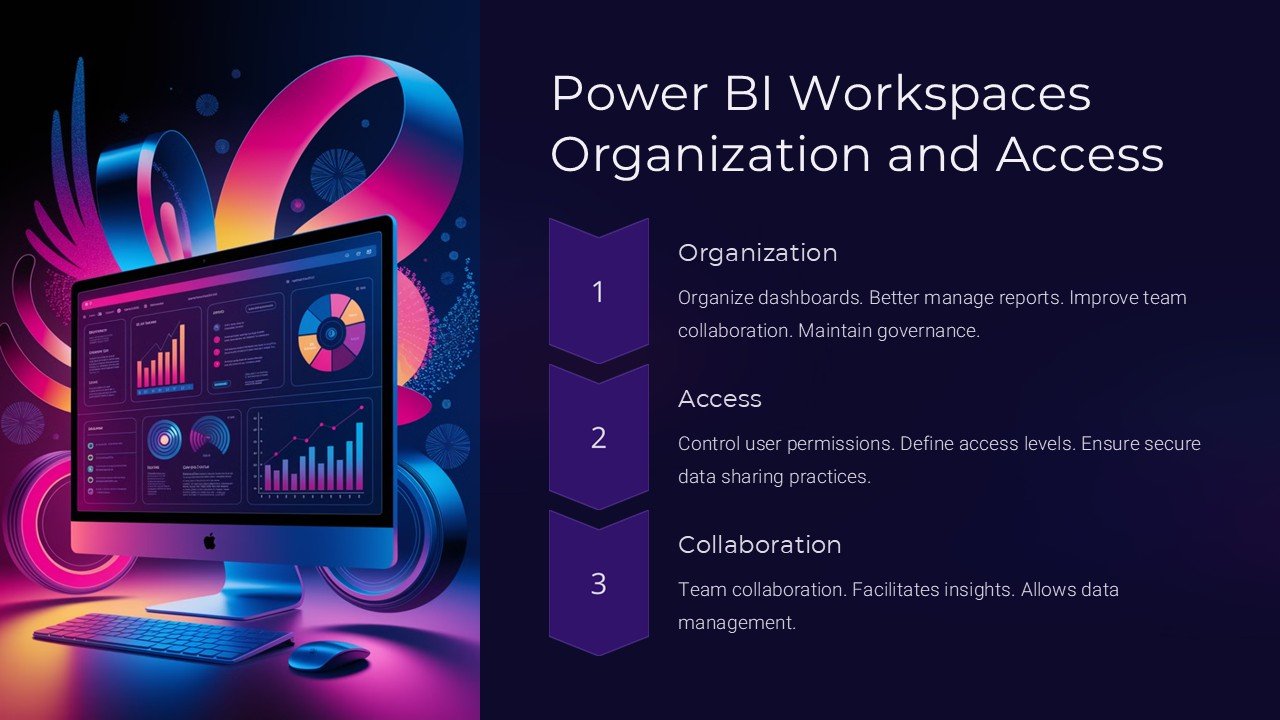
Introducing the “Power BI Workspaces Organization and Access” PowerPoint Presentation—a comprehensive tool designed to empower users to effectively organize, manage, and understand access within Power BI environments. This presentation is the ultimate resource for data analysts, project managers, and IT professionals aiming to streamline their Power BI workflow and enhance collaboration across teams.
Crafted with precision, this PowerPoint presentation provides a deep dive into the intricacies of Power BI workspaces. It begins by explaining the fundamental concept of Power BI and its importance in today’s data-driven business landscape. The presentation then shifts focus to the core topic: Workspaces in Power BI. Users will learn about different types of workspaces, including personal and group workspaces, and how they can be utilized to foster a collaborative environment for sharing reports and dashboards.
The “Organization and Access” section is meticulously detailed. It guides users on how to structure their workspaces efficiently to enhance productivity and ensure data governance. This part covers best practices for managing workspace access, setting permissions, and controlling the visibility of datasets, reports, and dashboards. The presentation makes these concepts easy to understand through clear, concise explanations accompanied by relevant visuals and diagrams.
One of the standout features of this presentation is its focus on security aspects, crucial for any organization handling sensitive data. It provides insights into Power BI’s security features, including the configuration of row-level security (RLS) and the integration with Azure Active Directory (AAD) for authentication and authorization processes.
The practicality of this presentation is further enhanced by its fully editable templates. This feature is especially beneficial for professionals who need to customize the content to fit their specific organizational needs or to highlight particular data governance policies relevant to their projects. Whether you are using Microsoft PowerPoint or Google Slides, these templates ensure compatibility and ease of use, allowing you to modify colors, text, and data models effortlessly.
Key Features:
– Detailed exploration of Power BI workspaces including types and uses.
– Comprehensive guidance on organizing workspaces for maximum efficiency and security.
– Step-by-step instructions on managing access and permissions within Power BI.
– Insights into security protocols and integration with enterprise security tools.
– Fully editable templates compatible with both PowerPoint and Google Slides.
The “Power BI Workspaces Organization and Access” PowerPoint Presentation is not just a tool, but a transformational asset that will refine how you interact with Power BI. It is designed to make complex information accessible and actionable, providing all the necessary resources to master workspace management in Power BI. Whether for training new staff, refining old systems, or implementing a robust data governance framework, this presentation is your go-to resource for all things related to Power BI workspaces.




There are no reviews yet.