


Description
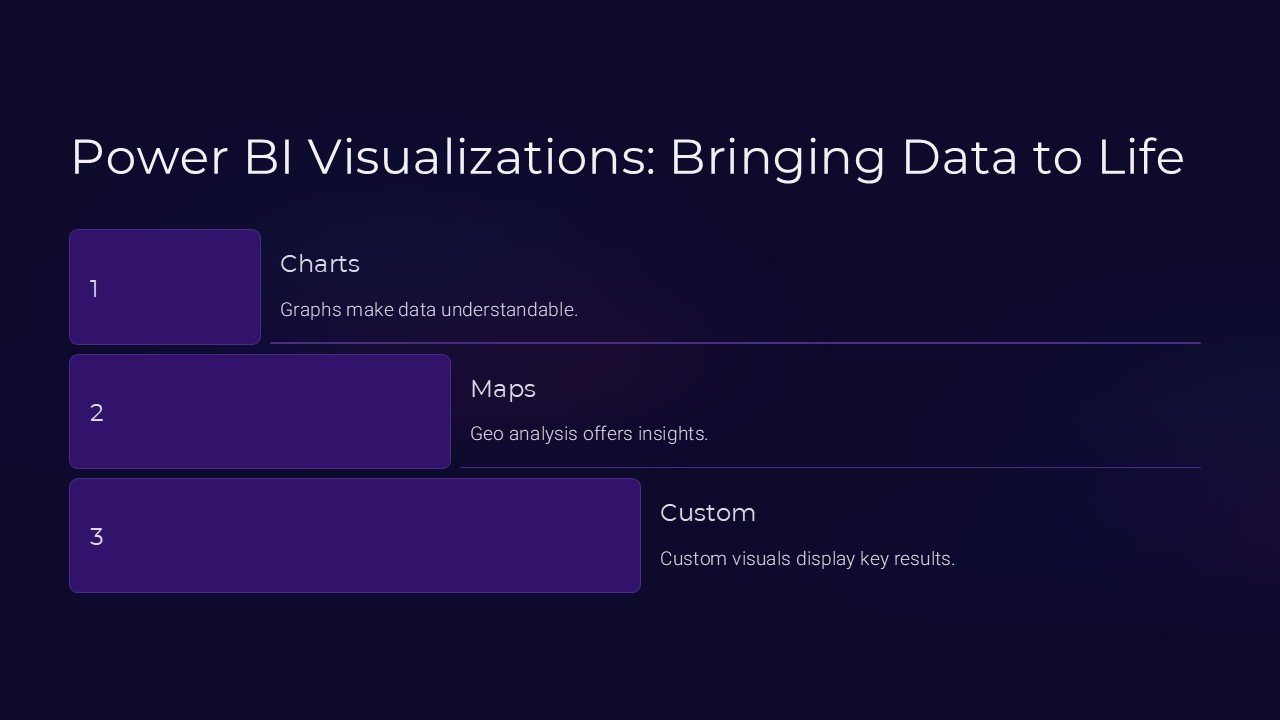
Introducing the Power BI Visualizations Bringing Data to Life PowerPoint Presentation, a dynamic and engaging tool designed to transform your complex datasets into clear, impactful visual stories. This comprehensive presentation template is tailored to meet the needs of data analysts, business professionals, and anyone eager to present data in a visually appealing way. Whether you’re delivering a corporate report, a sales performance review, or a market analysis, this PowerPoint presentation ensures that your data not only stands out but also communicates effectively with your audience.
Crafted with precision and attention to detail, the Power BI Visualizations Bringing Data to Life PowerPoint Presentation includes a wide range of customizable slides, each designed to showcase your data through stunning visualizations. From bar charts and line graphs to more complex scatter plots and area charts, each slide offers a clean, professional layout that makes your data easy to understand at a glance.
What sets this presentation apart is its seamless integration with both PowerPoint and Google Slides, making it incredibly versatile and user-friendly. Whether you prefer to work in Microsoft Office or the flexibility of Google’s cloud-based platform, this template ensures that you can create, edit, and present from anywhere, at any time.
Features of the Power BI Visualizations Bringing Data to Life PowerPoint Presentation include:
1. **Fully Editable Templates**: Each slide is fully editable, allowing you to customize the look and feel of your presentations. Change colors, adjust sizes, and modify shapes to suit your specific needs without any loss of quality.
2. **Compatibility with PowerPoint and Google Slides**: No matter your platform preference, this presentation is ready to go. Easily upload it to Google Slides or open it in PowerPoint to start customizing immediately.
3. **Diverse Range of Visualization Options**: Engage your audience with a variety of chart types and data visualization options. From basic pie charts to intricate radar plots, each visualization is designed to enhance the presentation of your data.
4. **Professional Design**: Each slide boasts a professional design that aligns with current trends in data presentation. The layouts are crafted to facilitate readability and audience engagement, ensuring that your data is the star.
5. **Dynamic and Interactive Elements**: Make your presentations more interactive with dynamic elements that can be easily integrated into your slides. Engage your audience with animations, clickable options, and other interactive features that make your data come alive.
6. **Ready-to-Use Templates**: Save time with ready-to-use templates. Quickly add your data, tweak the design, and you’re ready to present. It’s that simple!
7. **High-Quality Visuals**: With high-quality graphics and scalability, your visuals will look sharp and professional on any screen, ensuring that your presentations always look their best.
The Power BI Visualizations Bringing Data to Life PowerPoint Presentation is more than just a template; it’s a powerful tool that enables you to communicate complex data in a straightforward and effective manner. It’s designed for professionals who need to make an impact with their data and seek to do so with style and precision. Bring your data to life and leave a lasting impression on your audience with this exceptional presentation tool.


There are no reviews yet.