


Description
Introducing the “Power BI Components: A Detailed Look” PowerPoint Presentation, a comprehensive toolkit designed for professionals who aim to master the intricacies of Power BI and leverage its full potential to enhance their data visualization and analysis capabilities. This detailed presentation is meticulously crafted to cater to both beginners and advanced users, providing a deep dive into the various components that make up the robust Power BI platform.
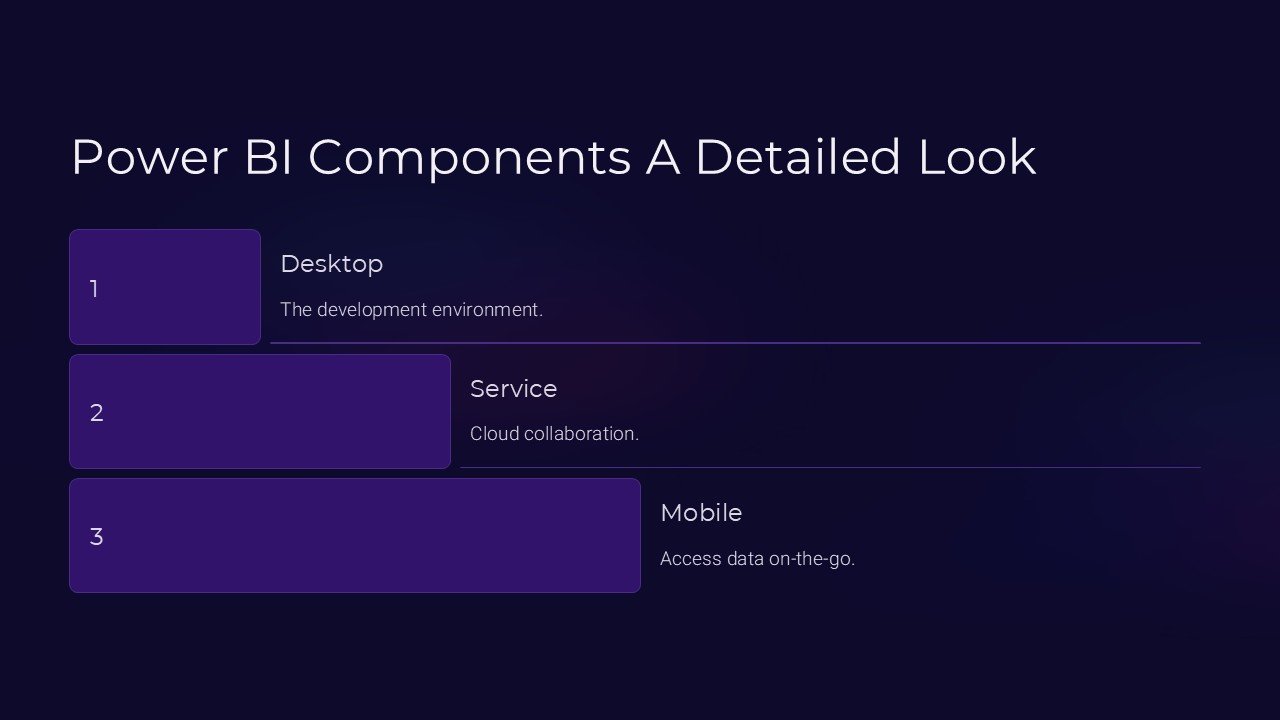
This PowerPoint presentation begins with a general overview of Power BI, setting the stage for a deeper exploration of its components. It covers the core areas such as Power BI Desktop, Power BI Service, and Power BI Mobile Apps, giving users a clear understanding of what each component offers and how they integrate to provide a seamless analytics experience.
Each slide in the presentation is tailored to break down complex functionalities into easily digestible segments. Users will gain insights into the Power Query for data transformation, Data Model for handling large datasets, and Power Pivot for data modeling. Additionally, the presentation delves into the visualization tools that Power BI offers, discussing various charts, graphs, and dashboards that can be utilized to make data more comprehensible and actionable.
The “Power BI Components: A Detailed Look” PowerPoint Presentation is not just about providing information; it’s designed to be interactive and engaging. Each component is accompanied by real-world examples and case studies, which help to illustrate the practical applications of Power BI in different industries. This approach not only keeps the audience engaged but also helps to solidify their understanding by relating to actual business scenarios.
One of the standout features of this presentation is its fully editable templates. Whether you’re presenting in PowerPoint or prefer Google Slides, every element from text to graphics can be customized to fit your specific needs. This flexibility ensures that you can tweak the content to better fit your audience, whether it’s a room full of executives or a class of budding analysts.
Features of “Power BI Components: A Detailed Look” PowerPoint Presentation include:
1. Comprehensive Coverage: Detailed slides covering all key components of Power BI including Desktop, Service, and Mobile apps.
2. Fully Editable Templates: Customize every aspect of the presentation with ease in both PowerPoint and Google Slides.
3. Interactive Content: Engaging real-world examples and case studies to illustrate the practical uses of Power BI tools.
4. User-Friendly Design: Professionally designed slides that are both informative and visually appealing to keep the audience engaged.
5. Versatility: Suitable for a variety of audiences, from corporate professionals to educational settings.
Whether you’re training a team, conducting a workshop, or delivering a lecture, the “Power BI Components: A Detailed Look” PowerPoint Presentation is an invaluable resource that will help you deliver your message effectively and empower your audience with the knowledge of Power BI components. Equip yourself with this presentation and turn complex data into compelling stories that drive decision-making.




There are no reviews yet.