


Description
Introducing the Performance Tracking Methods Monitoring Progress PowerPoint Presentation: a cutting-edge solution designed to empower professionals, educators, and business leaders to effectively monitor and analyze performance metrics. This presentation template is tailored to facilitate a comprehensive understanding of performance tracking methods, enabling users to visualize progress effortlessly and make data-driven decisions.
The Performance Tracking Methods Monitoring Progress PowerPoint Presentation is meticulously developed to cater to a variety of professional settings. Whether you’re presenting to senior management, collaborating with your team, or conducting a workshop, this template offers the versatility and depth to cover all aspects of performance monitoring.
**Key Benefits:**
1. **Comprehensive Coverage:** The template dives deep into various performance tracking methodologies, offering a rich blend of theoretical frameworks and practical applications. From traditional metrics to modern KPIs, it encapsulates essential techniques to monitor and evaluate both individual and organizational progress.
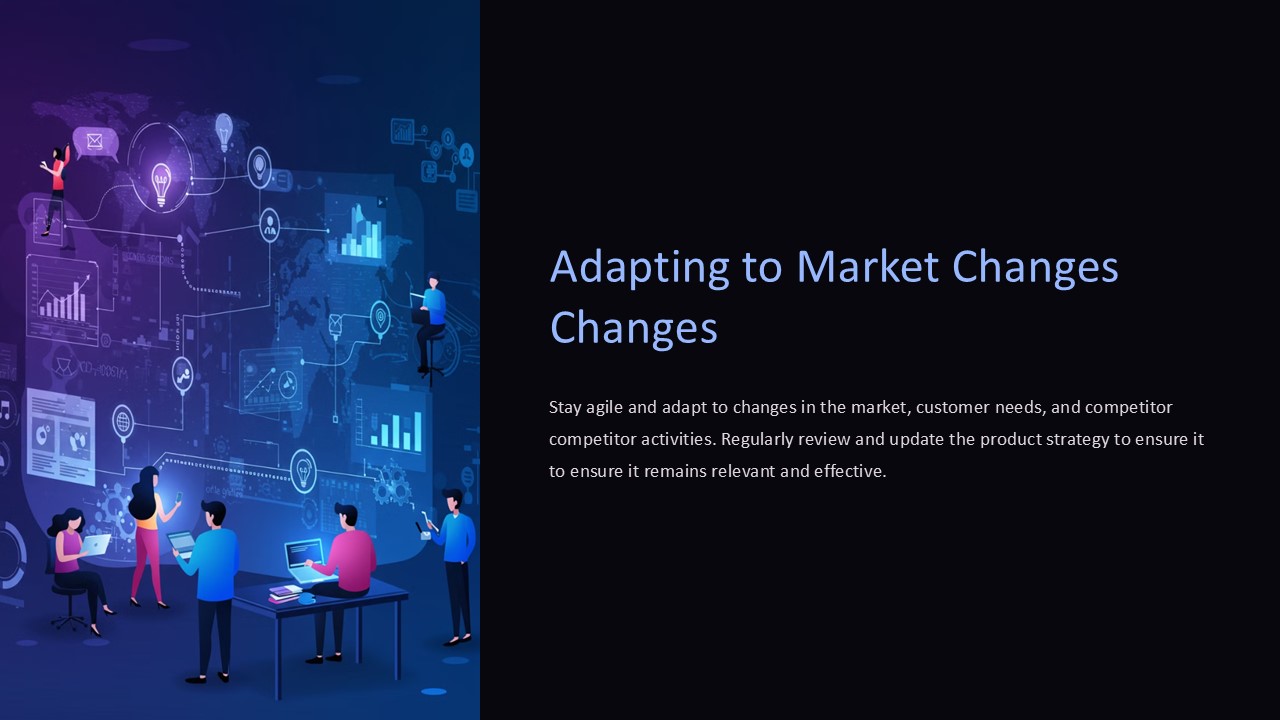
2. **Engaging Visuals:** With a blend of charts, graphs, and infographics, the presentation not only simplifies complex data but also makes it engaging. The use of visually appealing elements ensures that the audience remains captivated, facilitating better understanding and retention of information.
3. **Customizable Content:** Each slide is fully editable, allowing users to tweak the content according to their specific needs. Whether it’s changing the color scheme to match your brand identity or modifying the text to highlight particular insights, the flexibility is immense.
4. **Versatile Use Cases:** Perfect for a variety of scenarios including business reviews, academic lectures, training sessions, and strategy meetings. This template helps in clearly defining objectives, setting benchmarks, and tracking achievements over time.
5. **User-Friendly Design:** Designed with the user in mind, this PowerPoint presentation is easy to navigate and can be adapted by anyone with basic PowerPoint skills. No need for advanced technical knowledge to make the most out of this comprehensive template.
6. **Narrative Flow:** The slides are arranged in a logical sequence that guides the audience through the journey of performance tracking. This storytelling approach ensures that each concept is built upon the previous one, creating a cohesive and persuasive presentation.
**Features Related to Fully Editable Templates:**
– **Supports PowerPoint Templates and Google Slides:** This presentation is compatible with both PowerPoint and Google Slides, giving you the flexibility to choose your preferred platform. This compatibility ensures that your presentation can be accessed and edited from various devices and platforms.
– **Fully Editable Elements:** Every component of the slide, from text boxes to background images, can be customized. This feature allows users to personalize the presentation extensively, ensuring that it aligns perfectly with the intended message and audience expectations.
– **Dynamic Layout Options:** With a variety of slide layouts, you can present your data in multiple formats ranging from comparative analyses to timeline views. This adaptability makes it easier to convey complex information in a clear and effective manner.
In summary, the Performance Tracking Methods Monitoring Progress PowerPoint Presentation is more than just a template; it’s a comprehensive tool designed to enhance the way you track and present performance metrics. It simplifies complex data, engages audiences, and adapts to a multitude of professional environments, making it an indispensable asset for anyone looking to improve their performance tracking and reporting capabilities.




There are no reviews yet.