


Description
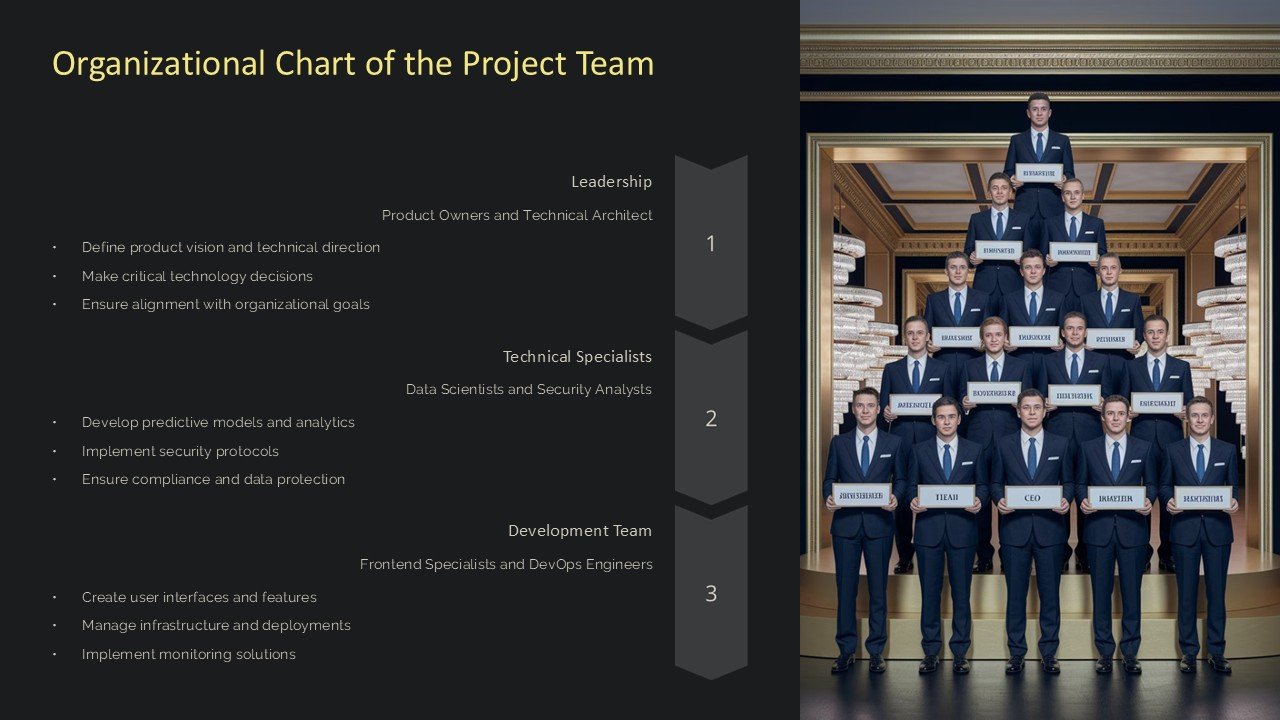
**Introducing the Organizational Chart of the Project Team PowerPoint Presentation**
Streamline your project management and team structure presentations with our Organizational Chart of the Project Team PowerPoint Presentation. This comprehensive PowerPoint template is designed to help project managers, team leaders, and business professionals clearly illustrate the hierarchy and roles of team members within any project.
Our presentation template features a series of meticulously designed slides, each tailored to represent different aspects and structures of project teams. Whether you are managing a small team or orchestrating a complex project with multiple tiers, this tool will enhance your ability to communicate the team’s structure effectively and professionally.
The Organizational Chart of the Project Team PowerPoint Presentation provides a visual blueprint of your project team’s hierarchy. It allows you to map out the reporting lines and functional relationships between team members, which is crucial for clarifying roles, improving communication, and avoiding duplication of effort. By presenting a clear structure, you can ensure all stakeholders understand their responsibilities and the chain of command.
**Key Features:**
1. **Fully Editable Templates**: Each slide is fully editable, allowing you to customize fonts, colors, and text as per your project’s needs. This flexibility ensures that the presentation can be tailored to fit the branding and professional standards of your organization.
2. **Compatibility with PowerPoint and Google Slides**: Whether you prefer using Google Slides or Microsoft PowerPoint, our template is compatible with both. This ensures you can prepare, edit, and present using your preferred software without any compatibility issues.
3. **Variety of Layouts**: The template includes a variety of layouts and designs. From vertical hierarchies to matrixed team structures, you can choose the format that best represents your project’s organizational framework.
4. **Drag and Drop Functionality**: Adding, removing, or rearranging team positions is as simple as dragging and dropping elements within the slide. This user-friendly feature makes it easy to update the organizational chart as your project evolves and team changes occur.
5. **Professional Design**: The template sports a clean, professional look that can be used in formal business environments. The design is not only aesthetically pleasing but also enhances readability and viewer engagement.
6. **Supports Visuals and Icons**: Enhance your presentation with the use of built-in icons and visuals that can represent different roles, departments, or specialties. These visual aids add clarity and impact to the presentation, making it easier for audiences to grasp complex structures.
7. **Multi-Purpose Use**: While ideal for project management, this template can also be used for onboarding new employees, planning reorganizations, or during stakeholder presentations to provide insights into the company’s operational structure.
Using the Organizational Chart of the Project Team PowerPoint Presentation, you empower your audience to visualize and understand the complex relationships and hierarchies within your project team. It is an indispensable tool for ensuring alignment and clarity, making it a must-have in your project management arsenal.


There are no reviews yet.