


Description
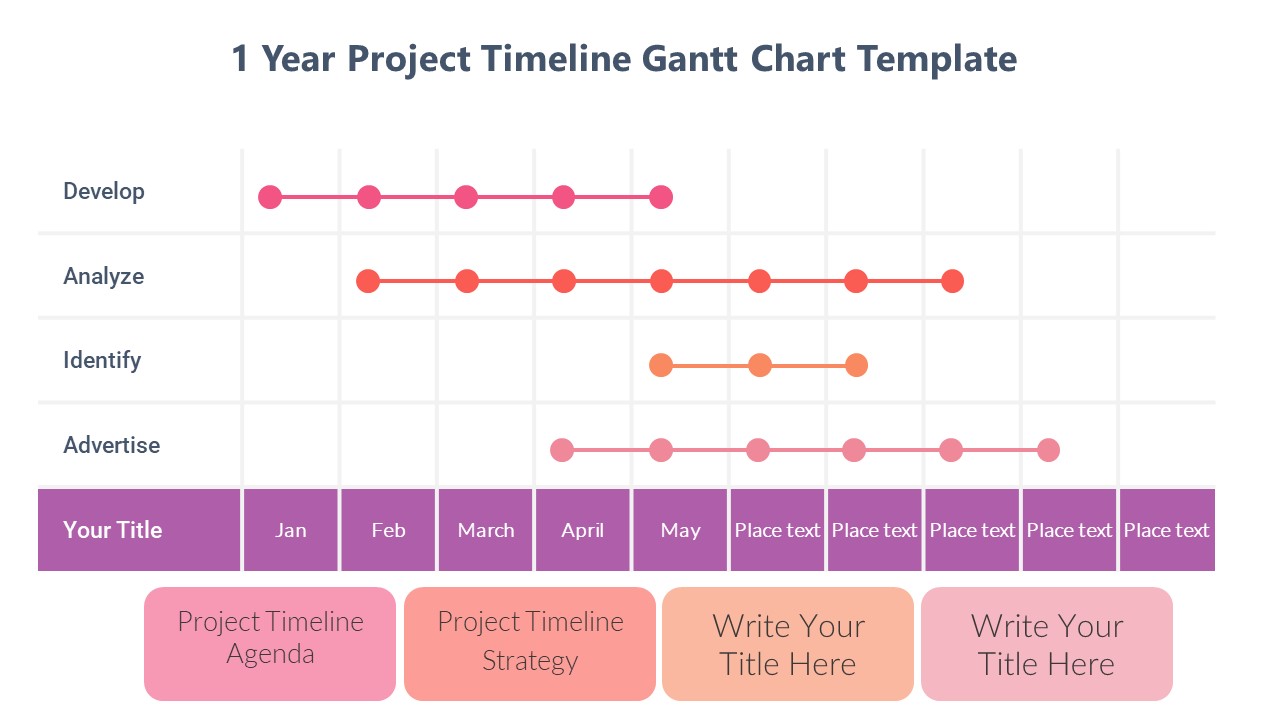
The One Year Gantt Chart PowerPoint Presentation slide template is an expertly designed PPT template that serves as an indispensable resource for professionals, educators, and advocates needing to oversee and present project timelines over a one-year period. This comprehensive presentation template is tailored to assist users in clearly visualizing the sequence and duration of various tasks within a 12-month framework.
Crafted with precision, the One Year Gantt Chart PowerPoint Presentation PPT template offers a structured format that helps in breaking down the year’s tasks into manageable segments, allowing for easy monitoring and adjustments. The clarity provided by this PPT slide helps in enhancing communication among project stakeholders, facilitating a seamless flow of information regarding project timelines and deliverables.
Ideal for project managers, team leaders, educators in project management courses, and advocates planning long-term campaigns, this template ensures that every phase of your project is visually accounted for. From initiating detailed planning stages to execution and final reporting, the One Year Gantt Chart PowerPoint Presentation slide template serves as a critical tool in ensuring your project stays on track and within the designated timelines.
Utilizing this PPT template, users can customize the Gantt chart to reflect specific project needs, adapting the visual elements such as colors, fonts, and task durations directly within PowerPoint. This flexibility makes it not only a practical tool for project management but also an engaging way to teach the principles of project scheduling and time management in educational settings.
Features:
– Fully editable templates: Customize every element of the slides with ease.
– High-resolution graphics: Ensures clarity and visual appeal at any screen size or print format.
– Drag and drop placeholders: Allows quick and easy adjustments to the chart.
– Compatibility with PowerPoint: Ensures smooth operation across different versions of Microsoft PowerPoint.
– Pre-designed and time-saving: Ready-to-use slides reduce preparation time drastically.
Use Cases:
– Perfect for project planning and tracking in corporate settings.
– Essential for educational purposes, particularly in teaching project management and organizational skills.
– Useful for non-profits and advocacy groups in planning and presenting annual campaign strategies.
– Beneficial for freelancers and consultants who need to manage and present project timelines to clients.
– Ideal for workshops and seminars focusing on time management and project scheduling skills.




There are no reviews yet.