


Description
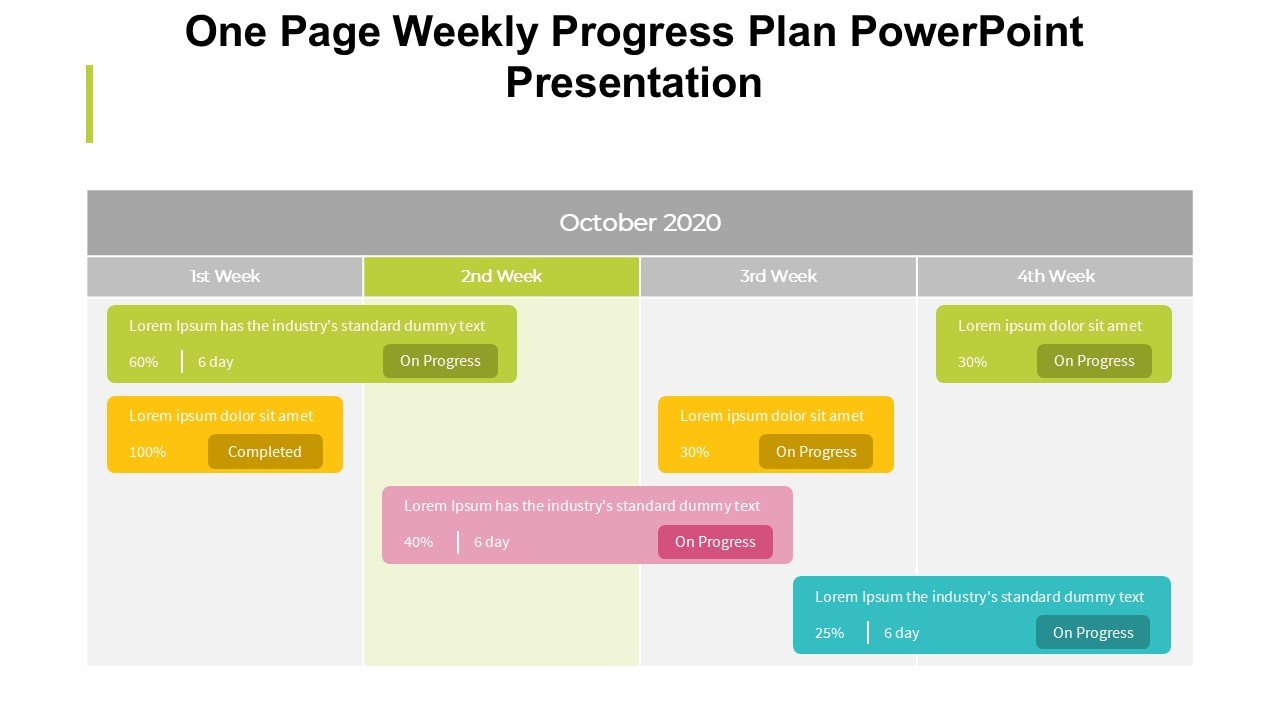
Introducing the One Page Weekly Progress Plan PowerPoint Presentation slide template, a meticulously designed PPT template crafted to streamline the weekly reporting process for professionals, educators, and advocates alike. This presentation template serves as an invaluable asset for anyone looking to succinctly summarize weekly outcomes, set clear objectives, and communicate progress in a visually appealing format.
With the One Page Weekly Progress Plan PowerPoint Presentation PPT template, users can effortlessly convey complex information through a single, well-organized PPT slide. This slide template is perfect for those who value clarity and efficiency, providing a structured layout that helps highlight key achievements, upcoming tasks, and strategic plans without the clutter of traditional multi-page presentations.
Whether you’re a teacher summarizing a week’s lessons, a project manager reporting on the current status of your project, or an advocate outlining weekly campaign progress, this presentation template is tailored to help you make impactful, concise presentations. Its intuitive design is geared towards enhancing communication with stakeholders, making it easier to review past actions and plan future activities effectively.
The One Page Weekly Progress Plan PowerPoint Presentation slide template is not just about aesthetics; it’s a practical tool designed to enhance productivity and ensure that every slide delivers a punch. It is user-friendly, allowing even those with minimal experience in PowerPoint to create professional-looking presentations. This PPT template is an excellent choice for anyone looking to make their weekly reviews more engaging and informative.
Features:
– Single slide format: Focuses on simplicity and efficiency.
– Fully editable templates: Customize every element of the slides with ease.
– High-quality visuals: Includes charts, graphs, and space for key data points.
– Professional design: Suitable for corporate, educational, and non-profit presentations.
– Easy to use: Ideal for users at any skill level with PowerPoint.
– Compatibility: Works seamlessly with the latest versions of PowerPoint.
Use Cases:
– Weekly project updates for management and stakeholders.
– Educational settings where teachers summarize weekly learning objectives and outcomes.
– Non-profit organizations tracking and reporting on campaign progress.
– Business meetings where concise, impactful communication is required.
– Personal productivity tracking for self-managed projects and goals.








There are no reviews yet.