


Description
Introducing the On-Premises Options with Power BI Report Server PowerPoint Presentation, a comprehensive solution for organizations aiming to keep their data and analytics within their own IT infrastructure. This expertly designed presentation template is tailored to meet the needs of businesses looking to harness the power of Power BI Report Server without committing to cloud services. Whether you are presenting to stakeholders, training your team, or planning your IT strategy, this PowerPoint presentation provides a clear, detailed overview of what on-premises solutions can offer.
This PowerPoint presentation is created with precision and attention to detail, ensuring that every slide not only informs but also engages your audience. It covers all the critical aspects of implementing and utilizing Power BI Report Server on-premises, including setup, management, security, and scalability. The presentation begins with a brief introduction to Power BI and its capabilities, followed by a deep dive into why an on-premises solution might be the right choice for your organization.
One of the standout features of this PowerPoint presentation is its focus on fully editable templates. This means that every slide is customizable to better fit your specific needs. You can easily adjust colors, text, and graphics to align with your company’s branding or to highlight particular points you wish to emphasize. This flexibility makes it an invaluable tool for businesses of all types that require a personalized approach.
The presentation also supports both PowerPoint templates and Google Slides, ensuring compatibility and ease of use across different platforms. This feature is particularly useful for teams that collaborate remotely or use a variety of software tools. Whether your team prefers PowerPoint or Google Slides, they will be able to access and edit the presentation without any hassle.
Key features of the On-Premises Options with Power BI Report Server PowerPoint Presentation include:
1. **Comprehensive Coverage:** From basic concepts of Power BI to advanced configuration of the Report Server, the presentation covers all you need to know about on-premises implementation.
2. **Fully Editable Templates:** Customize every aspect of the presentation to suit your needs. Adjust the layout, change colors, and modify content with just a few clicks.
3. **Multi-Platform Compatibility:** Whether your team uses PowerPoint or Google Slides, they can easily access and edit the presentation. This ensures a seamless experience for all users, regardless of their preferred tools.
4. **Engaging Design:** With professional layouts and high-quality graphics, the presentation is designed to hold the audience’s attention and facilitate understanding of complex information.
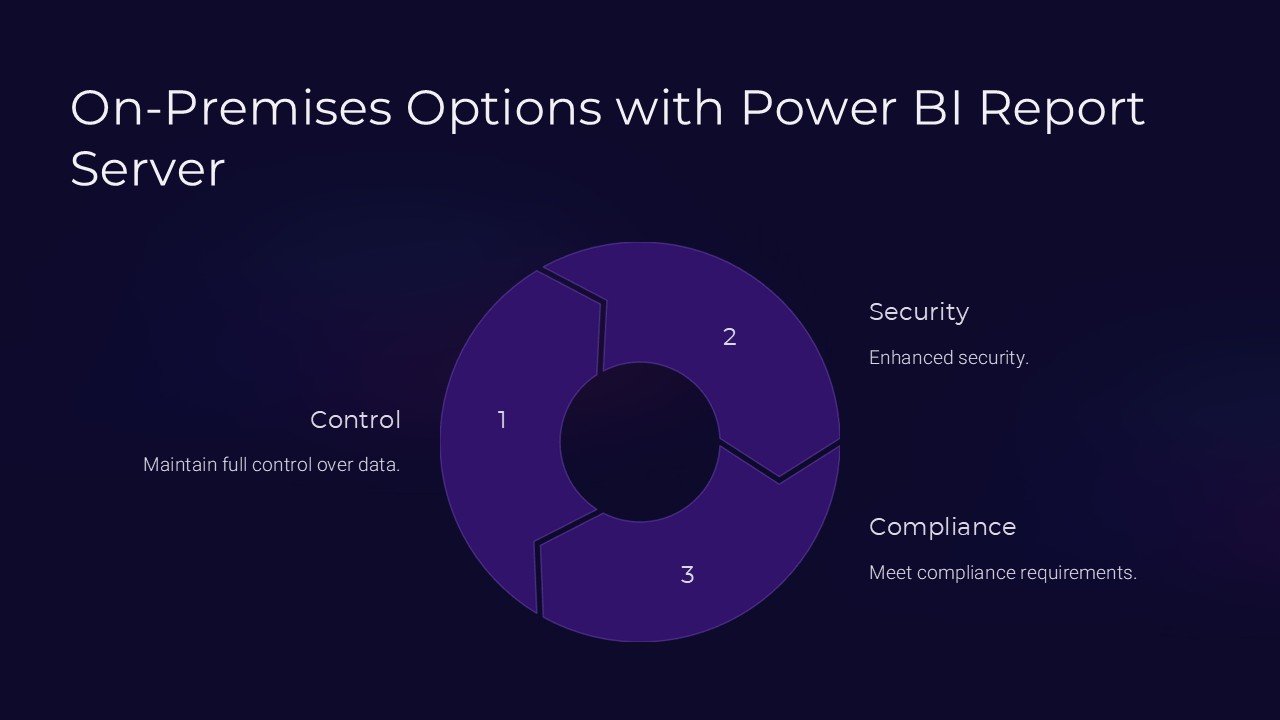
5. **Security and Control:** Emphasize how on-premises solutions can offer enhanced security and control over data, an important aspect for sensitive or regulated industries.
6. **Scalability Insights:** Discuss how Power BI Report Server can scale with your business needs, providing insights into planning for growth and expansion.
This On-Premises Options with Power BI Report Server PowerPoint Presentation is an essential tool for any organization considering or currently using an on-premises data analytics solution. It not only educates but also empowers teams to make informed decisions about their data management strategies. Equip your team with the knowledge they need to optimize your on-premises Power BI deployment and leverage the full potential of your data.


There are no reviews yet.