


Description
Introducing the New Process PowerPoint Presentation PPT template, a meticulously designed slide template created to facilitate the presentation of new processes or workflows in any professional, educational, or advocacy setting. This PPT template is ideal for individuals such as educators, business professionals, and advocates who need to explain complex processes clearly and effectively to their audience. Whether you’re looking to showcase a new business process, an educational procedure, or a campaign strategy, this presentation template offers a structured and visually engaging way to communicate your message.
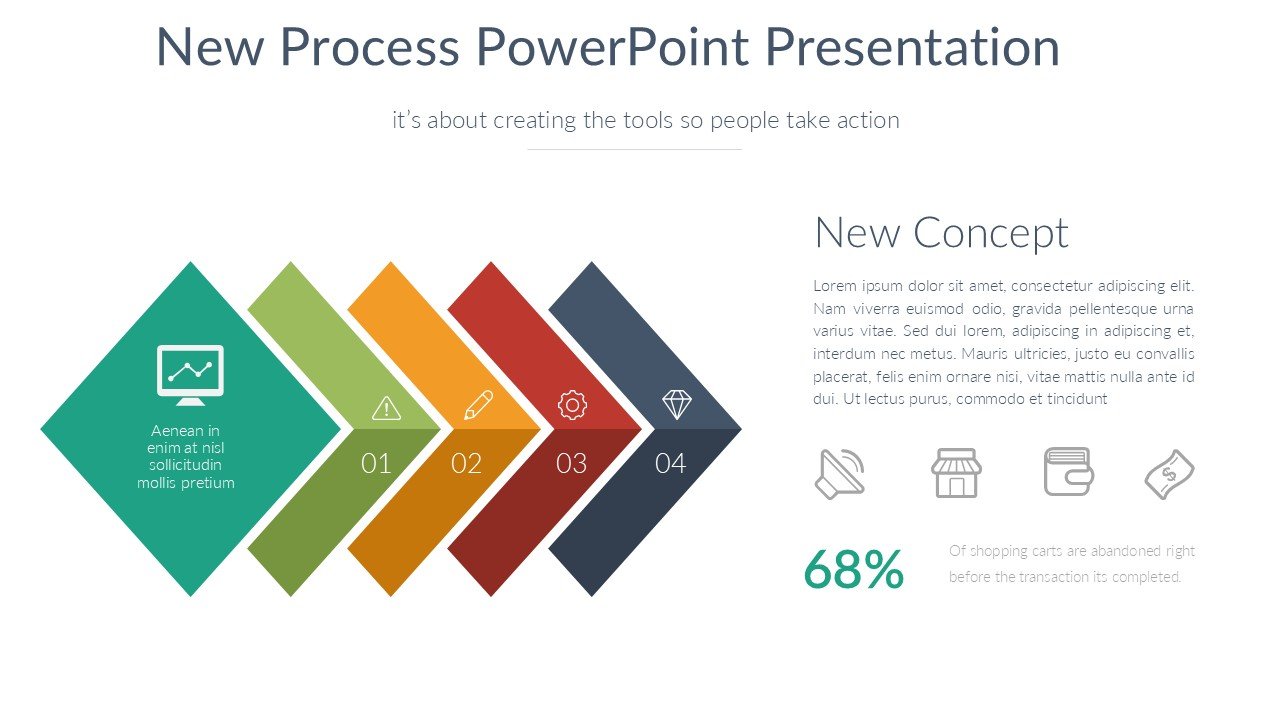
The New Process PowerPoint Presentation slide template consists of a variety of slides that are crafted to outline and detail each step of a process. Each slide is designed with clarity and visual appeal in mind, ensuring that your audience can easily follow along without getting lost in technical jargon or crowded graphics. The use of infographics, flowcharts, and diagrams within the slides helps in breaking down complex information into digestible pieces, making your presentation not only informative but also engaging.
This PPT slide template is customizable, allowing you to adapt each slide to fit the specific needs of your presentation. Whether it’s changing the color scheme to match your organization’s branding or modifying the text to better explain individual steps in a process, this template gives you the flexibility to create a presentation that is both professional and personalized.
Designed with a clear and informative tone, the New Process PowerPoint Presentation PPT template is an essential resource for anyone looking to present new methodologies or workflows effectively. Its straightforward layout and user-friendly design make it an excellent choice for professionals across various industries, educators who are keen on delivering content in a structured manner, and advocates looking to streamline their message for better audience understanding.
Features:
– Fully customizable design: Tailor each slide to your specific needs.
– Professional and clean layout: Keeps the audience focused on the content.
– Includes a variety of graphical elements: Enhance understanding through charts, graphs, and diagrams.
– Easy to use and edit: No advanced technical skills required.
– Wide compatibility: Works with both Microsoft PowerPoint and Google Slides.
Use Cases:
– Ideal for business professionals introducing new corporate processes.
– Suitable for educators explaining new concepts or procedures to students.
– Effective for advocates presenting new campaigns or strategies to stakeholders.
– Useful for training sessions where step-by-step processes need to be outlined clearly.
– Applicable in workshops and seminars focused on process improvement and innovation.


There are no reviews yet.