


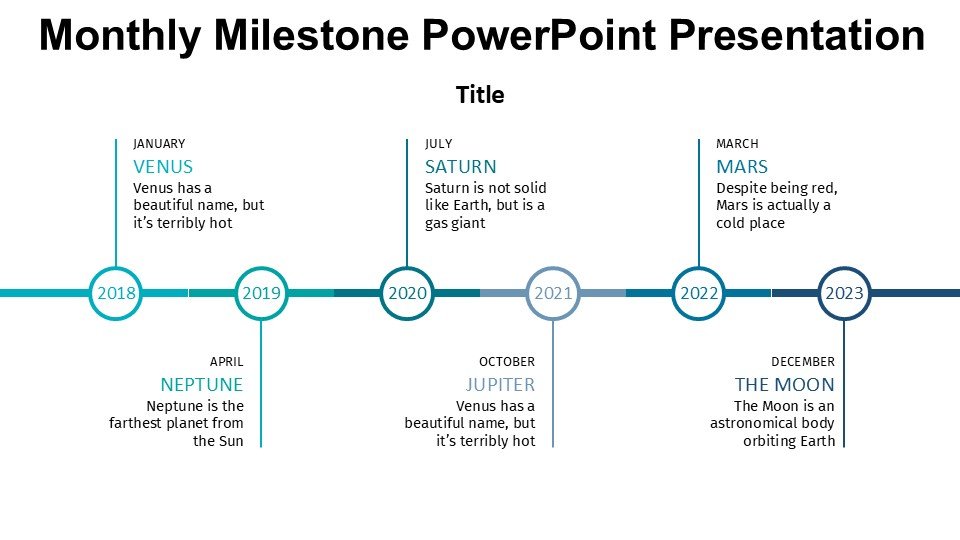
Description
The Monthly Milestone PowerPoint Presentation PPT template is a meticulously designed slide template that provides an efficient and visually appealing way to showcase monthly achievements and progress across various projects or departments. This PPT template is crafted for educators, professionals, and advocates who need a reliable and structured format to present monthly updates effectively. The presentation template is not only useful for reflecting on past achievements but also for planning and strategizing for upcoming tasks and objectives.
This Monthly Milestone PowerPoint Presentation slide template includes a series of customizable slides, each tailored to represent different aspects of monthly progress. Whether you’re a teacher looking to outline the monthly progress of your students, a business professional tasked with reporting on recent project developments, or an advocate sharing updates with stakeholders, this PPT slide is your go-to solution. It helps you communicate the key milestones your team or project has reached and provides insights into what lies ahead.
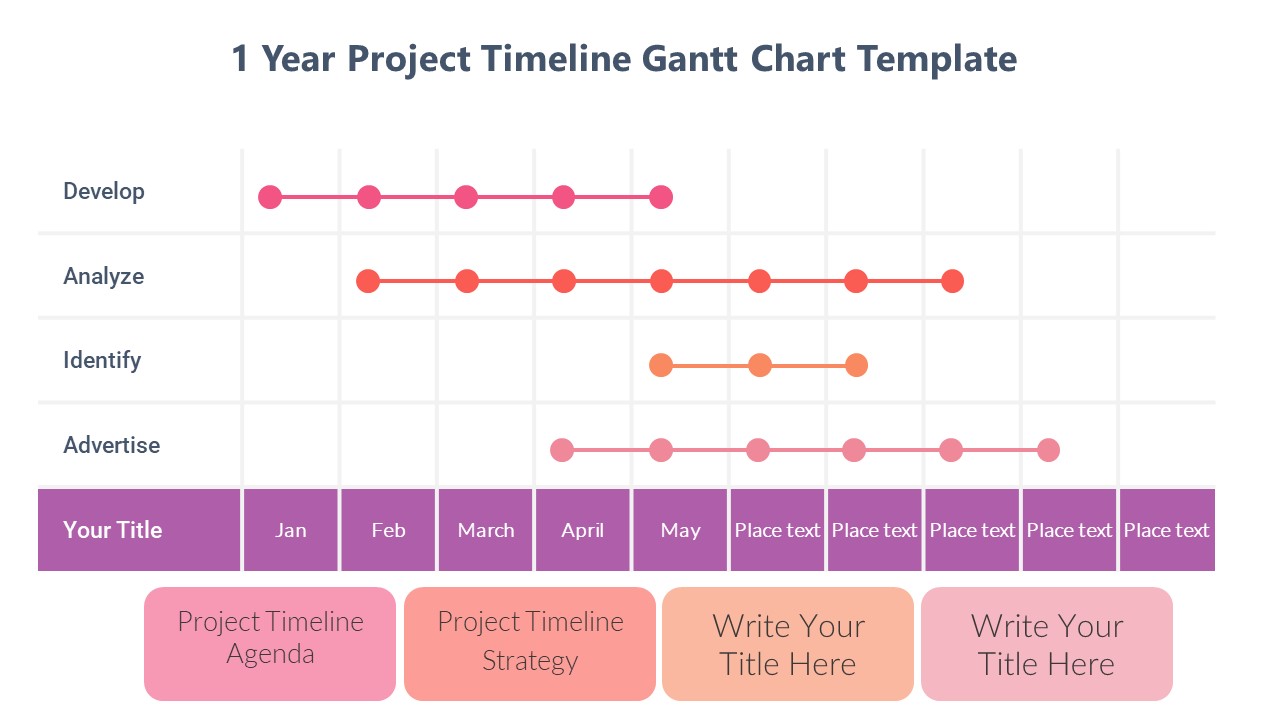
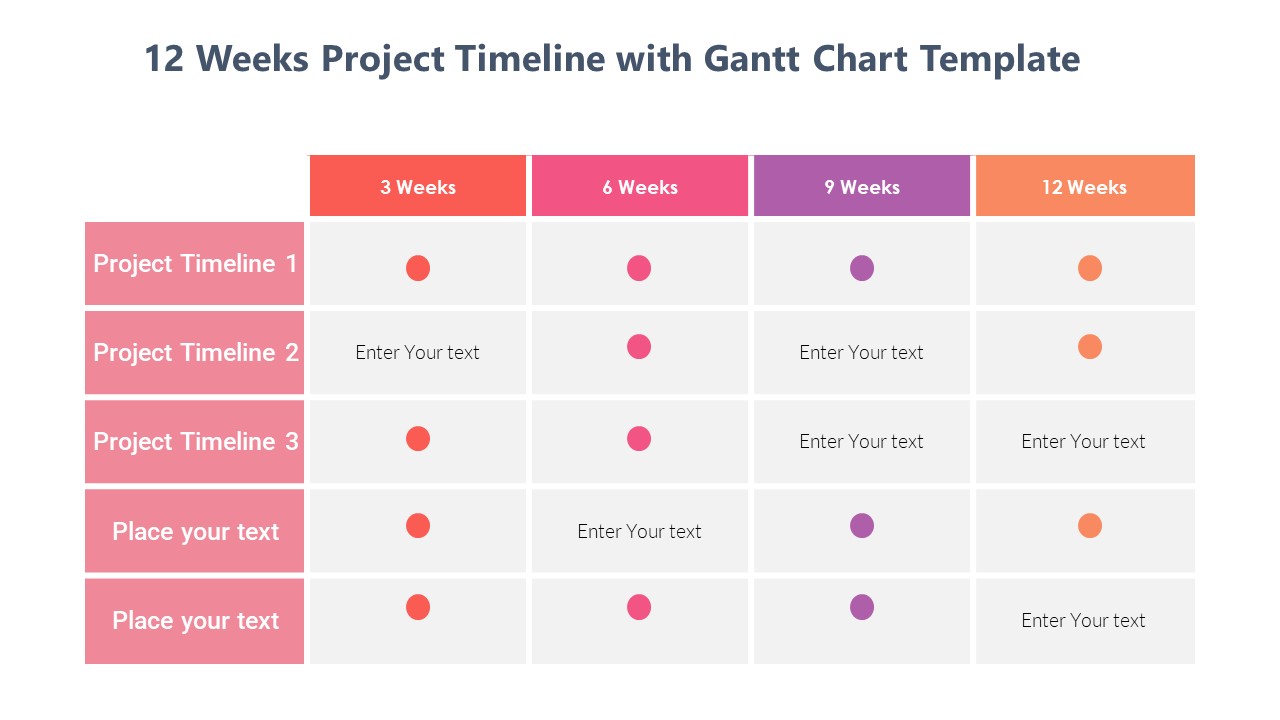
The design of the Monthly Milestone PowerPoint Presentation PPT template is clean and professional, ensuring that your audience can easily absorb the information presented without getting distracted by overly complex graphics. However, it still includes enough visual elements to keep the presentation engaging, such as charts, timelines, and icons that can be fully customized to fit your specific needs.
By using the Monthly Milestone PowerPoint Presentation PPT template, you are equipped to create a consistent and clear presentation each month. This consistency not only saves time but also builds a recognizable format for your audience, making it easier for them to follow along and understand the progression over time.
Features:
– Fully editable templates: Customize every element of the slides with ease.
– Compatibility with PowerPoint and Google Slides: Works across popular presentation platforms.
– Professional design: Clean and engaging layout to keep the audience focused.
– Integrated charts and graphs: Visual tools for more effective data presentation.
– Customizable icons and elements: Tailor the look to fit your brand or topic.
Use Cases:
– Suitable for monthly staff meetings in corporate environments.
– Ideal for educators summarizing monthly student progress and activities.
– Helpful for non-profits to report monthly achievements to donors and stakeholders.
– Effective for project managers tracking and presenting project milestones.
– Useful for consultants providing regular updates to clients on project status.





There are no reviews yet.