


Description
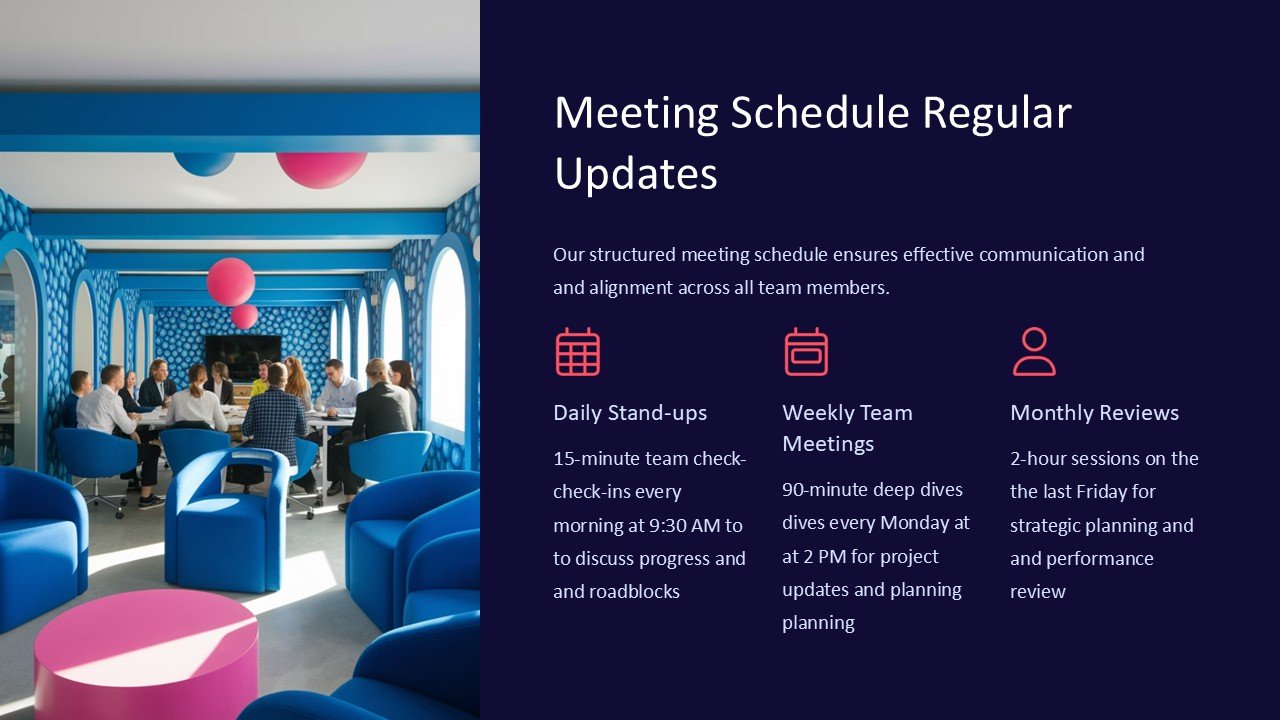
**Introducing the Meeting Schedule Regular Updates PowerPoint Presentation**
In the fast-paced world of business, effective communication and organization are the keystones to success. The Meeting Schedule Regular Updates PowerPoint Presentation is meticulously designed to streamline your organization’s scheduling processes, ensuring that your team stays informed and prepared for all upcoming engagements. This tool is essential for managers, project coordinators, and anyone involved in planning and executing meetings.
This comprehensive PowerPoint presentation template is engineered to facilitate clear and consistent communication of meeting schedules, agenda items, participant roles, and more. It serves not only as a planning tool but also as a dynamic way to keep your team aligned and focused on common goals.
**Key Features of the Meeting Schedule Regular Updates PowerPoint Presentation:**
1. **Fully Customizable Layouts:**
Each slide in the presentation is crafted with flexibility in mind. You can easily adjust the color schemes, text, and graphics to match your company’s branding or the specific tone of the meeting. Whether you need a formal look for board meetings or a more casual design for team huddles, this template allows for complete customization.
2. **Diverse Slide Formats:**
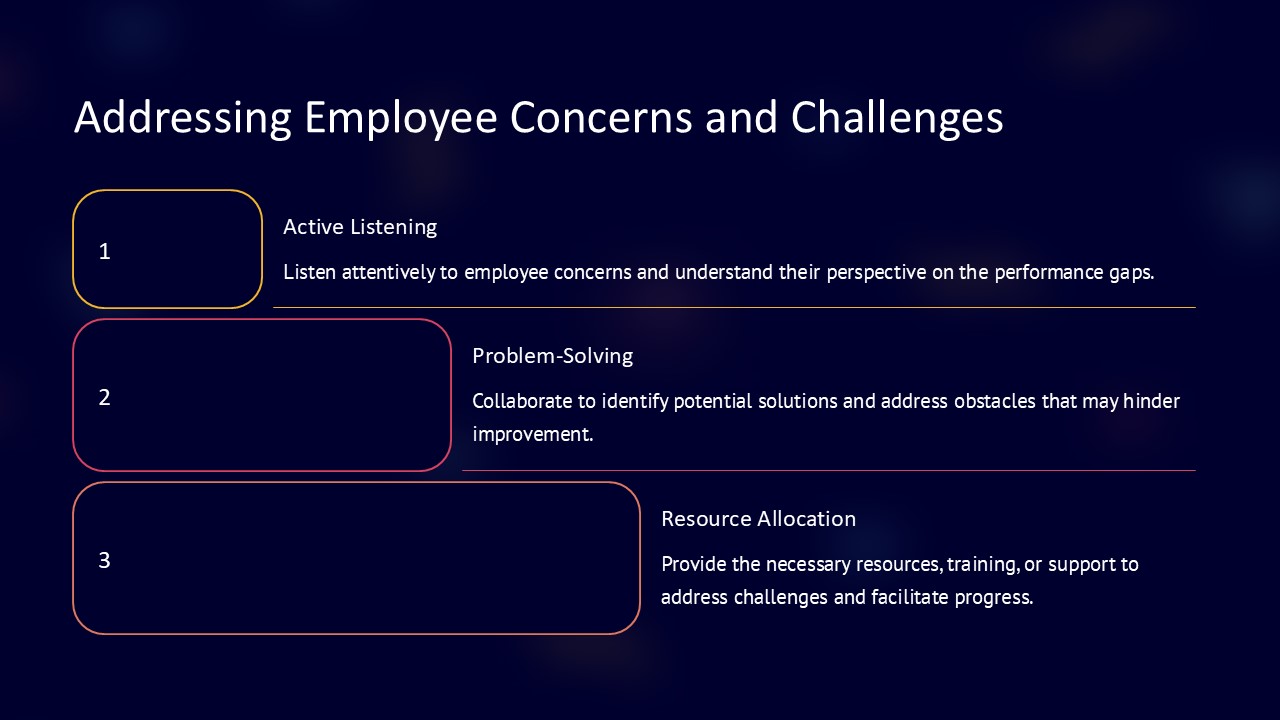
The template includes a variety of slide formats to cover every aspect of your meeting schedule. From timeline views and calendar formats to lists of agenda items and role assignments, you can select the slide that best conveys your message. This variety ensures that every piece of information is presented in the most effective manner.
3. **Integration with PowerPoint and Google Slides:**
Compatibility is key for smooth operation in today’s diverse tech environments. This presentation template is designed to work flawlessly with both Microsoft PowerPoint and Google Slides, offering versatility and ease of use. Whether you are working from your desktop office suite or leveraging the cloud-based capabilities of Google Slides, this template ensures seamless functionality.
4. **Drag-and-Drop Functionality:**
To simplify the customization process, the template supports drag-and-drop functionality for adding images or rearranging elements. This feature makes it incredibly easy to personalize your presentation without needing extensive technical skills.
5. **Pre-designed Diagrams and Charts:**
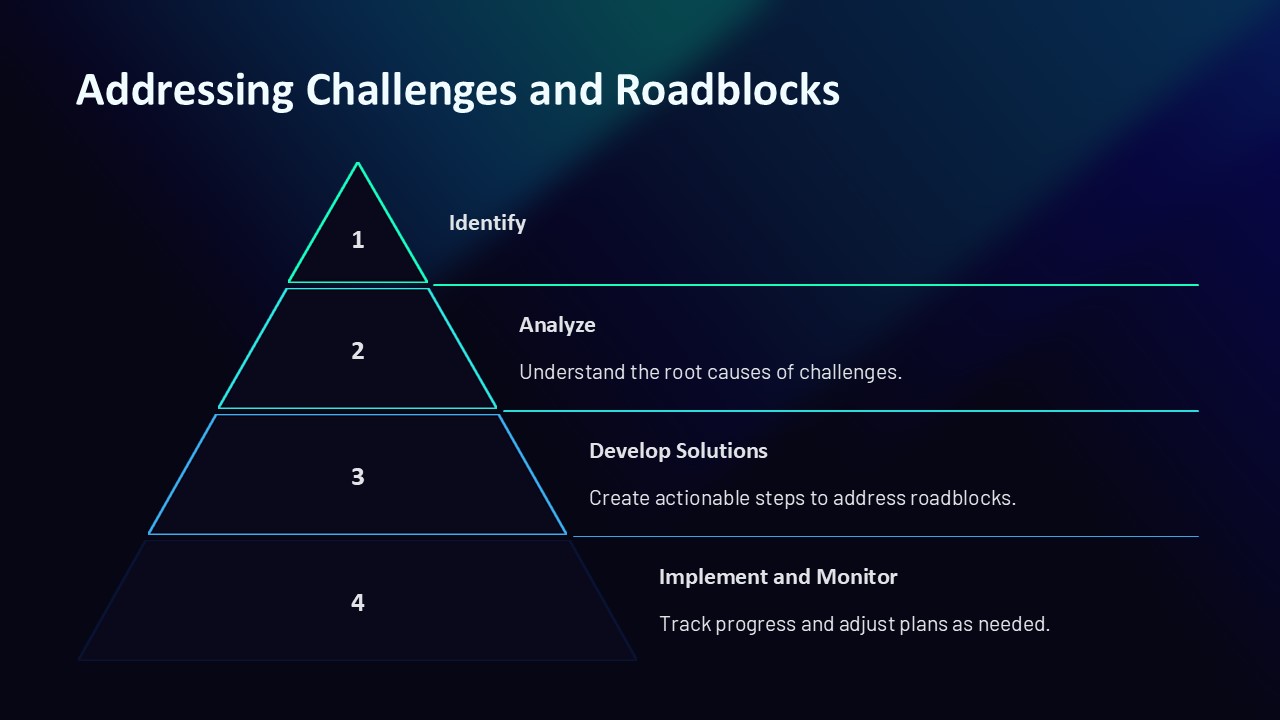
Communicating complex data and schedules can be challenging. This template comes equipped with pre-designed diagrams and charts that make it easy to visualize time allocations, recurring meetings, and more. These tools help in making abstract schedules tangible and easier to understand for all stakeholders.
6. **Professional Aesthetic:**
Designed with a professional aesthetic, the slides convey a sharp, clean look that makes your meeting agendas look meticulous and well-organized. This professionalism not only reflects well on the presenter but also enhances the overall effectiveness of the communication.
7. **User Guide and Support:**
To help you get the most out of your presentation template, it comes with a detailed user guide that explains how to customize and use the slides effectively. Additionally, support is available should you encounter any issues or have questions about optimizing the template for your needs.
The Meeting Schedule Regular Updates PowerPoint Presentation is more than just a scheduling tool; it is a comprehensive solution designed to enhance communication, save time, and promote organizational efficiency. Equip your team with this powerful resource and watch as meeting management becomes more streamlined and impactful.


There are no reviews yet.